

TL;DR
Most alert management software gives responders control over their own notification preferences. That works for routine alerts. For critical incidents, you need a team-defined protocol that specifies exactly who gets alerted, on what channel, and in what order. Spike is the best alerting software for DevOps and SRE teams that need both team-level and individual-level alert control, starting at $7/user/month.
| Tool | Best for | Key strength |
|---|---|---|
| Spike | Teams that need both team-level and individual-level alert control | Slack channel alerts with @here and @channel mentions |
| PagerDuty | Teams with large, multi-tool monitoring and ITSM stacks | 750+ integrations, deepest ecosystem |
| Incident.io | Slack-first teams with structured triage workflows | Flowchart escalation policies with if/else routing |
| Squadcast | Teams already using SolarWinds monitoring or who prefer round-robin escalation | Round-robin escalation |
| Zenduty | Small teams on a tight budget | Free plan for up to 5 users |
| JSM | Teams already deep in the Atlassian ecosystem | Rich escalation routing within Jira |
I tested six alerting platforms hands-on: Spike, PagerDuty, Incident.io, Squadcast, Zenduty, and Jira Service Management (JSM). I work at Spike, so I knew the product well. For the others, I built alerting channels from scratch, connected monitoring integrations, triggered alerts across different channels, and tested escalation policies under different conditions.
All six tools deliver multichannel alerts. Phone call, SMS, email, push notification, WhatsApp. That is not where they differ. The differences are in how escalation steps are ordered, how much control a team has over alert delivery versus the individual engineer, and how well each tool handles alert noise.
I wrote this making sure I was not biased toward any tool, Spike included. For each one, I have covered key features, pros and cons, pricing, and a best-for verdict so you can find the right fit for your team.
1. Spike
Spike is an incident management platform with alerting and on-call capabilities. You get alerts across phone calls, SMS, email, push notifications, WhatsApp, Slack, and Teams. That covers every major channel a DevOps or SRE team would need. Where Spike goes further is the control you get over exactly how each alert reaches each person.
Key alerting features
- Spike gives you dual alert control, at the team level and the individual level. Managers choose who gets alerted and how at each step, and engineers can set personal overrides on top of that.
- You can trigger simultaneous alerts within a single escalation step, so multiple people get paged at the same time instead of one after another.
- Alert routing rules give you if/else conditions to route, suppress, or reroute alerts based on payload values, priority, severity, or time of day.
- There is also a “Route to other teams” action in alert routing rules. You can automatically send an incident to the team that owns it, and that team’s escalation policies take over from there.
- Alert deduplication and suppression rules prevent the same issue from triggering multiple pages, reducing noise when a monitoring tool fires repeatedly.
| Pros | Cons |
|---|---|
You can acknowledge or resolve an alert by replying to the email with #ack or #res, without opening a dashboard | Spike uses the same number for calls and SMS alerts |
Slack alerts include @here and @channel mentions, which means the whole channel gets notified, not just the on-call engineer. | Repeat escalation is fixed at 10-minute intervals with a maximum of 5 repetitions. Neither can be customized per integration. |
| If no one acknowledges an alert, Spike re-escalates every 10 minutes for up to 5 repetitions before stopping | |
| You can run a test escalation before anything breaks to confirm the full policy fires the way you expect | |
| Each escalation step shows the minutes-after-trigger and total escalation duration in one view. You always know the full timeline without calculating it yourself. |
Pricing
Spike’s Standard plan is $7/user/month on monthly billing. Business is $14/user/month. Enterprise is custom pricing.
Best for
Teams that need robust alerting capabilities with both team-level and individual-level alert control.
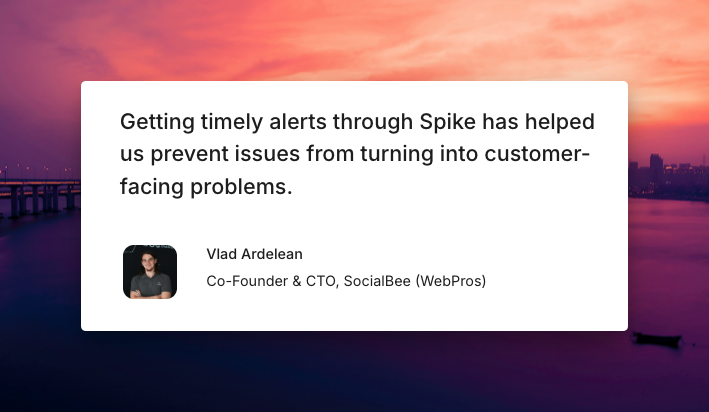
Hear what customers say about Spike:
Key point: Spike gives teams both layers of alert control. Team-level settings run at each escalation step, and individual overrides work on top without disrupting the escalation chain.
2. PagerDuty
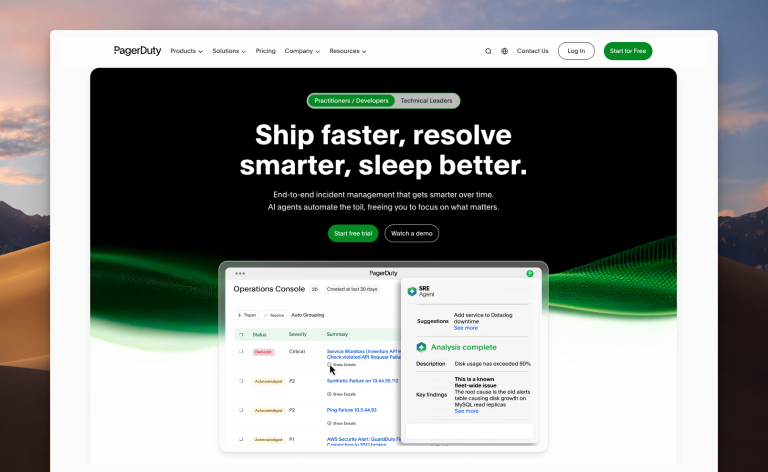
With 750+ integrations, PagerDuty connects to more monitoring and ITSM tools than any other platform in this list. The alerting channels cover the basics: phone calls, SMS, email, push notifications, and Slack. Where it falls short is in who controls how those alerts are delivered. No team-level alert control, no email acknowledgment by reply, and no @here or @channel in Slack.
Key alerting features
- Event Rules give you if/else conditions to route incoming alerts to different escalation policies, suppress them, or modify them based on payload content.
- PagerDuty has 750+ integrations with monitoring, ITSM, and communication tools, the widest selection in this list.
- You can trigger a test alert to verify your escalation configuration fires correctly before a real incident happens.
- AIOps is available as a paid add-on at $799/month, adding ML-based alert grouping and noise reduction on top of the base plan.
| Pros | Cons |
|---|---|
| PagerDuty provides separate phone numbers for calls and SMS alerts | Managers choose who gets alerted at each escalation step, but how the alert is delivered is controlled entirely by the engineer’s personal preferences |
| From a single Slack alert message, you can acknowledge, add notes, create a dedicated channel, assign roles, and escalate | You cannot acknowledge or resolve an alert by replying to the email. You have to open the dashboard. |
Pricing
Free plan available. Professional at $25/user/month. Business at $49/user/month. Enterprise is custom pricing.
Best for
Teams that need the widest integration coverage across monitoring and ITSM tools.
Key point: PagerDuty has the deepest integration ecosystem in this list. The trade-off is that engineers control how they receive alerts, and managers cannot change that at the escalation policy level.
3. Incident.io
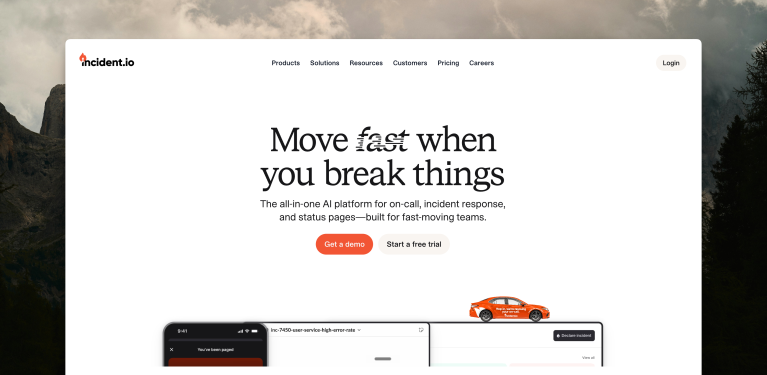
Incident.io is a Slack-first incident management platform. Everything from escalation to incident response runs through Slack. Where it falls short is the same place PagerDuty does: delivery control sits with individual engineers, not the team. No team-level alert control, no email acknowledgment by reply.
Key alerting features
- Escalation policies use a flowchart structure with if/else conditions at each step. You can set branches based on working hours, priority, severity, or custom incident attributes.
- Auto-subscribe rules automatically notify the right people based on alert conditions, without manual intervention each time an incident comes in.
- Alert filters let you control which alerts reach Incident.io by service, priority, source type, or title, so only relevant signals trigger your escalation policies.
| Pros | Cons |
|---|---|
| Triage state holds an alert before escalation fires, giving the team a window to assess whether the issue is real | Individual engineers control how they receive alerts. Managers cannot specify the delivery channel at the escalation policy level. |
| Dedicated Slack channels are created automatically for each incident, so the team has a shared workspace from the moment an alert fires | Setup requires more upfront configuration than you might expect. |
Pricing
Incident response plans are $19/user/month (Team) and $25/user/month (Pro). On-call is a separate add-on: $12/user/month on Team and $20/user/month on Pro. A standalone on-call product is also available at $20/user/month. Basic is free and includes single-team on-call. Enterprise is custom pricing.
Best for
Slack-first teams that need structured triage workflows and flexible if/else escalation routing.
Key point: Incident.io’s flowchart escalation and triage state give you fine-grained control over when and how alerts escalate. The tradeoff is complex setup and no team-level alert control.
4. Squadcast
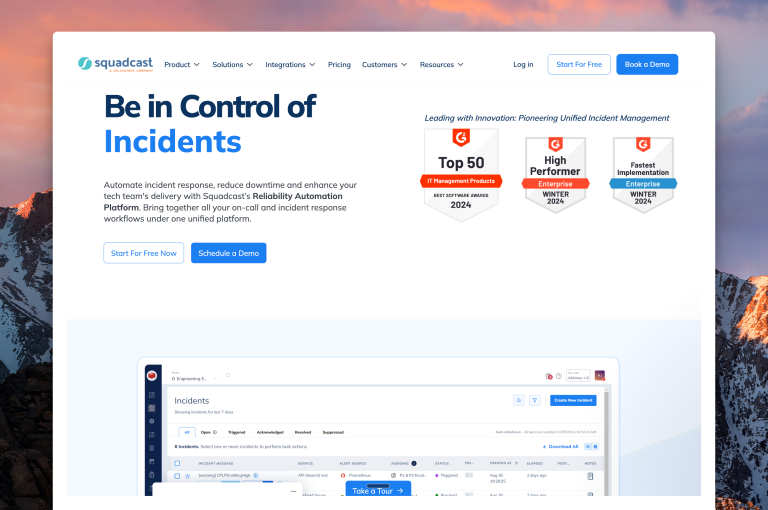
Squadcast is now owned by SolarWinds, so if vendor consolidation is a concern, that is worth factoring into your decision. It supports round-robin escalation and gives managers and engineers separate layers of alert control. Where it falls short is in Slack integration depth and email acknowledgment. No @here or @channel mentions in Slack, and you cannot acknowledge an alert from an email notification.
Key alerting features
- In the escalation policy, you set each step to follow personal preferences or a custom channel you specify.
- Round-robin escalation distributes alerts across responders at each step, so the same engineer is not always the first to be paged.
- Global Event Ruleset acts as a central webhook for all your monitoring tools. Alerts are sorted and mapped to the right service using if/else logic, which cuts down on webhook sprawl.
- Each service has its own working hours setting. Alerts during off-hours are delayed or rerouted automatically instead of firing to a potentially unavailable responder.
| Pros | Cons |
|---|---|
| Machine learning groups related alerts together, so your team sees one incident instead of a flood of individual notifications | You cannot acknowledge or resolve an alert from an email notification |
| Transient alerts can be auto-paused with a configurable timeout, so brief monitoring spikes do not trigger unnecessary pages | There is no way to send a test alert to confirm your channels are set up correctly |
Pricing
Squadcast’s free plan covers up to 5 users. Pro is $20/user/month and Premium is $29/user/month, both billed monthly. Enterprise is custom pricing.
Best for
Teams already using SolarWinds monitoring tools, or any team that wants round-robin escalation and dual-layer alert control.
Key point: Squadcast fits naturally into SolarWinds monitoring stacks and adds round-robin escalation and dual-layer alert control on top. The gap is Slack depth: no @here or @channel support, and no email acknowledgment by reply.
5. Zenduty
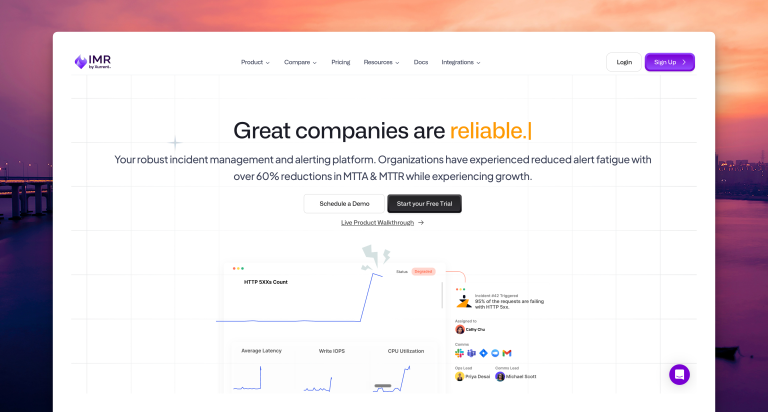
Zenduty now operates under Xurrent, which is worth knowing before you commit. Of the six tools I tested, it has the lowest entry price, with a Starter plan at $6/user/month. Unlike PagerDuty and Squadcast, you can acknowledge or resolve an alert directly from an email notification. Where it falls short is delivery control: managers cannot specify how engineers receive alerts, and Slack channel routing requires a separate outgoing integration.
Key alerting features
- Escalation policies include a failsafe: if a step has no assigned user, the policy skips to the next rule instead of stopping.
- Round-robin escalation is available at each escalation step, distributing alert load across responders.
- Forwarding Rules route alerts to a backup responder when you are unavailable, so alerts do not go unanswered during planned or unplanned absences.
| Pros | Cons |
|---|---|
| You can acknowledge or resolve an alert directly from the email notification, without opening the dashboard | Escalation policies control who gets alerted, not how. Individual alert preferences are the only lever for delivery method. |
| Workflows support auto-acknowledgment, so predictable low-priority signals do not require manual action from a responder | Repeat escalation fires again after a fixed 1-minute delay, with no option to change the interval |
Pricing
Starter plan is $6/user/month, limited to 5 users and 1 team. Growth is $16/user/month, supporting up to 50 users and 5 teams. Enterprise is custom pricing.
Best for
Small teams already in the Xurrent ecosystem, or budget-constrained teams that want email acknowledgment by reply without needing team-level alert control.
Key point: Zenduty is the natural pick if you are already in the Xurrent ecosystem and need to keep costs low. The tradeoff is no team-level control over alert delivery and no direct Slack channel routing out of the box.
6. Jira Service Management (JSM)
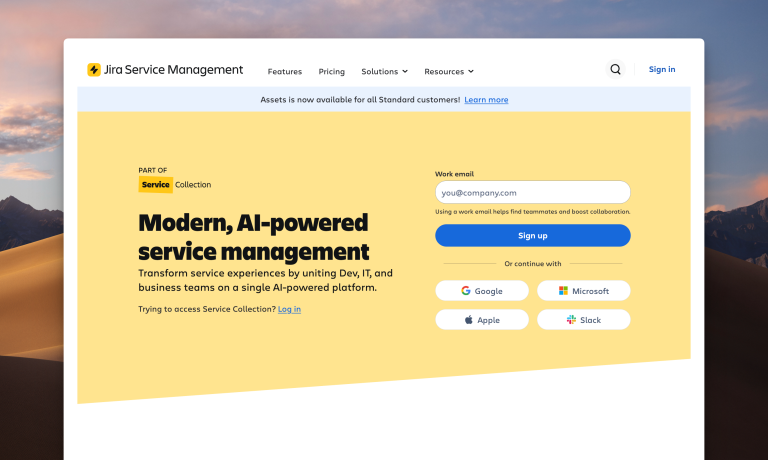
JSM is Atlassian’s alerting platform, and it sits natively inside the same ecosystem as Jira and Confluence. JSM gives you rich escalation targeting (who gets alerted), but alert delivery channel is only controlled by individual notification settings.
Key features
- Each escalation step supports targeting beyond the standard user list. Options include notify next rotation member, previous rotation member, or a random team member.
- You can set up if-else-then rules to filter which alerts get created and auto-assign properties like priority or tags before escalation kicks in.
- Repeat escalation is configurable: delay between repeats, maximum repetitions, and an option to auto-close the alert when repeats run out.
| Pros | Cons |
|---|---|
| If you’re already in Jira Service Management for ticketing, alerts connect to existing Jira issues natively without extra integration setup. | All Slack alerts go to the single channel set in the Slack integration, regardless of which step fires. |
SMS acknowledgment works by reply. Send ack [alert-id] to acknowledge and res [alert-id] to resolve without opening the dashboard. | Alert channel configuration is nested in the UI. In my testing, finding where to set contact methods required navigating through several menus. |
Pricing
JSM’s free plan supports up to 3 agents with basic on-call. For 10 agents billed monthly, Standard is $26.90 per agent per month and Premium is $61.60. Enterprise is custom pricing.
Best for
Teams running on Jira and Confluence that want alerting built natively into that stack.
Key point: JSM is the right pick if your team runs on Jira and Confluence and wants alerting wired natively into that stack. Escalation targeting is detailed, but how alerts are delivered is set by each engineer’s personal preferences.
What about OpsGenie?
OpsGenie has been a go-to alerting platform for DevOps and SRE teams for years. However, Atlassian stopped selling new OpsGenie subscriptions on June 4, 2025. The platform shuts down on April 5, 2027, and any data not migrated by that date will be permanently deleted.
Atlassian’s official recommendation is to move to JSM. That makes sense if your team is already deep in Jira and Confluence. For teams that just need alerting and escalation, JSM is a significant step up in complexity and cost.
Spike is the closest structural replacement for OpsGenie. Escalation policies and alert routing work the same way, and the interface will feel familiar if you have been on OpsGenie for a while. Spike starts at $7/user/month, and OpsGenie users get 20% off their first year on an annual plan.
Alerting feature comparison
| Feature | Spike | PagerDuty | Incident.io | Squadcast | Zenduty | JSM |
|---|---|---|---|---|---|---|
| Team-level + individual alert control | ✓ | ✗ | ✗ | ✓ | ✗ | ✗ |
| Email ack by reply | ✓ | ✗ | ✗ | ✗ | ✓ | ✗ |
@here/@channel in Slack alerts | ✓ | ✗ | ✗ | ✗ | ✗ | ✗ |
| Round-robin escalation | ✗ | ✗ | ✗ | ✓ | ✓ | ✗ |
| Repeat escalation | ✓ | ✓ | ✓ | ✓ | ✓ | ✓ |
| Test escalation | ✓ | ✓ | ✗ | ✗ | ✗ | ✗ |
How to choose alerting software
If you need both team-level and individual-level control over alerts, choose Spike. It allows you to choose which alert channel fires at each escalation step, not just who gets alerted.
If your team runs multiple monitoring and ITSM tools and alert noise at scale is a problem, choose PagerDuty. It connects to 750+ integrations, and the AIOps add-on ($799/month) uses machine learning to reduce alert noise.
If your incident workflow runs through Slack and you want structured escalation triage built in, choose Incident.io. You get flowchart-style escalation policies with if-else branching, a triage state that gates which alerts become incidents, and dedicated Slack channels created automatically per incident.
If you are in the SolarWinds ecosystem or need round-robin escalation with dual alert control, choose Squadcast. Escalation steps support both personal preferences and a custom delivery config your team specifies, and round-robin is available at the policy level.
If per-user cost is the main constraint, choose Zenduty. The Starter plan is $6/user/month, email acknowledgment by reply is included, and round-robin escalation is available.
If your team runs on Jira and Confluence and wants alerting wired into that stack, choose Jira Service Management (JSM). You get fine-grained escalation targeting, including next rotation member, previous rotation member, or a random team member per step.
Final thoughts
After testing six alerting platforms hands-on, the biggest difference I found was not in the channels each tool supports. Every tool here covers phone calls, SMS, email, Slack, and push. The real gap is in control: who decides how you get alerted, the team or the individual.
PagerDuty, Incident.io, and Zenduty all leave that decision to the individual. Your manager sets who gets paged at each escalation step, but not whether it is a phone call or a Slack message. That works for teams where responders have predictable preferences and low-urgency alerts. It breaks down when a P1 fires at 2 am and no one has configured their phone call preference correctly.
Spike gives teams both layers. Managers set the channel at each step, engineers can override with personal preferences, and the escalation chain stays intact either way. It starts at $7/user/month. And if you are coming from OpsGenie, you get 20% off your first year on an annual plan.
FAQs
What is alerting software?
Alerting software routes notifications from your monitoring tools to the right person when something breaks. It handles delivery channels (phone call, SMS, Slack, email), escalation logic (who gets alerted if the first person does not respond), and acknowledgment tracking. The goal is to make sure the right engineer knows about an incident before it becomes a bigger problem.
What is the best alerting software for DevOps and SRE teams?
Spike is the best alerting software for DevOps and SRE teams that need both team-level and individual-level control over alert delivery. It gives managers control over which channel fires at each escalation step, while engineers can set personal overrides on top of that.
What is the difference between alerting software and incident management software?
Alerting software handles the period from when a monitoring tool fires to when a responder acknowledges the alert. Incident management software handles what happens after that: triage, communication, collaboration, postmortems.
How does alerting software connect to monitoring tools like Datadog or Prometheus?
Most alerting platforms accept alerts through inbound webhooks. You configure your monitoring tool to send alerts to a unique URL, and the alerting platform routes them according to your escalation policies. Some platforms also offer native integrations that handle the connection without manual webhook setup. Spike supports inbound webhooks and native integrations for tools like Datadog, Prometheus, Grafana, and Healthchecks.io.
What is an escalation policy?
An escalation policy defines what happens when an alert fires and no one responds. You set up steps: step 1 alerts person A, step 2 alerts person B if A does not acknowledge within a set delay, and so on. Each step can target an individual, a team, or whoever is on-call in a rotation. Some tools also support repeat escalation, which re-fires the policy from the top if the alert goes unacknowledged after all steps complete.
What is the difference between team-level and individual-level alert control?
Team-level alert control means a manager or escalation policy admin specifies how a person gets alerted: which channel, in which order. Individual-level control means each engineer sets their own alert preferences. Spike and Squadcast support both: the team defines the escalation channel, and the individual can set personal overrides on top. PagerDuty, Incident.io, and Zenduty rely on individual preferences only.
How does repeat escalation work, and which tools support it?
Repeat escalation re-fires the escalation policy if no one acknowledges an incident. All six tools in this list support some form of repeat escalation, but the controls differ. Spike repeats up to 5 times at 10-minute intervals. Squadcast supports up to 3 repetitions with a configurable delay. PagerDuty repeats up to 9 times but uses the last escalation layer delay with no custom interval. Zenduty repeats up to 10 times but the interval is fixed at 1 minute. Incident.io and JSM both support repeats but inherit the delay from the last escalation layer.