Live Status Page widget

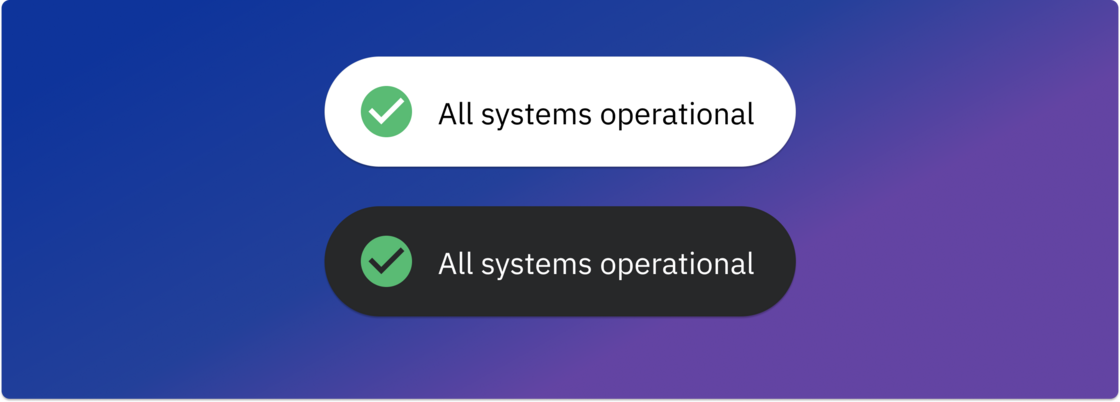
Showcase live status page with our new widget with customisations. Easily embed widgets and keep users notified of latest updates on your services.

Showcase live status page with our new widget with customisations. Easily embed widgets and keep users notified of latest updates on your services.

It allows you to seamlessly create and manage Shortcut issues directly from Spike, centralizing your project information and enhancing workflow efficiency. Key features include:

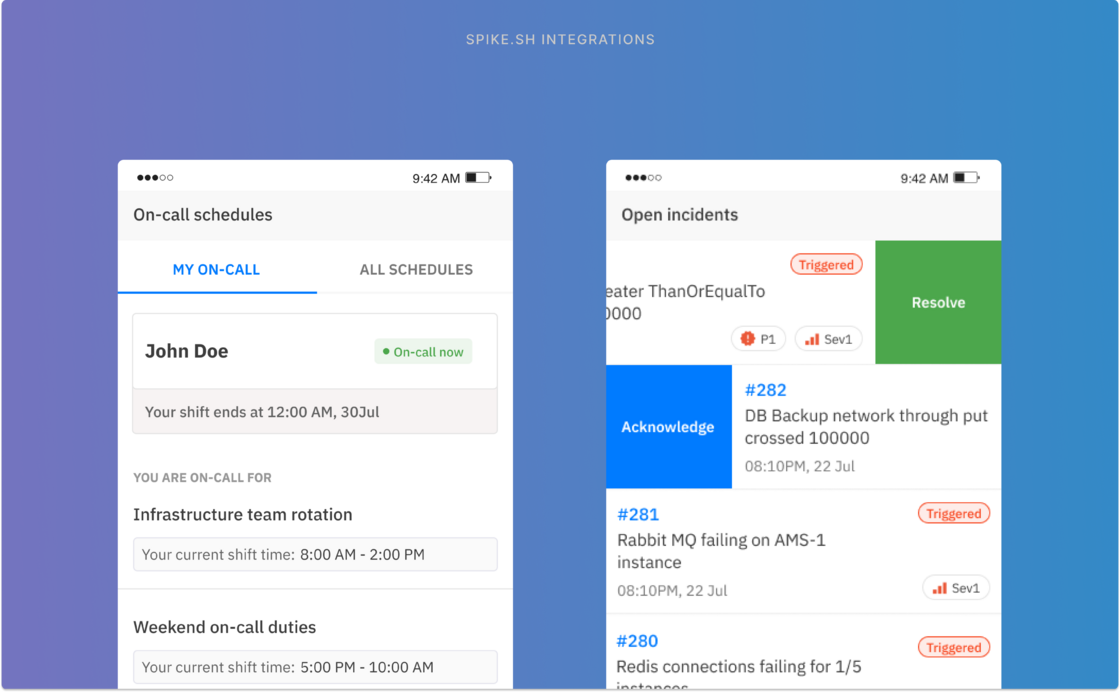
We built our mobile app to be practical, reliable, and convenient. These are the core principles of continuing to update our app in the future.
Spike's mobile app is designed and built with a responder-first mindset.
1. Push notifications for incidents
2. Acknowledge or Resolve
3. View incident details and important links
4. Change priority/severity
5. Check on-call schedule
6. See who else is on-call
7. Switch in-between teams of your org
8. Control notifications from app
9. Dark mode support!
Playbooks automates the most common response actions to your incidents. You can trigger them manually or set it up to run when incidents are triggered, acknowledged, or resolved. Playbooks can help you reduce response actions from an average of 30 minutes to just 2 seconds.

Attach a note to an incident and mark it as resolved to help the next responder in case the same incident happens again.
Some other improvements
All notes now have a convenient permalink for easy reference in the future.
Images added to comments can now be viewed in full screen
You can now edit comments, a much asked feature
New oncall layer edit UI supports large list of members
The top Oncall section on "who's oncall" and "who's next" now dynamically updates in real-time as you make changes to layers.
We are adding back the option to edit your Oncall with real-time calendar preview. Find the “Edit” button on top
Deployed a service to synchronize your calendar with your Oncall schedule
Fixed a bug for the Oncall calendar view where more than 2 oncalls were selected simultaneously.
Setup oncall alerts for Microsoft Teams in settings 👍
Meet Spike’s bot on Microsoft Teams. It’s simple, easy to use and incredibly useful. A step up from our webhook integration for Teams which will still be supported alongside the new bot.
Here is On-call 3.0, the result of your feedback, deep examination, and fundamental improvements that makes on-call a better day to day experience.
Meet Spike’s bot on Microsoft Teams. It’s simple, easy to use and incredibly useful. A step up from our webhook integration for Teams which will still be supported alongside the new bot.
But it's vital you remember these options
Disabling will remove these instructions from phone call alerts. You don't need to wait 6 seconds to listen the incident.