Changelog

All new releases and improvements to Spike

Enforce login

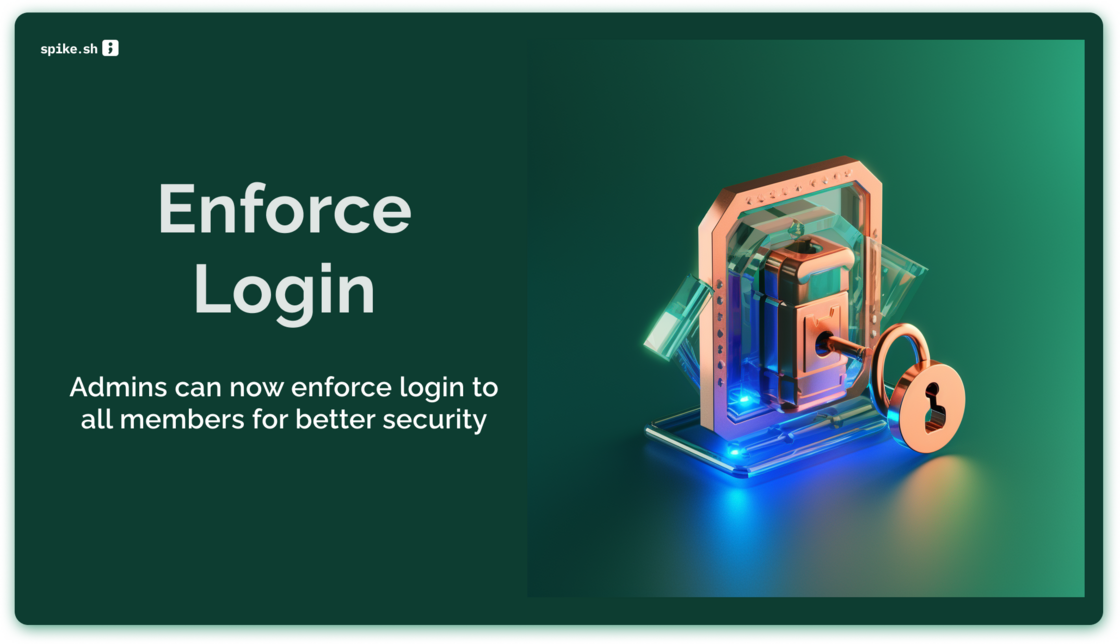
Enforce login.png

We are rolling out a requested feature - Enforced login. For better security and compliance, enable it with a single click and Spike will take your members to select the right login method seamlessly.

  • Enforced login via Google

  • or SSO SAML with your choice of IdP

Enable enforced login

Integrate your helpdesk!

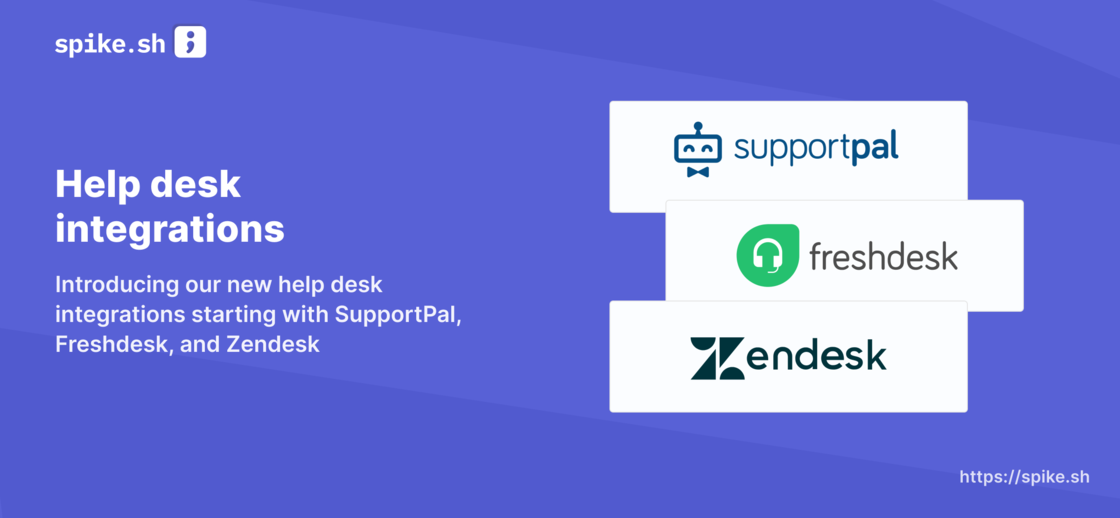
Support desk integrations (1).png

Connect your helpdesk and get incident alerts directly via a support ticket. This means your support team stays informed about ongoing incidents and can work collaboratively with the incident management team to resolve issues faster.

No more frantic searching for incident updates in multiple places! This integration enables your support team to track the status of incidents in real-time, without leaving their help desk software. Plus, it helps maintain complete transparency with your customers.

Enable it under settings

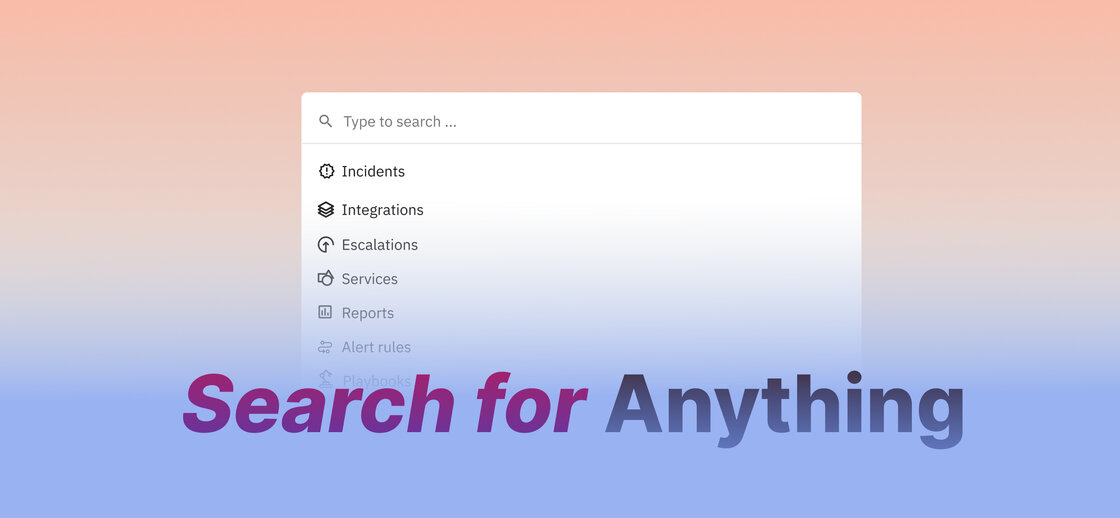
Command / Ctrl K

Search announcement.jpg

With the new search feature, you can hit Command + K to bring up the search box from anywhere on the platform. From there, you can search for incidents, escalations, and on-call schedules, or directly navigate to change your alert settings, connect to JIRA, and more. It's like having a control centre for incident management right at your fingertips!

We've designed the search feature to be fast, accurate, and easy to use. It's also fully integrated with our incident management platform, so you can quickly take action on search results without navigating to different pages or tabs.

Wait 'x' mins before sending alerts

Wait time (1).png

Head over to your escalation policies and set a Wait time.

This will enable you to wait for 'x' minutes before alerts begin. Wait time is especially catered towards users who see incidents automatically resolving on it's own every often.

Why get an alert if an incident you know will auto-resolve in 5 mins? That's where wait time comes in :)

You maybe noticed we were working on this - https://hub.spike.sh/10

Reports v0.1 ๐Ÿ“‰

Reports (1).png

Sparkling new Reports are here.

We built our new reports from the ground up. The new engine is radically optimized empowering you to measure and see if you are doing better over time.

With our new reports, you will be able to answer these types of questions -

  1. Are the number of incidents gradually decreasing?
  2. Are my team-mates getting bothered a lot with alerts?
  3. Who is our most active responder?
  4. How many hours has one person been on-call over the past 2 months?
  5. How many alerts are my team-mates getting?

Our reports are still in beta. We have got the engine running now so feel free to write to [email protected] with requests and feedback.

Introducing favorites for quick access

[New feature] image.png

You know that incident that always keep repeating itself?? This is the one you perhaps hate the most.

In the past, we have had our own incidents that's been bugging us and we remembered them either via their Incident ID such as INC-124 or by the incident title.

To make it easier to access those annoying incidents, we have introduced Favorites. You can hit that โญ๏ธ star icon on any incident and access it easily from the sidebar. How cool is that?!!

Not just incidents, Favorites are also supported for every integration, service, escalation, alert rules, title remappers, and even outbound webhook for easy access.

War rooms - automatically get all responders on a single call asap

Video integrations.png

War rooms creates instant meeting rooms and involved all possible stakeholders on a single call.

Every second matters during critical incident resolution. The last thing we want is for members to scramble around to find the right link to join the discussion. War rooms solve this problem.

Our war room integrations are --

  1. Google Meet
  2. Zoom (coming soon)
  3. Your personal link (think Daily.co, Gather.town, etc)

Learn more ๐Ÿ‘‰

ร— Zoomed Image