Releases
/
Introducing @everyone
Some incidents need the whole room. You can now reach every member of your organisation at once with @everyone, and there are two ways to use it.
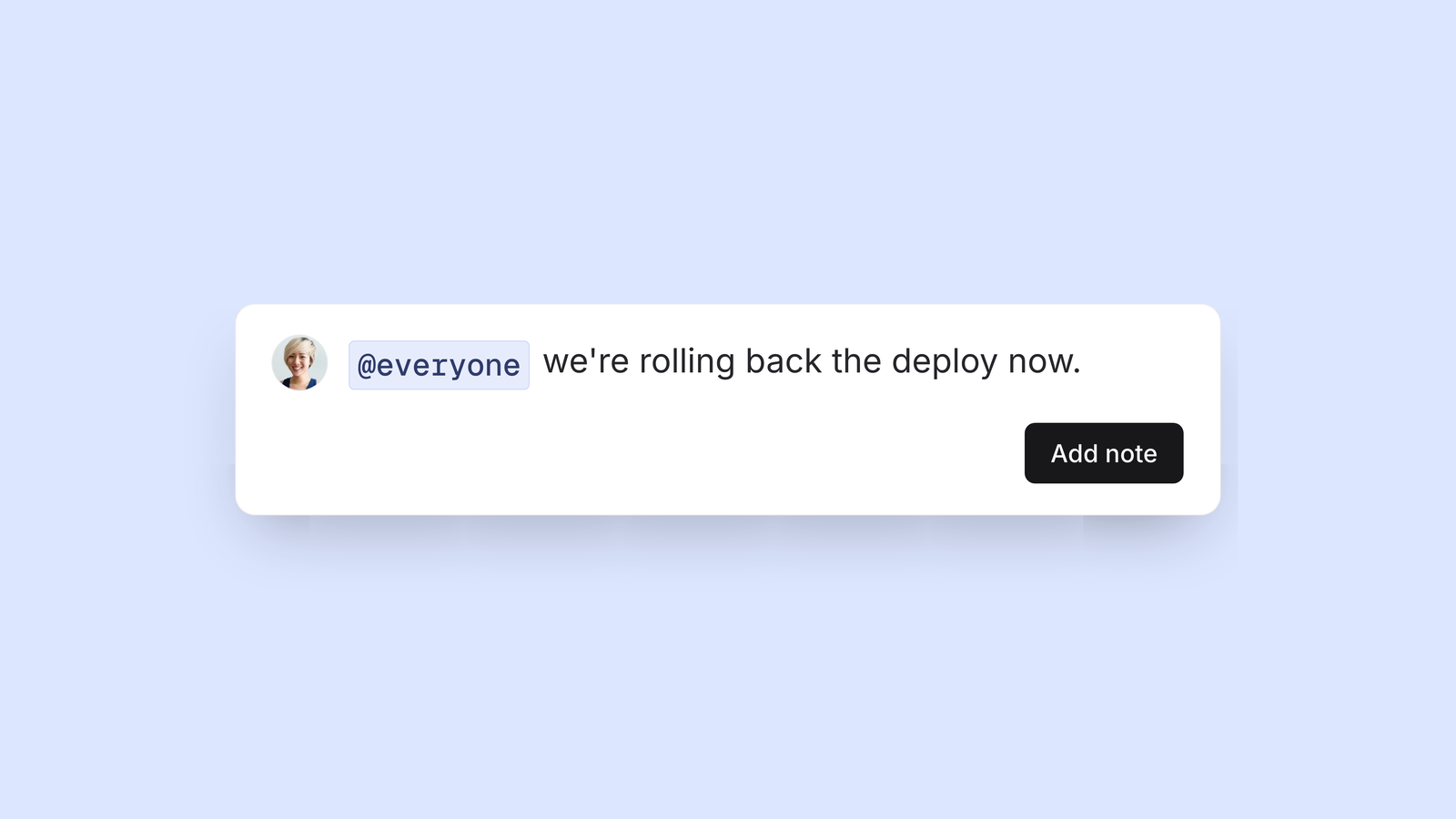
Tag @everyone in a note to bring people to an incident. Each person is told as if you had named them individually, so it reaches their mobile, Slack and Microsoft Teams.
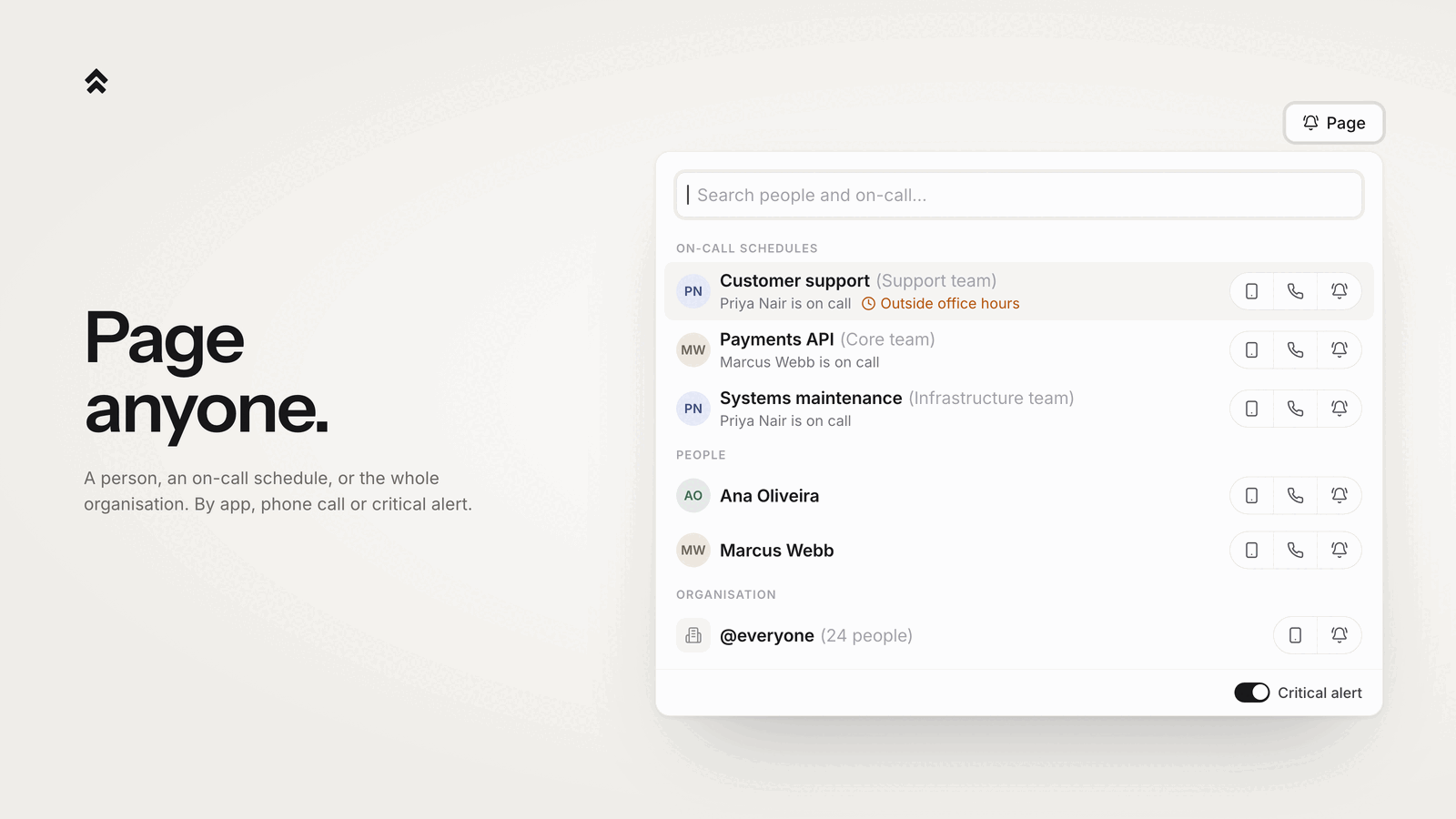
Or page @everyone from the incident itself. You hold the button down rather than press it, and everyone gets a critical notification on the app. Spike will not ring a crowd of telephones, so there is no Phone button on this row.
If everyone is more than you need, @team and a team's on-call work the same way.