Releases
/
Quality of life upgrades for incidents
Seven changes to how you work with incidents.
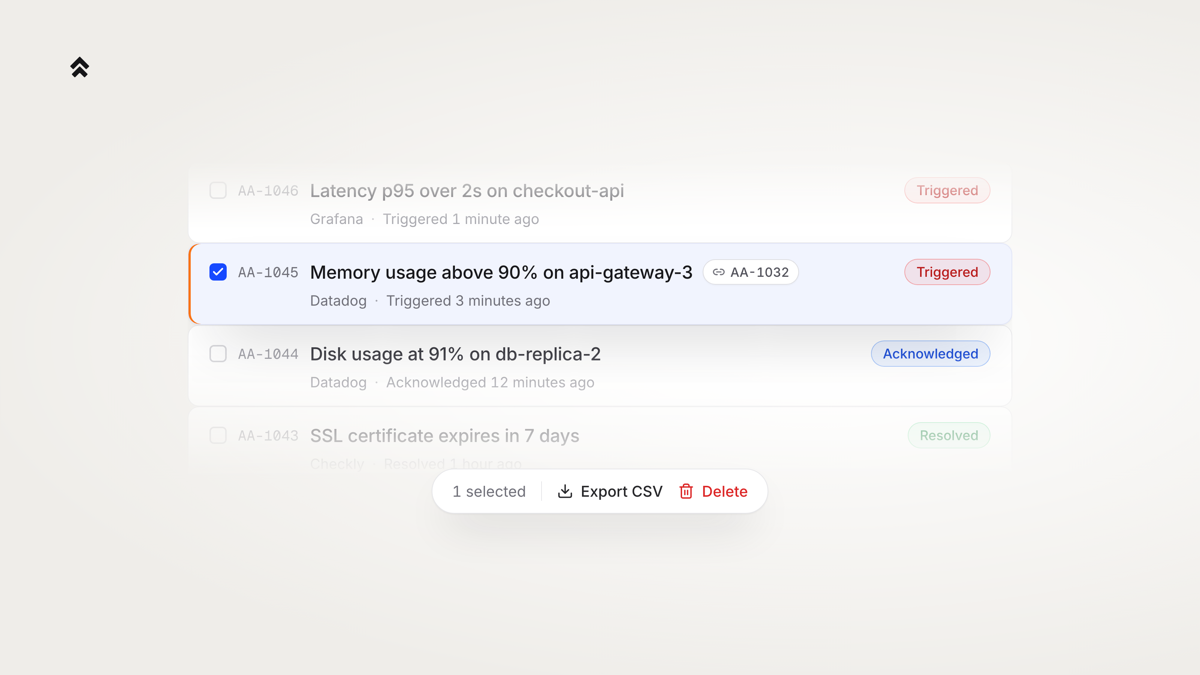
- Export incidents to CSV from the table. Pick a date range, keep whatever the table is already filtered by, and the file builds in the background.
- Delete an incident for good, one at a time or several at once. There is no undo, so it asks first, and the audit log keeps a row of who deleted what and when.
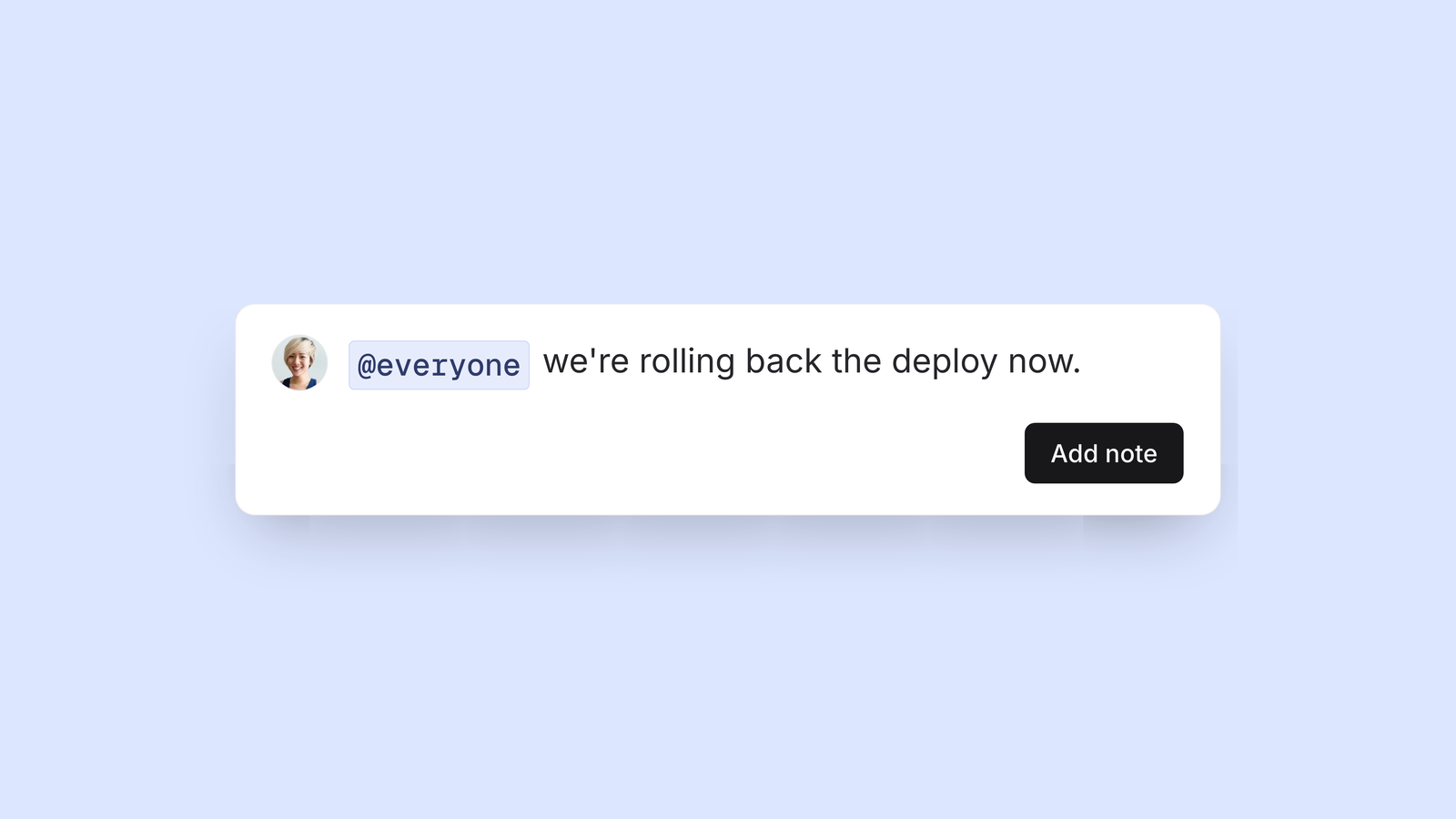
- Reference one incident from another. Mention an incident in a note with
@IDand the two are linked both ways. - Read timestamps whichever way suits you. A row can say
triggered 3 minutes agoor give you the exact time. - Incident emails now carry the alert's payload, with the fields that matter called out above it.
- Write, pin and archive notes with an API key, so a script or an agent can work on an incident without borrowing someone's login.
- Incidents load faster, and the difference is largest if you have a long history of repeated alerts behind you.