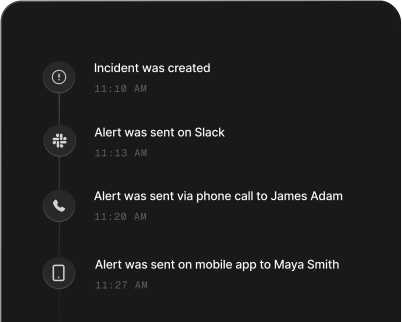
Incident priority finder
Get an incident’s priority, from P1 to P4, and how to alert your team.
Priority
P1
Respond right now
Call the on-call engineer by phone. If nobody acknowledges, escalate.
Priority
P2
Respond within the hour
Send a push and Slack alert to the on-call engineer.
Priority
P3
Respond during working hours
Send a Slack or email alert to the team that owns the service.
Priority
P4
Respond in the next work shift
Log it so the team can pick it up next shift.
How to use it
- Pick who is affected.
- Pick what is happening.
- Read the priority, how fast to respond and how to alert. It follows the standard impact by urgency matrix.
More free tools
Try the world’s easiest way
to manage incidents
Start a 14-day free trial. No credit card required.