Releases
/
Route to other teams
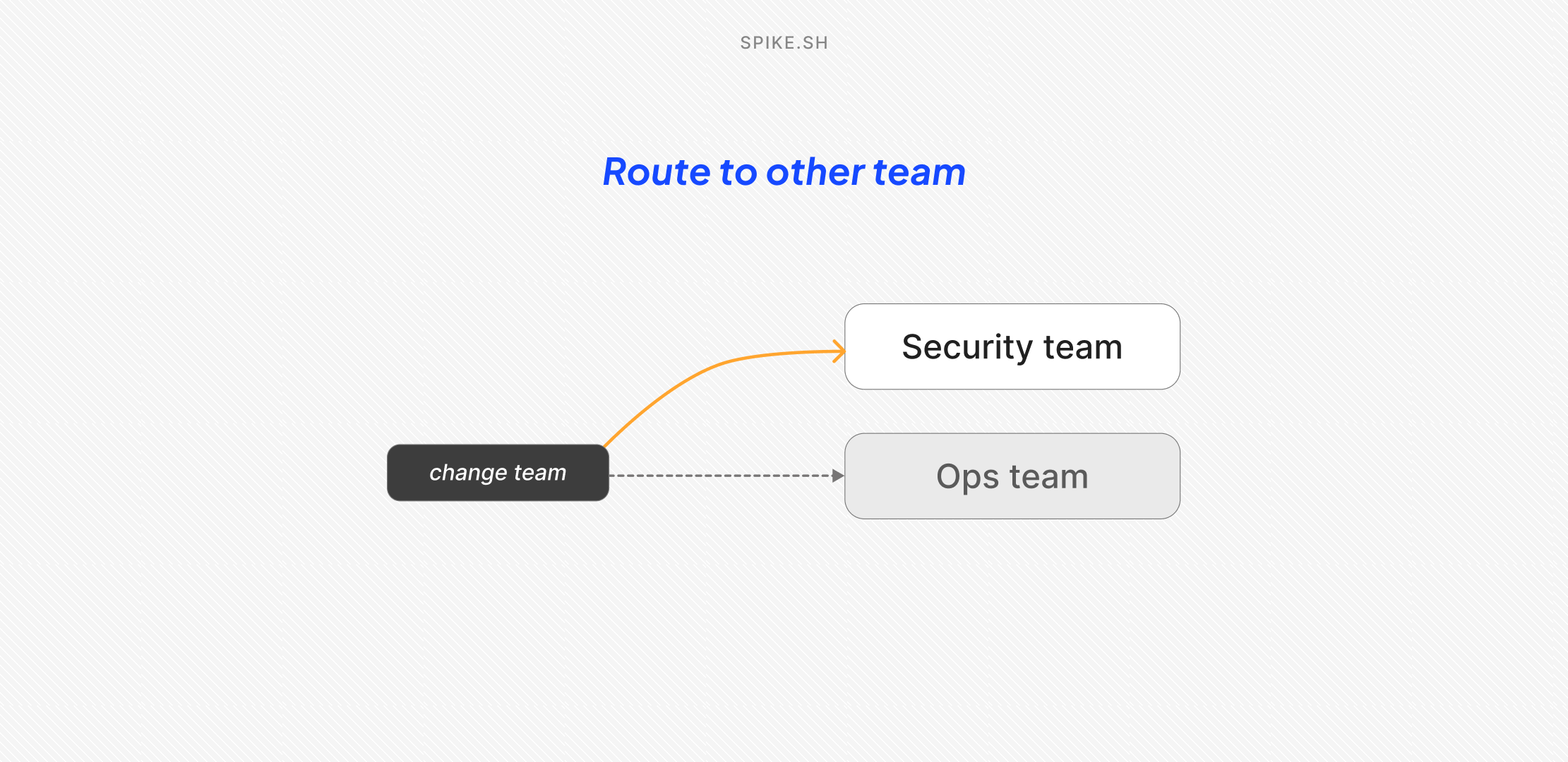
We added a new action in Alert Routing Rules called Route to other teams.
Now, when an incident comes in, you can automatically route it to the team that owns it.
For example, if Ops team picks up a security incident, you can route it to the Security team instead.
To set it up:
- Toggle Route to other teams
- Pick the destination team
- Save the rule
You can also change the incident’s priority and severity while routing.
Once the incident is routed, the destination team’s escalation policies and alert rules take over, so the right people get alerted based on how that team works.