Route incidents to different integrations
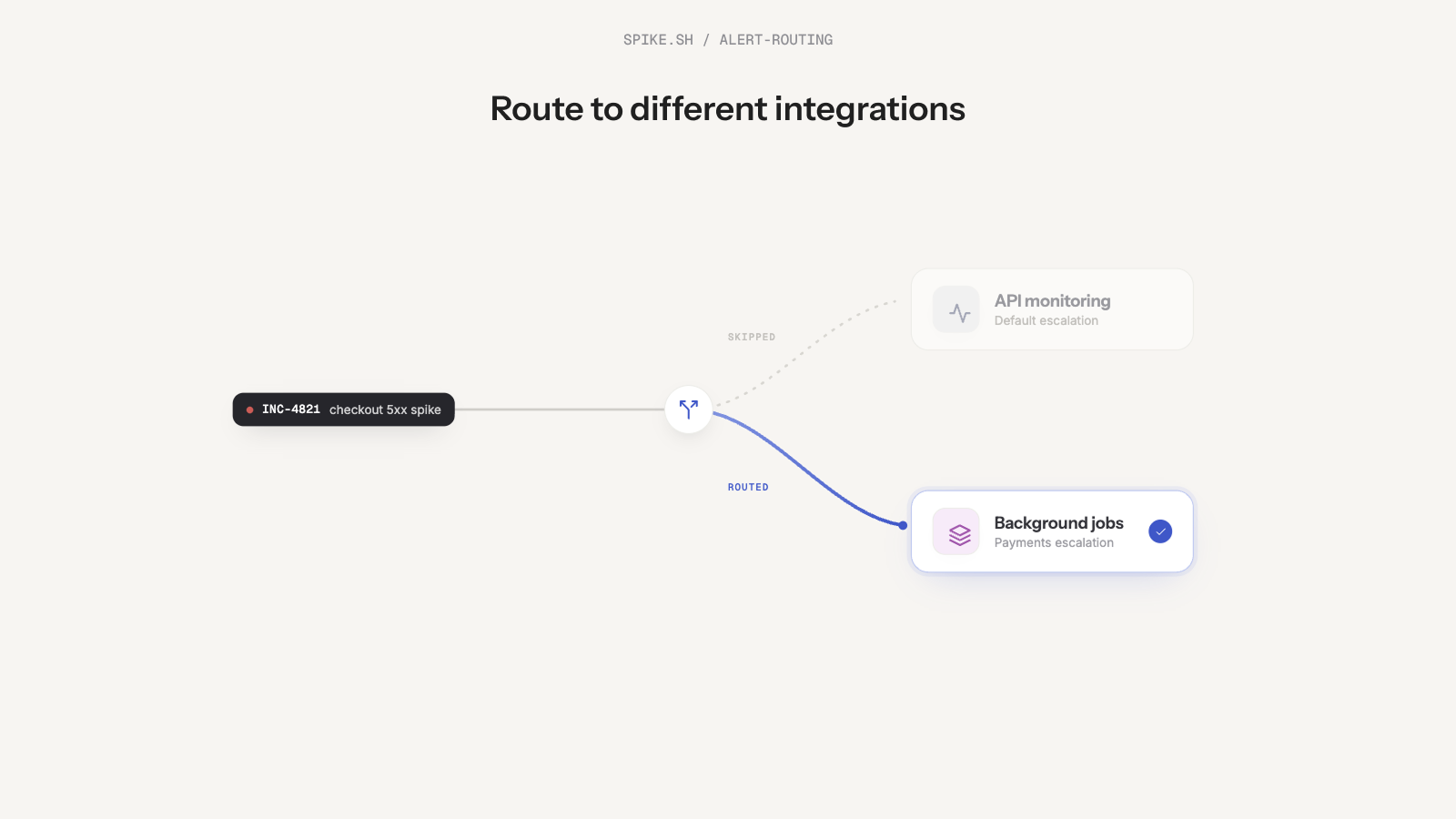
You can now use Change Integration in Alert Routing Rules to automatically route incidents to the right integration and team.
For example, an incident comes in under the API integration. But if its title contains "payments", Spike routes it to the Payments integration and alerts the payments team instead.
This way, the right team always gets paged with the right context. And over time, you can see which integrations receive the most incidents.
Suppression-based routing conditions
We also added two new routing conditions: Incident suppressed and Incident suppressed within a time window.
You can use these to switch integrations when an incident gets suppressed too many times.
For example, if an incident is suppressed 5 times, Spike can move it from the API integration to the Payments integration and start alerting the right team.