
Today, we are introducing some new on-call features: Add Gaps to on-call, Scheduled Layers, Handoff Days, and more. Flexibility in on-call schedules has been the single focus point in this release.
These features give you much finer control over when people are on-call, how handoffs work, and what your schedule looks like around holidays and time off.
Table of Contents
Add Gaps to On-call
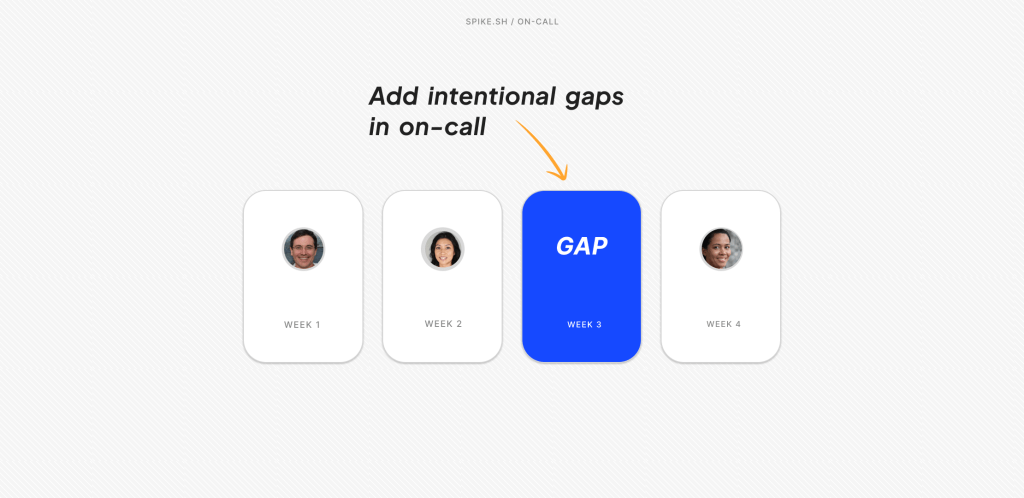
One of our customers asked for a way to add intentional gaps in their rotation. They wanted something like: Person A → Gap → Person B. So, we built it.
Gaps let you insert an empty slot into a rotation. When a gap occurs, the next layer automatically steps in.
For example,
- Layer 1: Daman rotates daily with a gap
- Layer 2: Kaushik rotates daily
When Daman’s gap comes up, Kaushik takes over. Coverage stays intact without any manual adjustments.
You can add a gap directly when editing a layer. The calendar preview shows exactly when gaps fall and who fills them.
Gaps also reduce alert fatigue. If your escalation policy alerts both a person and a Slack channel, alerts that occur during a gap go only to the channel. The team still sees the alert, but no one gets paged unnecessarily.
Scheduled Layers
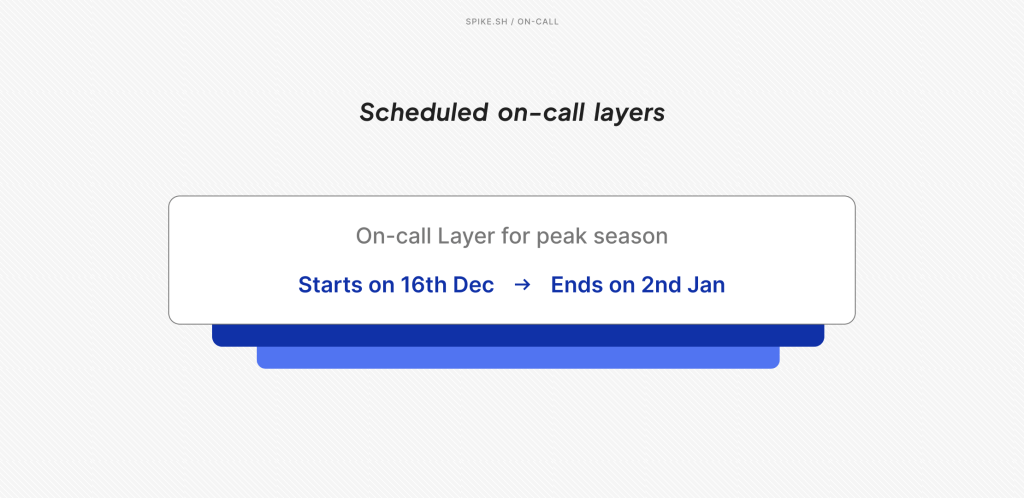
On-call Layers now support start and end dates.
If you need to set up holiday coverage now that automatically kicks in on December 25th and disappears after New Year’s, then you can make that happen!
Every layer now has a “Set duration” option. Spike automatically activates the layer on the start date and deactivates it after the end date. No manual activation needed. Both start and end dates are optional.
You can also schedule layers that start or end in the future. Create a layer today that kicks in on January 5th, 2026. Pre-configure and save, that’s it. You are all set.
This is an addition to Spike’s existing work-life balance features like Deep Work, Cooldown, and Out of Office modes. .
Scheduled Layers are available on Business plans and above.
Introducing Day in Handoff
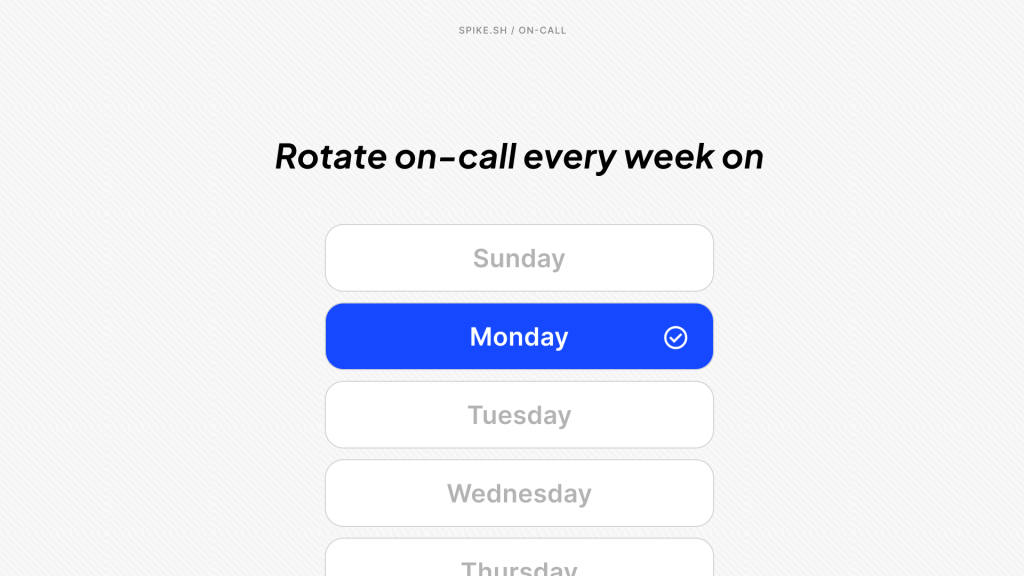
Previously, your handoff day on a weekly rotation was tied to the day on-call was created. This means if you set up on-call on Wednesday, then handoffs happen every Wednesday. Always.
We built Handoff Days to change that.
You can now choose which day of the week your on-call rotation should switch—every Monday, every Tuesday, and so on. This gives you control over when handoffs happen, instead of tying them to the day the schedule was originally created.
It’s backward compatible as well, so you can add handoff days to your existing schedule.
Templates and Holiday Calendars
We also added two features designed to save you time:
- Ready-to-Use Schedule Templates: When creating a new layer, you’ll see four pre-built templates: Weekday Layer, Weekend Layer, Night Shift, and Business Hours. Click one, and the time ranges and rotation patterns are already configured.
- Holiday Calendar Integration: Add your company’s holiday calendar to Spike, and holidays display directly on your on-call calendar. This gives you visual reference while building schedules so you can spot conflicts early. There are plans on bringing automation here. Please upvote on our roadmap.
Putting It All Together
Here is what’s possible with these new features put together:
- Holiday coverage: Add a layer that runs from December 24th to January 2nd with a daily rotation across your team so everyone shares the load during the holiday week.
- Post-holiday reset: Create a layer that starts on January 5th with a weekly rotation when everyone is back and regular work resumes.
- Weekend-only coverage: Add a layer that runs only from Friday evening to Monday morning so a small group handles weekend alerts.
- Vacation coverage: Create a layer that activates only for the week someone is out, rotating between a couple of teammates just for that period.
- Launch or high-traffic week: Add a temporary layer for a busy week with a faster rotation—daily instead of weekly—that turns off automatically once the period ends.
Everything you already use: Overrides, Calendar sync, and work modes still work exactly as before. These new features simply give more flexibility.
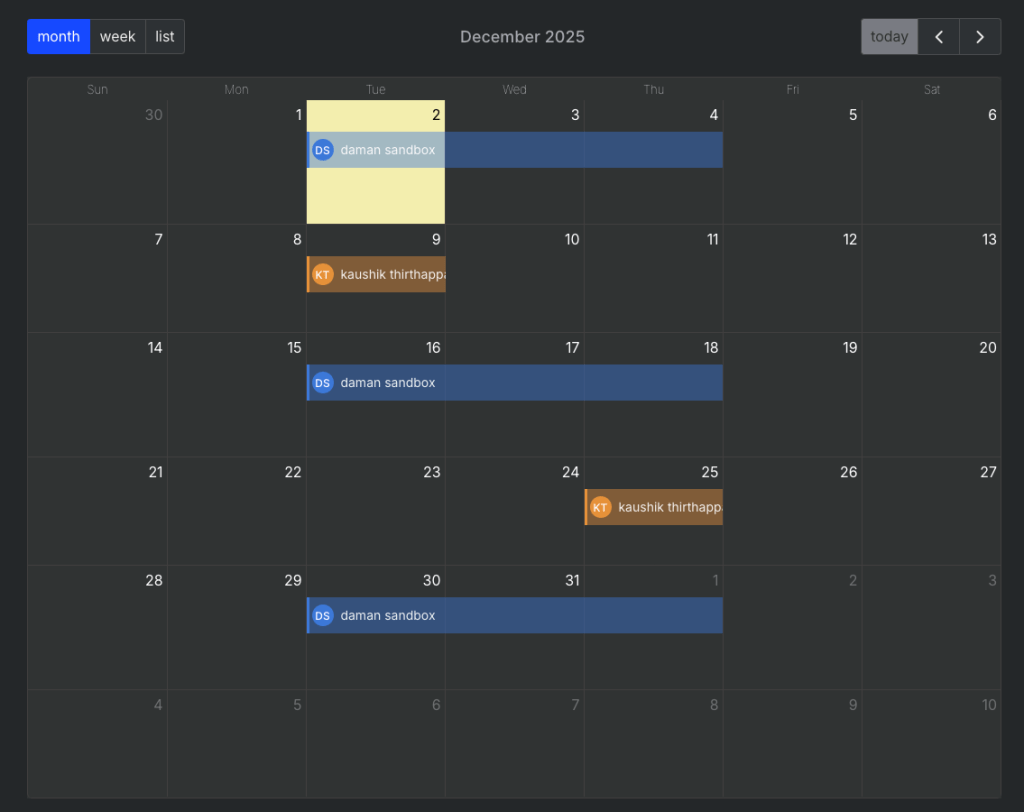
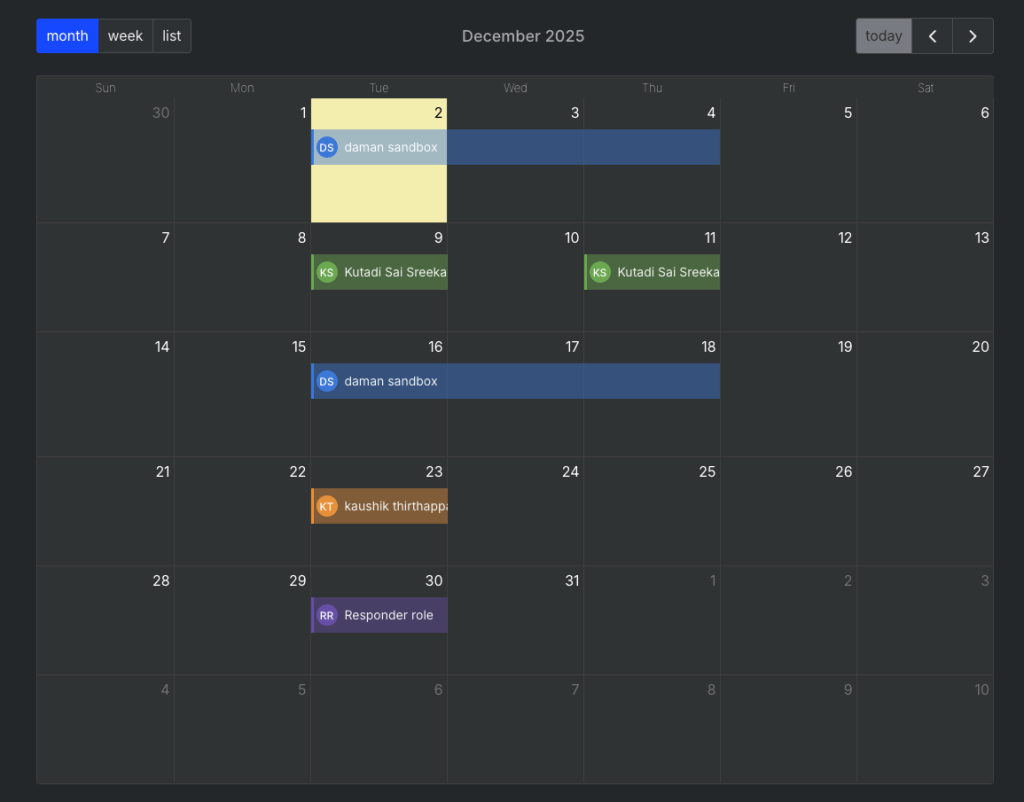
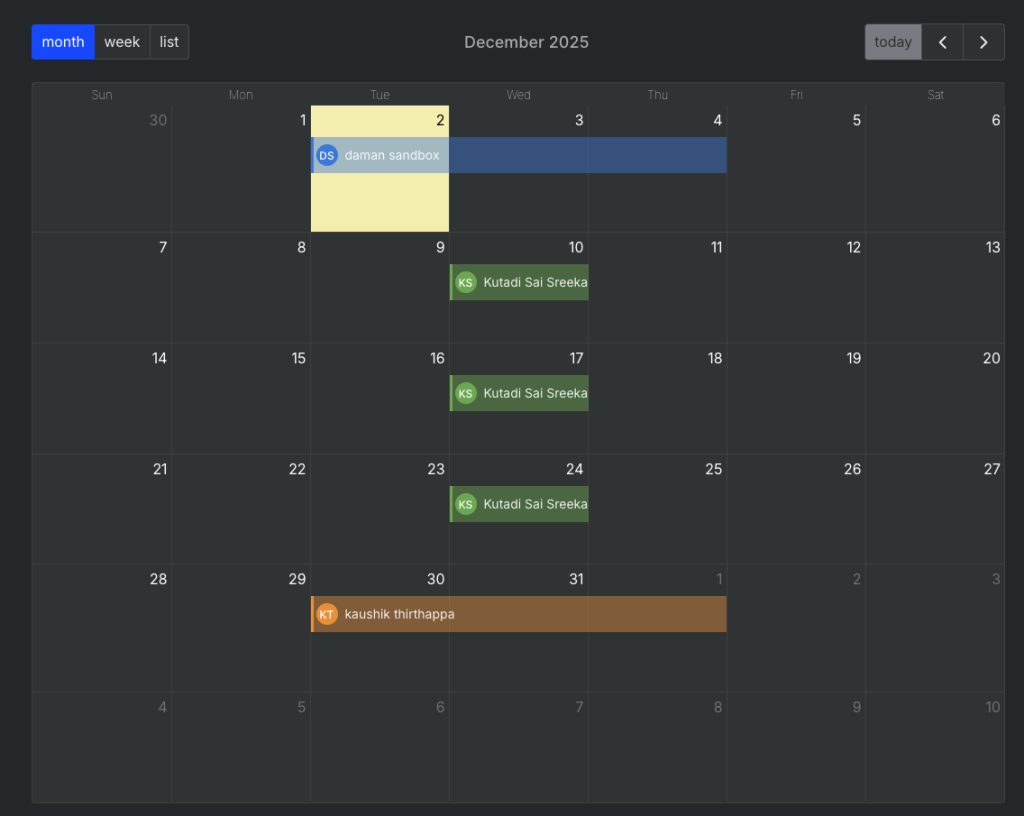
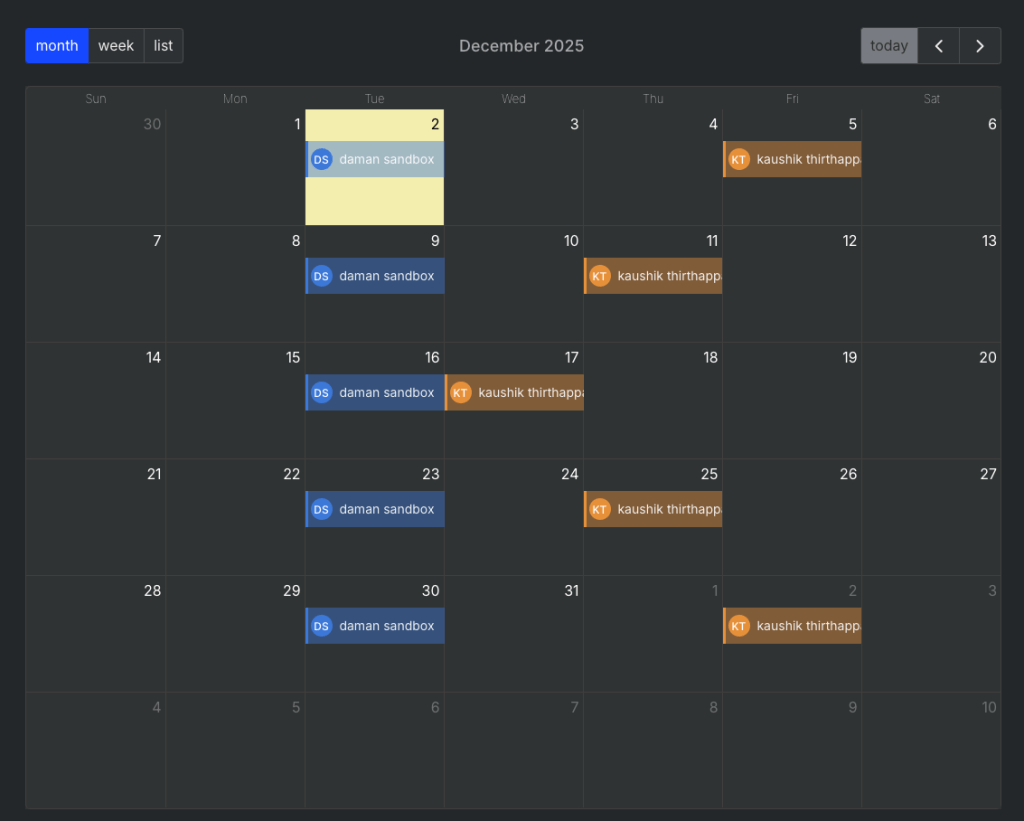
We’ve been testing these features internally and our team got creative and literally spelled out S, P, I, K, E on the on-call calendar just to see how flexible the system could be.
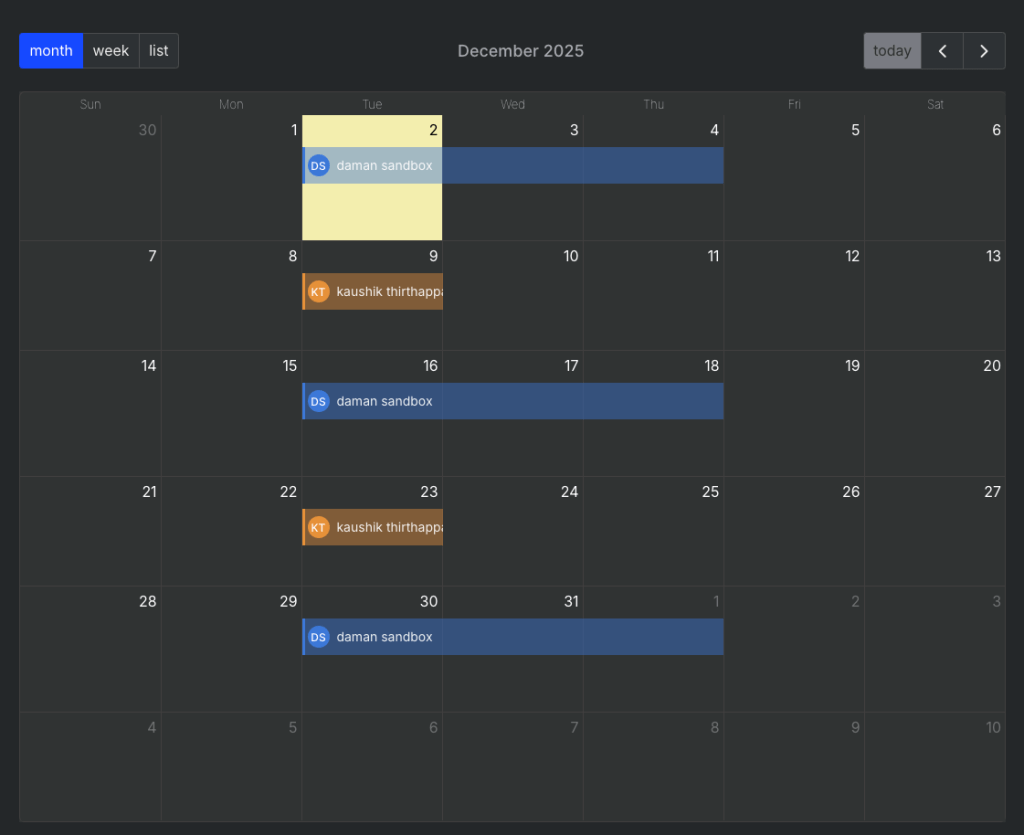
We built these features to make on-call scheduling adapt to your team, not the other way around.
Whether you’re managing a small dev team or coordinating enterprise-level rotations, Spike’s on-call gives you the flexibility to build schedules that match your actual workflows.