

In the previous post, I reviewed PagerDuty’s on-call management capabilities and discussed how it gets the core on-call features right.
Schedule creation on PagerDuty is intuitive, its dashboard provides good visibility, and creating overrides is simple too.
But you’re here, and that means something about PagerDuty didn’t work for you. Maybe it’s the lack of key quality-of-life features like schedule cloning, override comments, or activity logs. Or maybe it’s just the steep pricing that didn’t fit your budget.
Whatever the reason, this blog post presents you with 5 better PagerDuty alternatives for on-call management that offer what PagerDuty offers, but also more—all at an affordable price.
This isn’t just another listicle. I personally signed up for and tested every alternative mentioned here. Each tool was evaluated on how easy it is to create and edit on-call schedules, the dashboard depth, override simplicity, and of course, affordability.
My goal: To help you find the best fit for your team’s on-call management needs.
Let’s get started!
Table of Contents
5 Better PagerDuty Alternatives for On-Call Management
Comparison Table
| Tool | Best For | Starting Price |
| Spike | Teams wanting fast, user-friendly, affordable alternative | $7/user/month |
| Incident.io | Slack-heavy teams with chat-based workflows | $19 + $12/user/month |
| Splunk OnCall | Teams deep in Splunk ecosystem | $10/user/month |
| Zenduty | Teams wanting AI-assisted schedule creation | $6/user/month |
| Squadcast | Teams wanting rotation templates and coverage insights | $12/user/month |
1. Spike
Spike is an incident management platform that makes on-call scheduling simple and intuitive. It fixes most of your daily workflow frustrations found in PagerDuty.
Why Choose Spike as a PagerDuty Alternative for On-Call Management
- Creating schedules is fast with its live calendar preview on the side. You see changes instantly as you configure settings, unlike PagerDuty’s bottom-placed preview.
- It saves you time with key features PagerDuty lacks. You can clone entire schedules instead of rebuilding them and mark your most-used ones as favorites for quick access.
- The dashboard shows who is on-call now and next. It includes a complete activity log and override history, so you always know who made changes and when. Spike also offers a Raycast extension to see who’s on-call.
- Creating overrides is easy, and you can add comments for context. Plus, activating Spike’s cooldown and out-of-office modes, you’re covered automatically without manual overrides.
When shifts start or end, Spike allows you to trigger webhooks with shift details and plug in any automation. For example, run health checks when shifts change, create tickets in project management tools, or grant and revoke database access for on-call responders automatically.
Limitations
Unlike PagerDuty, Spike does not let you duplicate individual schedule layers or copy them to other schedules. PagerDuty also offers more specific timeline views (1 day, 4 days, 1 week, 2 weeks, 30 days), while Spike provides standard day, week, and month options.
You can find a more detailed comparison of the two in our Spike vs. PagerDuty breakdown.
Starting Price: $7/user/month
Best for
Teams of any size looking for a fast, user-friendly, and affordable PagerDuty alternative. It’s perfect for those who want to solve the quality-of-life gaps in PagerDuty without sacrificing powerful features.
2. Incident.io
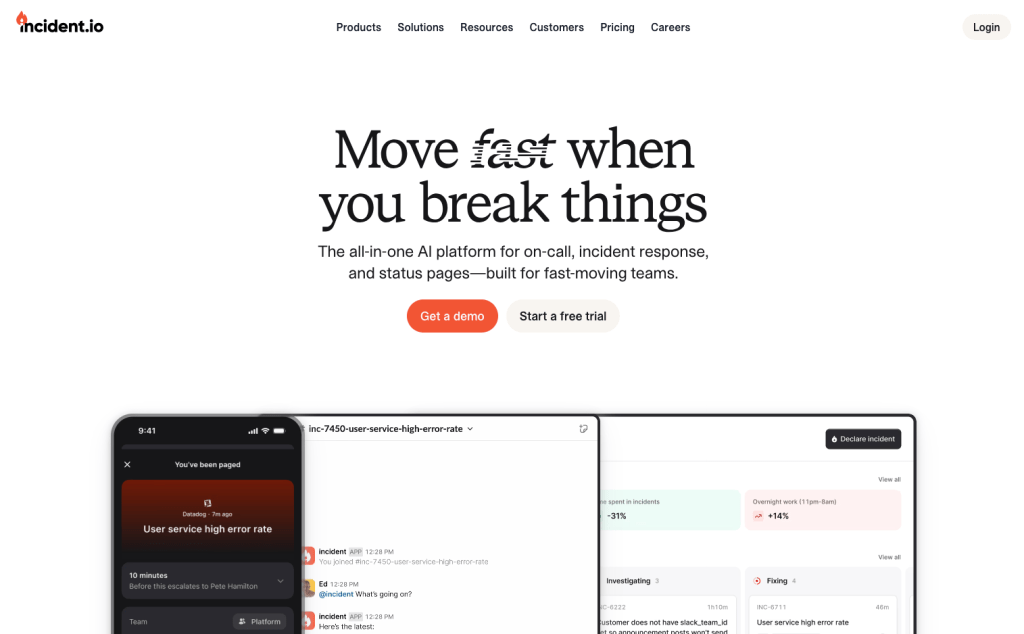
Incident.io is an incident management platform built heavily around Slack. It simplifies on-call management for teams that live and breathe in chat.
Why Choose Incident.io as a PagerDuty Alternative for On-Call Management
- Creating schedules is straightforward. You can import public holidays from your HR software to your schedules. Plus, you can set up concurrent shifts to pair team members for training or shared coverage.
- When editing a schedule, it shows a helpful before-and-after preview. This helps you see exactly what you are changing before you save it.
- The main on-call dashboard shows all your schedules in a list, with a search bar to find what you need. You can always see who’s on-call now and next.
- Creating overrides is easy, and you can even type them in plain language, like “Alice today from 6 pm to 10 pm.”
Limitations
Incident.io does not offer a calendar view on the main dashboard. It’s also a Slack-heavy tool, which may not fit teams who use other chat platforms.
Staring Price: $19 (base fee) + $12 (on-call) per user per month
Note: Though there’s a base fee for Incident.io, adding more on-call members ie $12/on-call member would relatively cost you less than PagerDuty. However, it’s expensive compared to other PagerDuty alternatives.
Best for
Teams that live in Slack and want a fast, easy way to manage on-call schedules. It’s a good fit for those who value quick edits, shared shifts, plain language overrides, and chat-based workflows.
3. Splunk OnCall
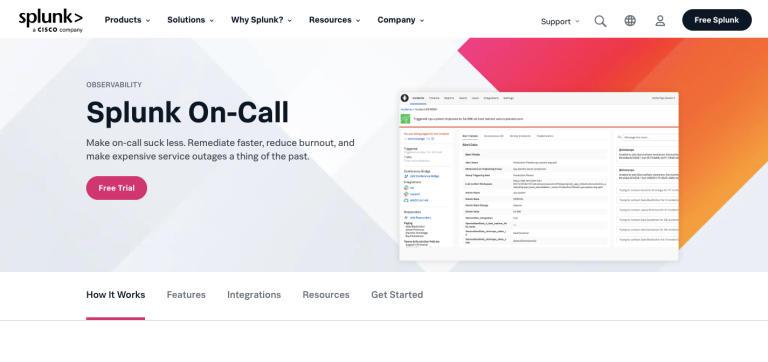
Splunk OnCall is the on-call management tool from Splunk, designed to integrate with its larger observability platform. It is a part of their Incident Response offering.
Why Choose Splunk OnCall as a PagerDuty Alternative for On-Call Management
- You can create team-specific schedules directly from your team’s page, keeping on-call duties tied to specific groups.
- You can quickly add members to shifts, create new shifts, and edit existing ones. The preview updates as you make changes to show your rotation timeline.
- The dashboard shows your team’s schedules, escalation policies, and scheduled overrides in one place. You can also see who’s on-call and what rotations are active.
- It has a dedicated overrides tab where you can create scheduled overrides and view existing ones for better coverage planning.
Limitations
Splunk allows you to create only team-specific schedules. Also, you can’t see other teams’ coverage on the dashboard. And if you’re new to Splunk, you might find it less intuitive.
Starting Price: $10/user/month
Best for
Teams that are already deeply integrated with the Splunk observability platform. It is a practical choice if your main goal is to keep all your monitoring and on-call tools under a single vendor.
4. Zenduty
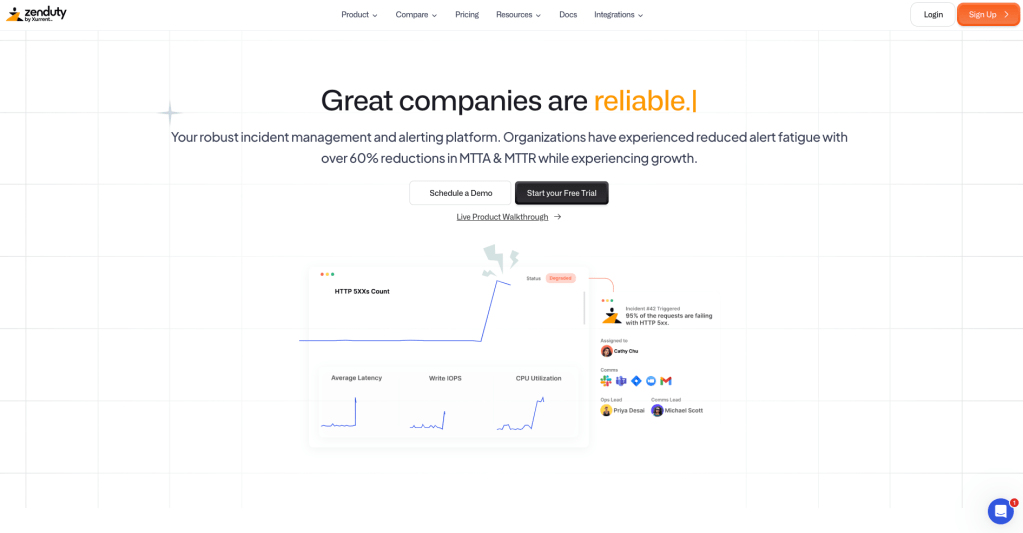
Zenduty is an incident management platform that offers on-call scheduling. It provides all the core on-call features with some unique additions like AI-powered assistance.
Why Choose Zenduty as a PagerDuty Alternative for On-Call Management
- You can create schedules with a side-by-side preview, and use ZenAI to generate schedule layers, or build them manually. You can also opt for automatic daylight saving.
- You can instantly duplicate entire schedules, a major time-saver that PagerDuty does not have.
- The dashboard shows a complete history of past and scheduled overrides. This gives you a clear log of coverage changes, a feature missing in PagerDuty.
- You can create overrides by simply clicking on the override button or directly on the on-call calendar.
Limitations
Navigating to schedule creation is less direct than in PagerDuty, as it’s nested inside team menus. Zenduty also lacks PagerDuty’s ability to duplicate individual schedule layers and offers fewer timeline views on its dashboard.
Starting Price: $6/user/month
Best for
Teams looking for AI-assisted schedule creation and don’t mind a team-centric approach to on-call management. It suits those who can overlook some UI quirks for a feature-rich tool.
5. Squadcast
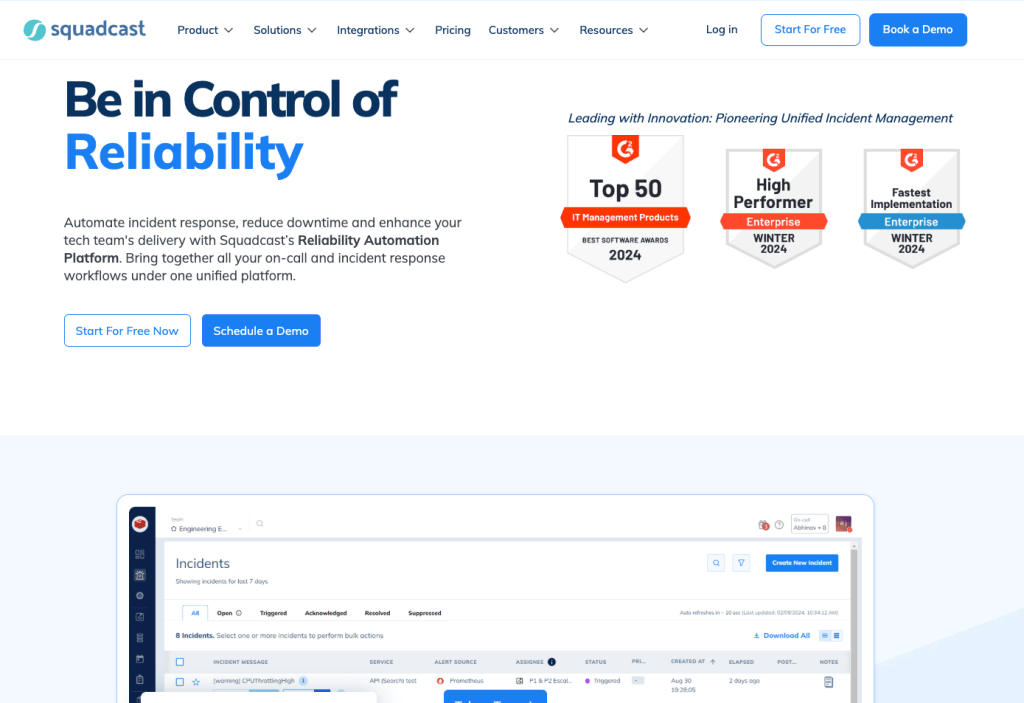
Squadcast is an incident management platform that puts a strong focus on flexible on-call scheduling and clear coverage visibility.
Why Choose Squadcast as a PagerDuty Alternative for On-Call Management
- Creating schedules is easy with pre-set rotation patterns. Plus, the built-in View Gaps feature helps you spot coverage gaps instantly.
- You get many instant edit options right from the dashboard. You can clone entire schedules, pause them, export them, and add new participants without opening each one individually.
- The dashboard shows schedules in both list and timeline views. You can filter schedules by schedule owner, participants, or escalation policies to find exactly what you need.
- Creating overrides is simple—just click on the calendar. You fill in the override details, and it appears instantly in a different color for easy tracking. You can also add a reason for the override, giving your team more context than PagerDuty allows.
Limitations
Squadcast doesn’t use schedule layers like PagerDuty, which might be less flexible for complex, overlapping rotations. It also lacks a history of past overrides and activity logs, and adding new rotations to a schedule requires several clicks.
Starting Price: $12/user/month
Best for
Teams that want an on-call tool with rotation templates and clear coverage insights. It’s ideal for those who value filtering options and don’t mind a slightly different approach to rotations over traditional schedule layers.
What About OpsGenie?
You might be wondering why OpsGenie is not on this list. Like PagerDuty, it’s a popular tool for on-call management, and we even praised its great features in our An Ode to OpsGenie post.
I didn’t include it for one simple reason: OpsGenie is shutting down. Atlassian stopped new sales for OpsGenie on June 4, 2025, and a complete shutdown is scheduled for April 2027. This means you can no longer sign up for the tool.
I’ve covered the OpsGenie shutdown in detail in these blog posts:
- OpsGenie Shutdown: What You Need to Know and Your Next Steps
- OpsGenie Alternatives: Your 12-Point Evaluation Checklist
- 6 Better OpsGenie Alternatives You Can Switch To
With OpsGenie shutting down, businesses are switching to Spike with 50% off. Learn more →
Final Thoughts
After testing all these PagerDuty alternatives for on-call management, I feel each tool has its strengths, and the best choice depends on your team’s workflow, budget, and specific needs.
Here’s a quick guide to help you choose:
- If you want the best all-around tool that’s fast, simple, and powerful, choose Spike
- If your team lives and breathes in Slack, Incident.io is your best bet
- If you’re already deep in the Splunk ecosystem, Splunk OnCall makes sense
- If you want AI to help build schedules, Zenduty is worth a look
- If you value pre-built rotation templates and gap visibility, try Squadcast
The reality is that PagerDuty works, but it’s missing key quality-of-life features. And you deserve a tool that doesn’t just match PagerDuty, but also fixes its shortcomings.
Spike offers everything PagerDuty has, plus the features it’s missing. You get schedule cloning, override comments, activity logs, and work modes with automated coverage—all at one-third the cost.