In the previous post, I reviewed PagerDuty’s alerting capabilities and discussed how it gets the core alerting features right.
PagerDuty offers a rich set of Slack alert actions, useful service-based on-call handoff notifications, and ML-based noise reduction.
But you’re here because something about PagerDuty isn’t working for you. Maybe you need more team-level control over your alerts. Perhaps the inability to act on email alerts is a problem, or it could just be the steep pricing.
This blog post presents 5 better PagerDuty alternatives for alerting. I have also included a detailed checklist to help you look at the finer details.
This isn’t just another listicle. I signed up for and tested every alternative mentioned here. I created a service called “Cron Job”, integrated it with Healthchecks.io, designed escalation policies, triggered test alerts, and assessed the alerting capabilities of every tool.
My goal is to help you find the right PagerDuty alternative for your team.
Let’s get started.
5 Better PagerDuty Alternatives for Alerting
| Tool | Best for | Starting Price |
|---|---|---|
| Spike | Teams wanting affordable, user-friendly alerting with team/individual control | $7/user/month |
| Incident.io | Teams operating primarily in Slack/Teams who want deep customization | $19 base + $12/on-call user/month |
| Squadcast | Engineering teams needing ML-based routing and service-specific working hours | $12/user/month |
| Zenduty | Teams wanting structured workflows with task templates and SLA tracking | $6/user/month |
| OpsGenie | No longer available (shutdown scheduled for April 2027) | N/A |
1. Spike
Spike is a modern incident management platform built to be a simpler, more affordable alternative to PagerDuty. It has powerful alerting capabilities without the complex workflows and high costs.
Why Choose Spike as a PagerDuty Alternative for Alerting
- Spike gives both teams and individuals control over alerts. Managers can set specific alert methods, while users can still set personal preferences.
- You can reply to alert emails with
#ackor#resto take action. This means you do not have to leave your inbox. - Spike supports webhook triggers when on-call shifts change. This lets you automate tasks like granting or revoking database access to the on-call engineer.
- It offers native integration for WhatsApp, Telegram, and Pushover with two-way alert acknowledgement.
Spike also has ready-to-use alert rule templates. You can use these to reduce alert noise from day one.
Limitations
Unlike PagerDuty, Spike doesn’t offer separate phone numbers for calls and SMS. It also lacks service-based on-call handoff notifications. Though Spike provides the necessary actions on Slack alerts, it lacks a few minor options like “Add tasks” or “Reassign”.
Starting Price: $7/user/month
Best for
Teams of any size looking for a fast, user-friendly, and affordable PagerDuty alternative for alerting. Perfect for those who want both individual and team-level control over alerts.
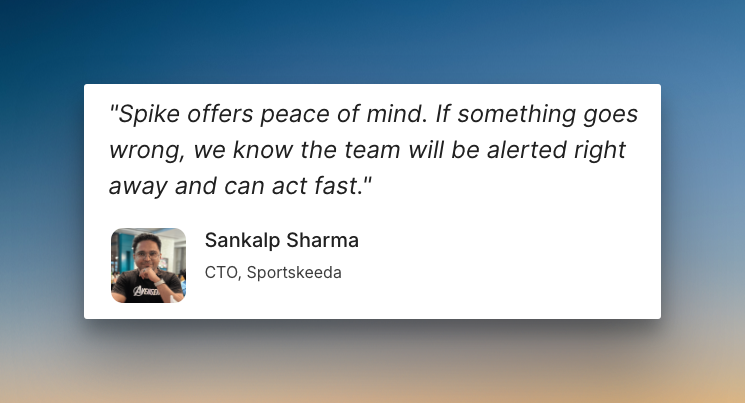
Hear what Sankalp Sharma, CTO of Sportskeeds, said about Spike
2. Incident.io
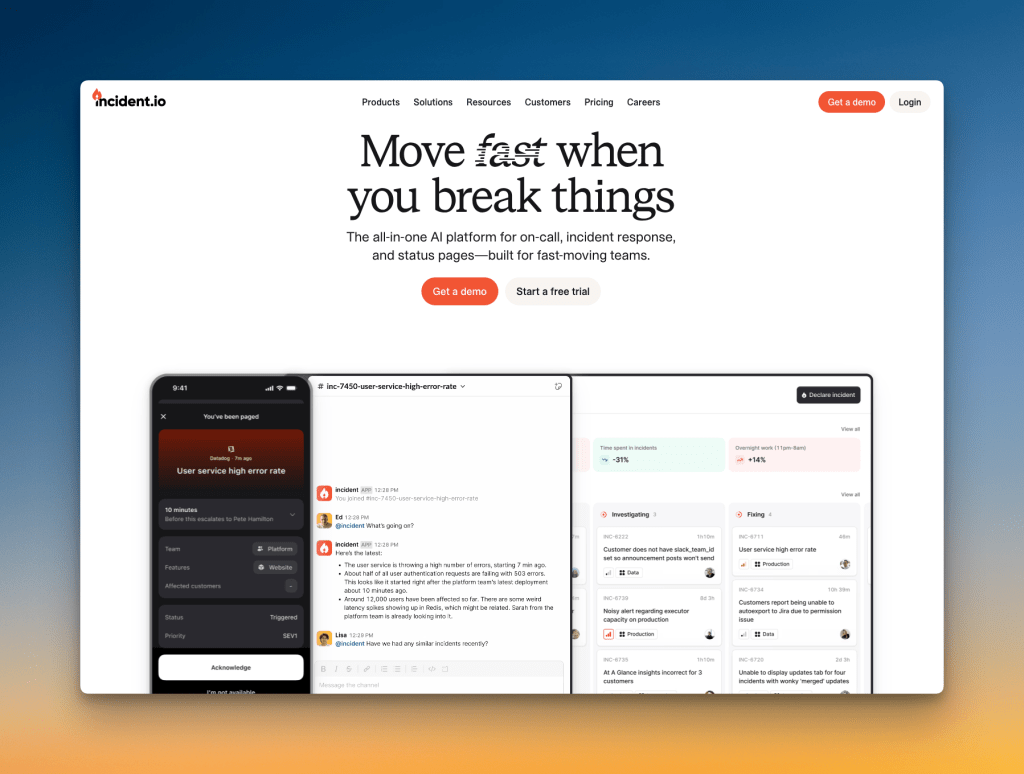
Incident.io is a chat-native incident management platform. It is built to handle alerts and coordinate responses mainly within Slack and Teams.
Why Choose Incident.io as a PagerDuty Alternative for Alerting
- You can auto-subscribe to incidents based on conditions like impact or severity. This makes sure you get notified about relevant incidents automatically.
- Escalation policies use an intuitive flowchart style. You can add if-else conditions for working hours or incident priority and route alerts.
- You can add filters (service, priority, title, etc) to allow only certain alerts to reach the responders. You can apply the same filters to control when to create incidents.
- Alerts can be held in triage state. An escalation policy only runs after a responder declares it an incident. This helps reduce alert noise.
Limitations
Like PagerDuty, Incident.io allows personal alert preferences, but it doesn’t offer custom delays. I found the initial setup (creating services, adding integrations, and designing escalations) a bit complex. Plus, its diverse customization options can sometimes mean more cognitive load.
Starting Price: $19 (base fee) + $12 (on-call) per user per month
Note: Though there’s a base fee for Incident.io, adding more on-call users, ie $12/on-call user, would relatively cost you less than PagerDuty. However, it’s expensive compared to other PagerDuty alternatives.
Best for
Teams that want deep customization for alerting workflows and don’t mind the setup complexity. It is a good fit for organizations that operate primarily out of Slack or Microsoft Teams.
3. Squadcast
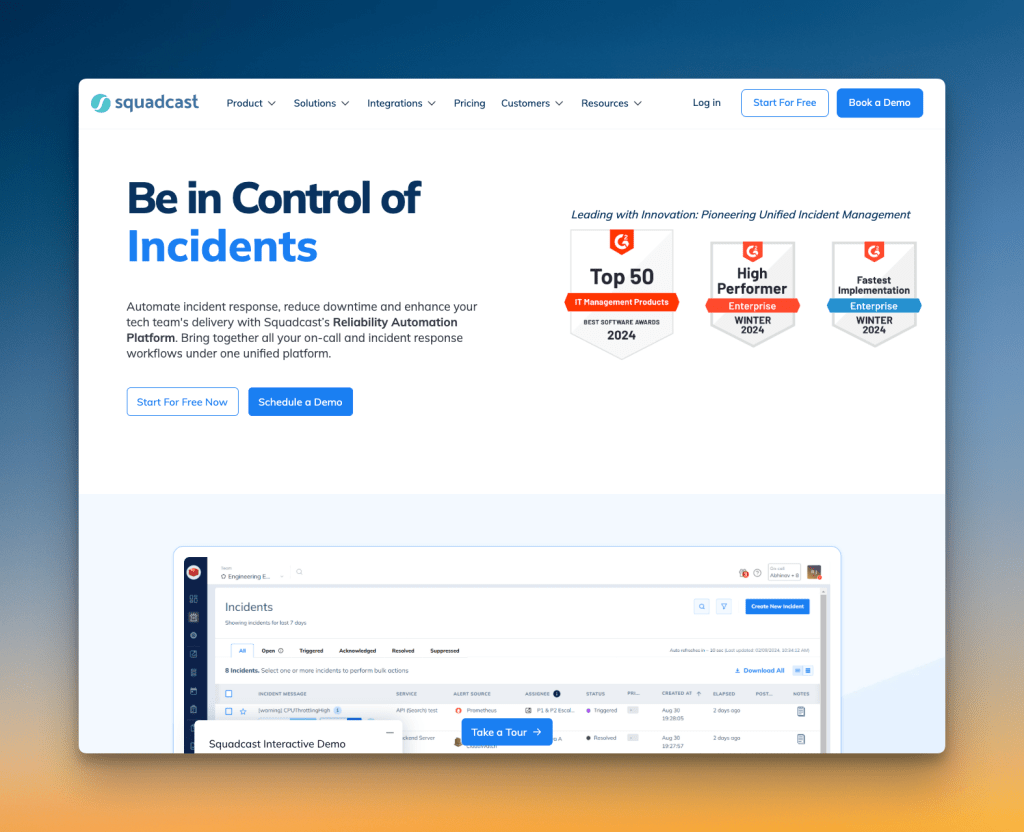
Squadcast is an incident management platform designed for reliability engineering teams. It offers advanced alert routing and intelligent noise reduction.
Why Choose Squadcast as a PagerDuty Alternative for Alerting
- Squadcast gives both teams and individuals control over alerts. Escalation policies can use a user’s personal notification rules or custom ones.
- You can choose round-robin routing for each escalation step. The policies can also repeat, send reminders, or re-trigger if an incident is not resolved.
- It lets you set working hours for each service. This helps you delay or route alerts differently during non-working hours.
- It uses real-time machine learning to group related alerts intelligently. This reduces noise and helps you focus on actual issues.
Limitations
You cannot trigger test alerts to check if your notification channels are working correctly. You also need to contact support to get phone call and SMS alerts enabled. The platform offers many configuration options, but this can mean making too many decisions during setup.
Starting Price: $12/user/month
Best for
Engineering teams that want advanced alert routing with machine learning capabilities. Good fit for organizations that need service-specific working hours.
4. Zenduty
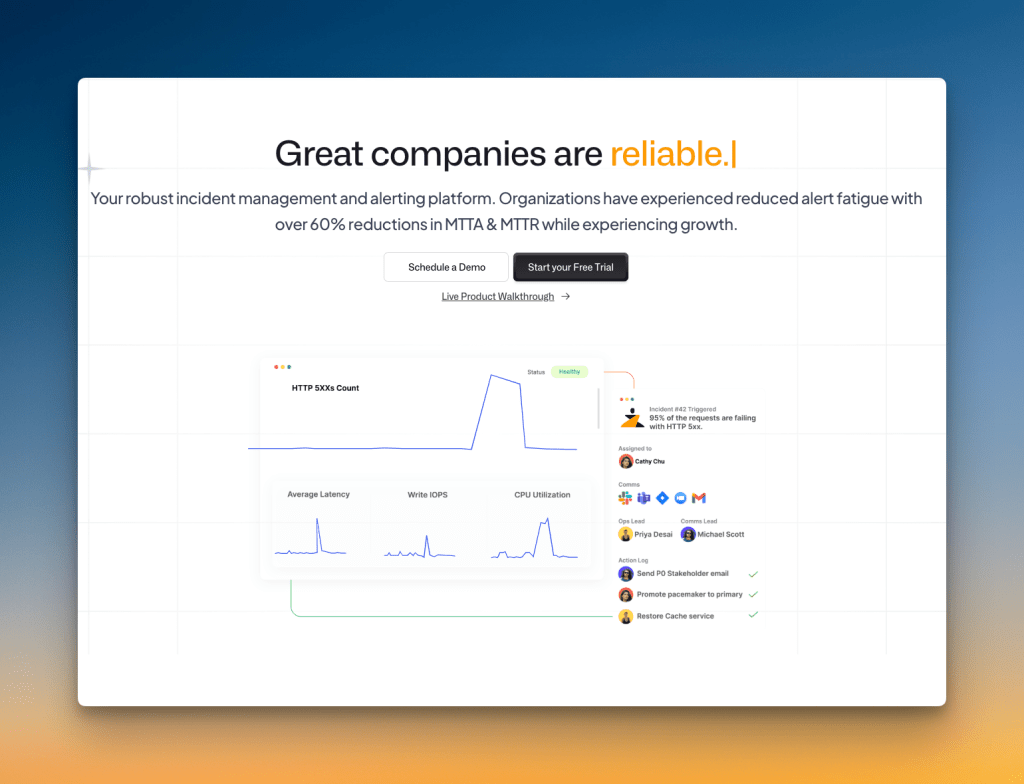
Zenduty is an incident management platform focused on reliability and response automation. It combines alerting with workflow management to help teams respond to incidents efficiently.
Why Choose Zenduty as a PagerDuty Alternative for Alerting
- Escalation policies have a “Move to next rule if no user is found” option. This prevents policies from getting stuck if you forget to add someone to a rule.
- You can add task templates and SLA policies to each service. Task templates work like checklists for new team members, while SLA policies set response time targets.
- It supports both incoming and outgoing integrations. You can receive alerts from monitoring tools and send notifications to external systems like Slack.
- You can acknowledge or resolve incidents directly from email alerts. This saves time when you’re away from the dashboard.
Limitations
The repeat escalation feature only allows fixed 1-minute delays between repetitions, which feels too short for most teams. There’s no wait time at the start of escalation policies for auto-resolved incidents unless individual users set personal delays. Getting alerts on specific Slack channels requires creating outgoing integrations, which makes the setup process more complex.
Starting Price: $6/user/month
Best for
Teams that need structured incident response with task templates and SLA tracking. Good fit for organizations that want detailed workflow management alongside their alerting.
5. OpsGenie
Though OpsGenie is a popular PagerDuty alternative, I’m not going to discuss its alerting features like the other tools. The reason is simple: You can’t sign up for OpsGenie anymore.
Atlassian stopped new sales for OpsGenie on June 4, 2025, and scheduled a complete shutdown for April 2027.
I’ve covered the OpsGenie shutdown in detail in these blog posts:
- OpsGenie Shutdown: What You Need to Know and Your Next Steps
- OpsGenie Alternatives: Your 12-Point Evaluation Checklist
- 6 Better OpsGenie Alternatives You Can Switch To
With OpsGenie shutting down, businesses are switching to Spike with 50% off. Learn more →
Alerting Checklist: How Each Tool Stacks Up
Though we’ve covered the alerting capabilities of each tool in depth, there are some finer details that can make a real difference in your daily operations. This checklist breaks down those specifics for you.
| Criteria | PagerDuty | Spike | Incident.io | Squadcast | Zenduty |
|---|---|---|---|---|---|
| Ready-to-use escalation and alert rule templates | ❌ | ✅ | ❌ | ❌ | ❌ |
| Alert title or payload rewriting/remapping | ✅ | ✅ | ✅ | ✅ | ✅ |
| Native alert deduplication, grouping, and suppression | ✅ | ✅ | ✅ | ✅ | ✅ |
| Time-based escalations (business hours, off-hours) | ✅ | ✅ | ✅ | ✅ | ✅ |
| Channel-specific escalation rules (e.g. phone for primary, push for secondary) | ❌ | ✅ | ❌ | ✅ | ❌ |
| ML-based noise reduction | ✅ | ❌ | ❌ | ✅ | ❌ |
| Acknowledgment timeouts with automatic re-alerting | ✅ | ✅ | ❌ | ✅ | ✅ |
| DND/silence bypass for only critical alerts | ✅ | ✅ | ✅ | ❌ | ✅ |
| Native WhatsApp/Telegram alerting with two-way acknowledgment | ❌ | ✅ | ❌ | ❌ | ❌ |
| “No mention” option for Slack alerts | ❌ | ✅ | ❌ | ❌ | ❌ |
| Customizable voice call settings (gender, speed) | ❌ | ✅ | ❌ | ❌ | ❌ |
| AI-driven root cause suggestions | ✅ | ❌ | ✅ | ❌ | ✅ |
| Acknowledge/resolve/comment from chat apps (Slack, Teams) | ✅ | ✅ | ✅ | ✅ | ✅ |
| On-call shift change notifications via webhooks | ❌ | ✅ | ❌ | ❌ | ❌ |
| AI-generated alert summaries | ✅ | ❌ | ✅ | ✅ | ✅ |
Here’s how each tool scored based on the checklist above. Each ✅ represents one point, giving you a quick overview of which platforms offer the most comprehensive alerting features.
| Tool | Score (out of 15) |
|---|---|
| PagerDuty | 9 |
| Spike | 12 |
| Incident.io | 7 |
| Squadcast | 8 |
| Zenduty | 8 |
Clearly, Spike tops the checklist with the broadest set of alerting features that matter in your daily operations.
Final Thoughts
The right PagerDuty alternative depends on your team’s needs.
Some tools offer deep customization for complex workflows. Others focus on ML-driven routing for specific use cases.
But for most teams, the best choice gives you powerful features without high costs or complexity.
The checklist shows Spike leads with the alerting capabilities that matter day to day. It fixes PagerDuty’s common frustrations and is simple to use.
If you’re looking for a simpler, more affordable alerting tool that just works, give Spike a try.