

TL;DR
Incident response tools are rarely all-in-one. On-call scheduling is a paid add-on on some platforms. Status pages come with a separate bill on others. Spike is the best incident response platform for DevOps and SRE teams, covering alerting, on-call scheduling, escalation policies, and status pages in one platform at $7/user/month, with no add-ons required.
| Tool | Best for | Key strength |
|---|---|---|
| Spike | Teams that need the full incident management stack without add-ons | Granular alert delivery control, built-in status pages, Slack @here/@channel alerts |
| PagerDuty | Teams with complex multi-tool monitoring stacks that need large number of integrations and ML-powered AIOps | 750+ integrations, ML-based alert correlation |
| Incident.io | Slack-first teams that want structured incident response workflows | Dedicated Slack channels per incident, strong post-incident tooling |
| Squadcast | Teams using SolarWinds monitoring or needing round-robin escalation | Granular alert delivery control, round-robin escalation |
| Zenduty | Small teams on tight budgets | $6/user/month starting price, email acknowledgment by reply |
| JSM | Teams already running on Jira and Confluence | Native Jira ticket creation from incidents |
I tested six incident response platforms hands-on: Spike, PagerDuty, Incident.io, Squadcast, Zenduty, and Jira Service Management. I work at Spike, so I knew the product well. For the other five, I built alert routing rules from scratch, configured escalation policies, and triggered incidents across different channels. I also tested the on-call scheduling setup each tool offers.
All six cover the basics: multi-channel alerting, on-call scheduling, and alert routing. The differences are what costs extra, how tightly those pieces integrate, and how much the team has to context-switch during an active incident. Some tools bundle the full stack. Others split on-call into a paid add-on or require a separate status page subscription on top.
I went into this testing making sure I was not biased toward any tool, Spike included. Each tool section covers the same dimensions: key features, pros, cons, exact pricing, and a best-for verdict. The feature and pricing tables at the bottom make side-by-side comparison easier.
1. Spike
Spike is an incident response platform used by engineers in over 40 countries. It covers alerting, on-call scheduling, escalation policies, and status pages in one plan with no add-ons required.
Key features
- Spike offers both team-level and individual-level control over alert delivery. This allows managers to choose the alert delivery channel at each escalation step (call this person, SMS that one, ping
#backend-oncallon Slack). At the same time, engineers can override those defaults with personal preferences without breaking the escalation chain. - Every plan includes public and private status pages with custom domain support. No extra subscription required.
- Escalation policies, on-call schedules, and alert routing rules all come with pre-built templates. You don’t have to build from scratch when setting up a new team or rotation.
- On-call activity log shows who was on call, when, and what actions were taken during each shift
- Spike alerts can mention
@hereor@channelin Slack when a critical incident needs the whole channel’s attention.
| Pros | Cons |
|---|---|
| On-call scheduling is included in every plan with no separate add-on | Calls and SMS use the same phone number, so separate numbers per channel are not available |
Respond to an alert email with #ack or #res to acknowledge or resolve without opening the app. | There is no built-in postmortem workflow. Incidents can be documented manually, but there is no structured template. |
| Escalation policy edit history with undo/redo, so every change is reversible | |
| War rooms: create a conference bridge directly from the incident detail view | |
| Resolution notes can be added during acknowledgment or at resolution in a single action |
Pricing
Spike’s Starter plan is $7/user/month and the Business plan is $14/user/month. Enterprise is custom pricing.
Best for
Teams that need alerting, on-call scheduling, escalation policies, and status pages without paying for separate products.
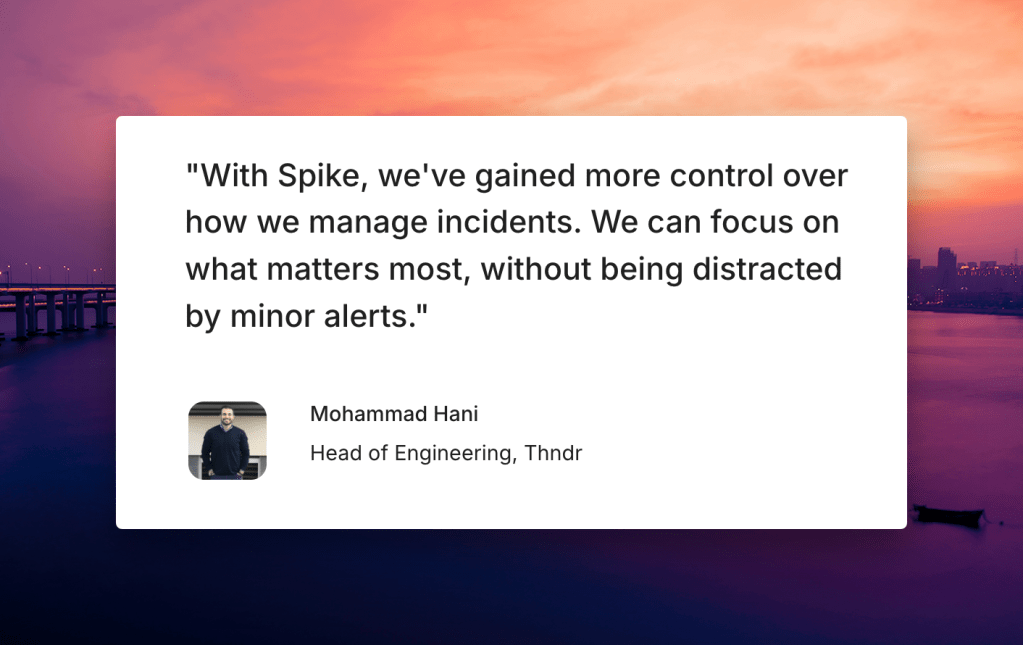
Hear what customers say about Spike
Key point: Spike covers alerting, on-call scheduling, escalation policies, and status pages in a single platform without add-ons at $7/user/month.
2. PagerDuty
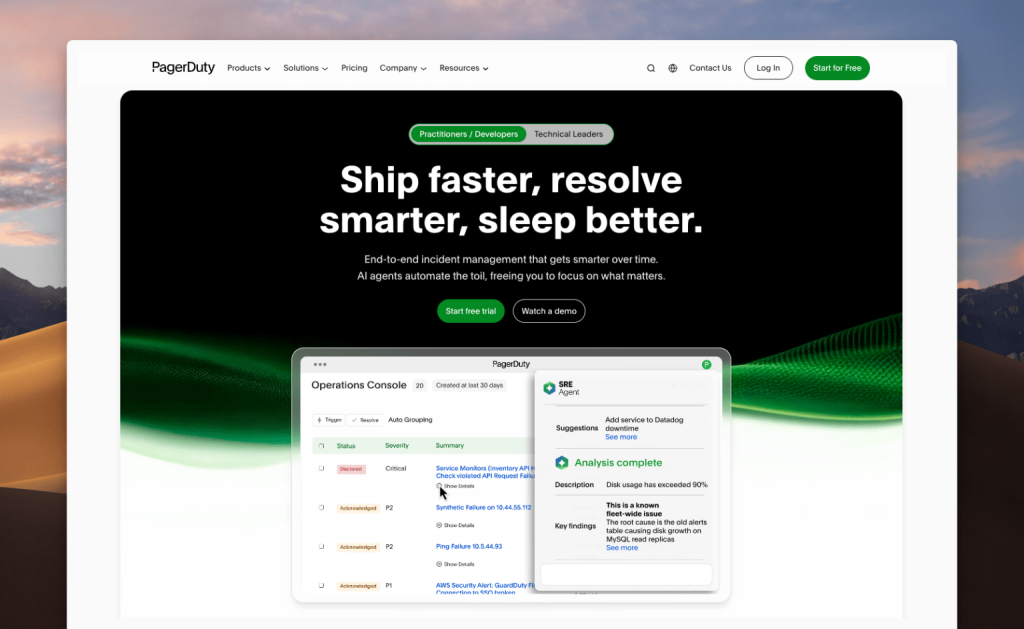
PagerDuty is an incident management platform built for teams running complex, multi-tool monitoring environments. It connects natively to hundreds of monitoring tools, ITSM platforms, and APM systems, with configurable escalation policies for business hours and off-hours coverage. The gap is alert delivery control. Each engineer sets their own notification channel, so there is no team-level control over how alerts reach people.
Key features
- PagerDuty has 750+ native integrations covering monitoring tools, ITSM platforms, APM tools, and chat applications.
- The AIOps ($799/month) add-on uses ML-based grouping and correlation to reduce alert noise before it reaches the on-call team.
- Separate escalation policies can be configured for business hours and off-hours, so the right person gets paged depending on when the incident fires.
- Critical alerts can override Do Not Disturb on mobile devices, so pages get through even when the phone is on silent.
| Pros | Cons |
|---|---|
| A free plan covers up to 5 users, so small teams can run basic alerting and on-call without a paid subscription. | No team-level alert delivery control. Delivery channel is set by each engineer’s personal notification preferences only. |
| Separate phone numbers for calls and SMS. | Status pages are a separate add-on at $89/month and are not included in any base plan. |
| Test alerts can be sent instantly from any escalation policy to verify routing before a real incident fires. |
Pricing
Free plan covers up to 5 users. Professional is $25/user/month. Business is $49/user/month. Enterprise is custom pricing. The AIOps add-on is $799/month, billed separately.
Best for
Teams running complex, multi-tool monitoring environments that need broad native integration coverage and ML-powered alert noise reduction.
Key point: PagerDuty’s strength is integration coverage, with 750+ connectors. Teams that need team-level control over alert delivery or a built-in status page will need to account for those gaps separately.
3. Incident.io
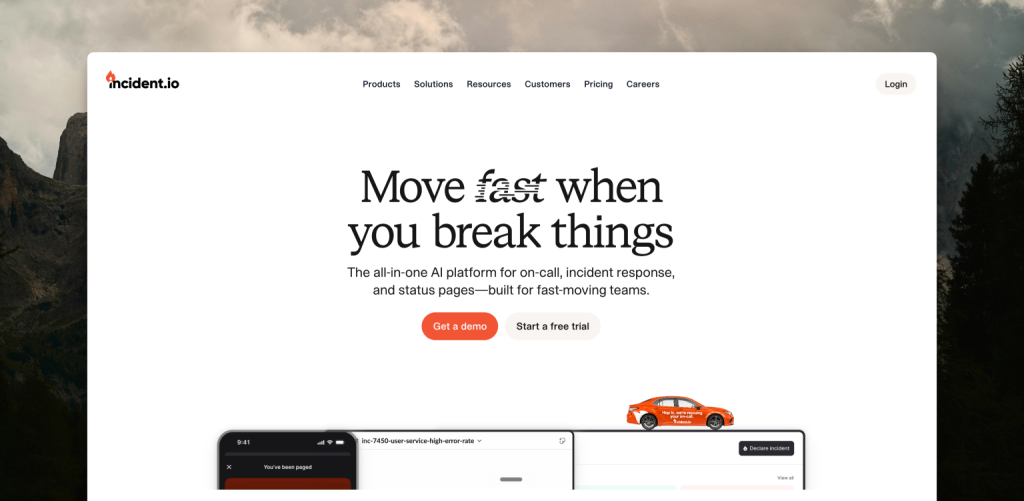
Incident.io is a Slack-first incident management platform. Alert routing, escalation policies, and the full incident response workflow run through Slack, with a dedicated channel created automatically for each incident. On-call scheduling is a separate paid add-on. There is no team-level configuration for how alerts reach each person.
Key features
- Escalation policies support conditional if-then logic. You can route alerts to different teams or channels depending on service, priority, or source type, instead of following a fixed linear chain.
- A dedicated Slack channel is created automatically for each incident, pulling in the on-call responder and any additional stakeholders. The incident timeline, status updates, and actions all happen inside that channel.
- Post-incident reviews are built into the workflow. The review template, action items, and follow-up tracking are tied to the original incident record without needing a separate tool.
| Pros | Cons |
|---|---|
| Triage state holds an alert as acknowledged but not yet assigned, giving the team time to assess before the escalation chain continues. | On-call scheduling is not included in the Team or Pro base plan. It is billed separately: $12/user/month on Team, $20/user/month on Pro. |
| Alerts can be filtered by service, priority, source type, or title before entering the escalation chain. | Setup requires more upfront configuration than you might expect, especially for conditional routing rules and the Slack workflow. |
| One external status page is included on paid plans, no separate subscription required. |
Pricing
Basic plan is free, with single-team on-call included. Team is $19/user/month. On-call on Team is $12/user/month, making the all-in cost $31/user/month. Pro is $25/user/month. On-call on Pro is $20/user/month, making the all-in cost $45/user/month. Enterprise is custom pricing.
Best for
Slack-first teams that want structured incident response workflows and strong post-incident tooling.
Key point: Incident.io gives you dedicated Slack channels per incident, conditional escalation, and built-in post-incident reviews in one platform. The trade-off is on-call cost and upfront configuration time.
4. Squadcast
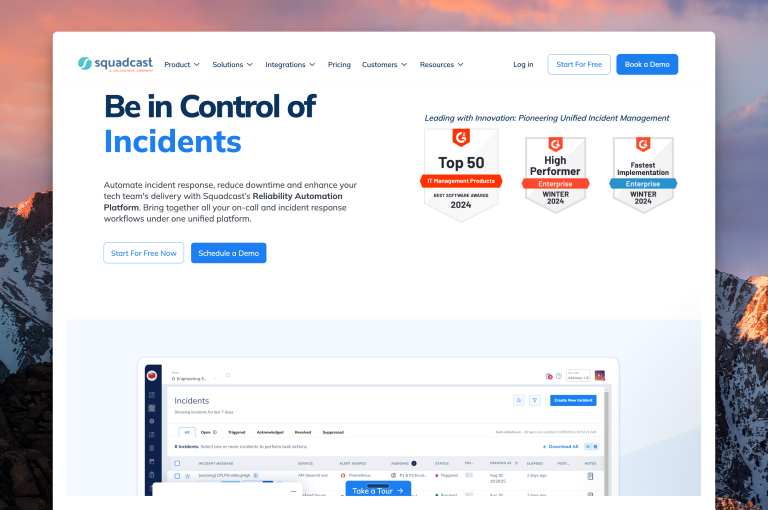
Squadcast is an incident management platform now owned by SolarWinds, which is worth factoring in if vendor consolidation is a concern. It covers alerting, on-call scheduling, and escalation policies with both team-level and individual-level alert delivery control. Round-robin escalation is available for teams that rotate who gets paged first. Status pages are limited to the Premium plan.
Key features
- In the escalation policy, each step can be set to follow a custom delivery channel you specify or defer to each engineer’s personal preferences. This gives both the team and the individual control over how alerts arrive.
- Round-robin escalation rotates who gets paged first across each escalation cycle, so the same person is not always the first to be reached.
- Squadcast has a native SolarWinds integration, so teams already running SolarWinds monitoring can route alerts directly without a middleware layer.
| Pros | Cons |
|---|---|
| A free plan covers up to 5 users, so small teams can run alerting and on-call scheduling without a paid subscription. | No test alert capability. You cannot trigger a test from an escalation policy to verify routing before a real incident fires. |
| On-call scheduling is included in every paid plan with no separate add-on required. | Status pages are only available on the Premium plan at $29/user/month. They are not included in the Pro plan. |
| Coverage gap detection flags uncovered windows on the on-call calendar as you build, before the schedule goes live. |
Pricing
Free plan covers up to 5 users. Pro is $20/user/month. Premium is $29/user/month. Enterprise is custom pricing.
Best for
Teams using SolarWinds monitoring or needing round-robin escalation with dual-layer alert delivery control.
Key point: Squadcast gives you both team-level and individual-level control over alert delivery, plus round-robin escalation, in a single plan. Status pages and test alert capability are the main gaps to plan for.
5. Zenduty
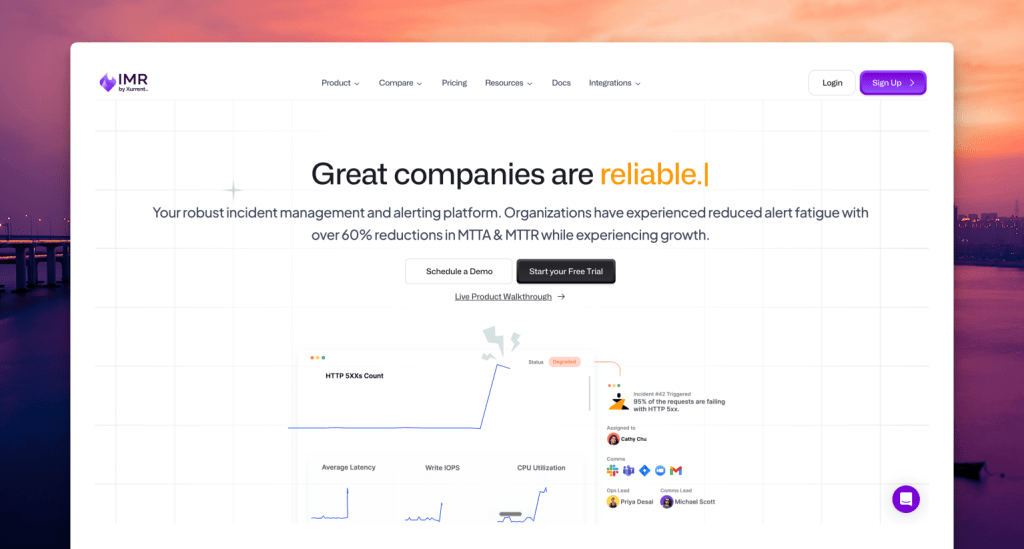
Zenduty now operates under Xurrent, which is worth knowing before you commit to a vendor. It covers alerting, on-call scheduling, and escalation policies, with email acknowledgment by reply and on-call included in every plan. The main gaps are no built-in status page and no team-level delivery control.
Key features
- Zenduty supports email acknowledgment by reply. You can acknowledge or resolve an alert directly from the email notification without opening the app.
- Post-incident reviews include custom postmortem fields, custom templates, and an AI-generated postmortem report option.
- Workflows support auto-acknowledgment, so predictable low-priority signals do not require manual action from a responder.
| Pros | Cons |
|---|---|
| The Starter plan is $6/user/month, covering up to 5 users and 1 team. | Alert delivery is configured at the individual level only. There is no team-level policy for how alerts reach each person. |
| On-call scheduling is included in every plan with no separate add-on required. | Status pages are not included. A separate statuspage.io subscription is required. |
| Round-robin escalation is available, rotating who gets paged first across each escalation cycle. |
Pricing
Starter is $6/user/month, covering up to 5 users and 1 team. Growth is $16/user/month, covering up to 50 users and 5 teams. Enterprise is custom pricing.
Best for
Small teams on tight budgets that need email acknowledgment by reply and on-call scheduling without add-ons.
Key point: Zenduty covers alerting, on-call scheduling, and escalation policies with email acknowledgment by reply, starting at $6/user/month. Status pages require a separate subscription and there is no team-level delivery control.
6. Jira Service Management (JSM)
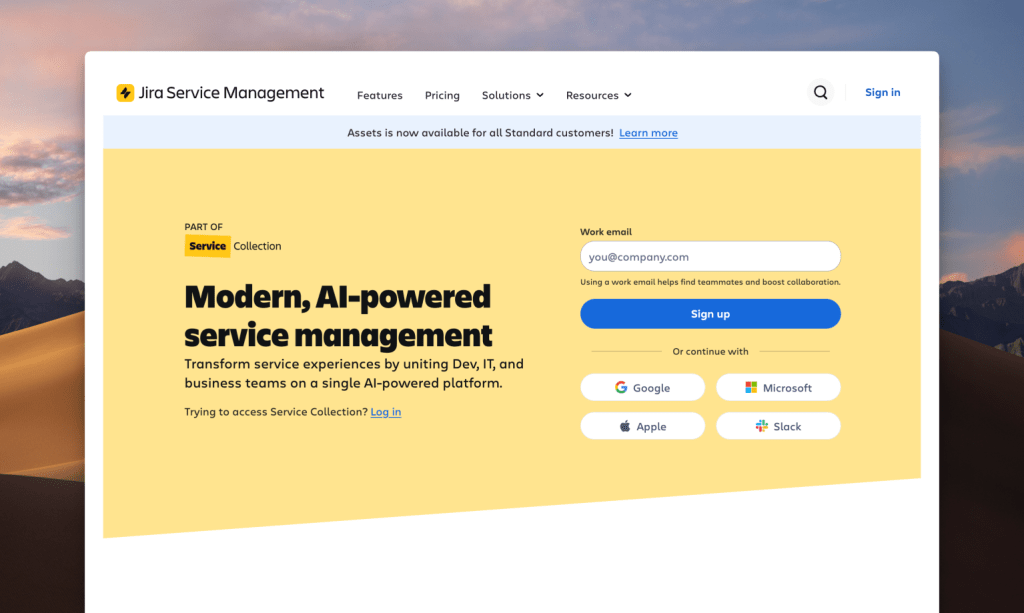
Jira Service Management (JSM) is Atlassian’s incident management platform. It is built for teams already running on Jira and Confluence, where everything from alert routing to incident tickets lives in the same workspace. Escalation targeting is detailed, but delivery channel is set by each user’s personal notification preferences. Status pages are only available on the Enterprise plan.
Key features
- Incidents in JSM automatically create Jira issues, so the response workflow, ticket history, and runbooks all stay inside the same Atlassian workspace.
- Time-based escalation policies control who gets alerted depending on when the incident fires. Business hours and off-hours routing can be configured separately.
- Critical alerts can override Do Not Disturb on mobile devices, so pages get through even when the phone is on silent.
| Pros | Cons |
|---|---|
| A free plan covers up to 3 users with basic on-call scheduling included. | Alert delivery channel is controlled by each user’s personal notification preferences only. There is no team-level configuration for how alerts are delivered. |
| Teams already using Jira for ticketing and Confluence for runbooks work within a single platform without switching context during an incident. | Status pages are not included below Enterprise. Standard and Premium plans require a separate statuspage.io subscription. |
Pricing
Free plan covers up to 3 users. Standard is $20/user/month. Premium is $51.42/user/month. Enterprise is custom pricing.
Best for
Teams already running on Jira and Confluence that want incident management built natively into that stack.
Key point: JSM is the right fit for teams that live in Jira: incident tickets, escalation policies, and response workflows all run inside the same Atlassian workspace. Status pages and team-level delivery control are the gaps to plan for.
Feature comparison
| Feature | Spike | PagerDuty | Incident.io | Squadcast | Zenduty | JSM |
|---|---|---|---|---|---|---|
| Ready-to-use escalation, on-call, and alert rules templates | ✓ | ✗ | ✗ | ✗ | ✗ | ✗ |
| Time-based escalations (business hours, off-hours) | ✓ | ✓ | ✓ | ✓ | ✓ | ✓ |
| DND/silence bypass for critical alerts | ✓ | ✓ | ✓ | ✓ | ✓ | ✓ |
| Dual alert control (team-level and individual) | ✓ | ✗ | ✗ | ✓ | ✗ | ✗ |
| Acknowledge/resolve from chat apps (Slack, Teams) | ✓ | ✓ | ✓ | ✓ | ✓ | ✓ |
| Slack @here / @channel mentions in alerts | ✓ | ✗ | ✗ | ✗ | ✗ | ✗ |
| Email acknowledgment by reply (#ack / #res) | ✓ | ✗ | ✗ | ✗ | ✓ | ✗ |
| Trigger incidents from incoming emails | ✓ | ✓ | ✗ | ✓ | ✓ | ✓ |
| Auto-update status page on incident | ✓ | ✓ | ✓ | ✓ | ✗ | ✗ |
| On-call shift change notifications | ✓ | ✓ | ✓ | ✓ | ✓ | ✓ |
| On-call activity log | ✓ | ✗ | ✗ | ✗ | ✗ | ✗ |
| No separate pricing for on-call | ✓ | ✓ | ✗ | ✓ | ✓ | ✓ |
Pricing comparison
| Tool | Free plan | Starting price | On-call included | Status pages included |
|---|---|---|---|---|
| Spike | No (14-day trial) | $7/user/month | Yes | Yes, every plan |
| Incident.io | Yes (Basic) | $19/user/month + $12/user/month for on-call | No ($12/user/month add-on) | 1 external page |
| Squadcast | Yes (5 users) | $20/user/month | Yes | Premium only ($29/user/month) |
| Zenduty | No | $6/user/month | Yes | No (statuspage.io add-on) |
| JSM | Yes (3 users) | $20/user/month | Yes | No (Enterprise only) |
| PagerDuty | Yes (5 users) | $25/user/month | Yes | No ($89/month add-on) |
What about OpsGenie?
OpsGenie has been a go-to incident response platform for many teams for years. However, Atlassian stopped new OpsGenie subscriptions on June 4, 2025, and scheduled a complete shutdown on April 5, 2027. Data gets deleted after that date, so if your team is still on OpsGenie, the clock is running.
Atlassian’s official recommendation is to migrate to JSM, but that path comes with complexity and cost that most OpsGenie teams weren’t expecting. Spike is the closest structural match: escalation policies, alert routing, and on-call scheduling all map directly from OpsGenie’s workflow. Spike starts at $7/user/month and OpsGenie users get 50% off their first six months. More details here →
Open source incident response tools
Open source is worth considering if your budget is tight and you have the engineering time to self-host. It is also the right call when compliance requirements mean data cannot leave your own infrastructure. Either way, the trade-off is setup time, maintenance overhead, and the operational depth that paid platforms have spent years building.
Here are three actively maintained options.
GoAlert
GoAlert is an on-call scheduling and alert escalation tool built for simplicity. It handles rotations, escalation policies, and phone and SMS alerts. Alert delivery relies on external providers like Twilio, so setup takes real effort. The core scheduling logic is clean and production-grade. There is no status page or structured incident response workflow.
GitHub: ~3.5k stars | License: Apache 2.0
Best for: Teams that need open source on-call scheduling with escalation policies and can handle provider setup.
OneUptime
OneUptime is the most complete open source option in this list. It covers monitoring, alerting, on-call scheduling, status pages, and incident management in one self-hosted platform. Self-hosting is the main trade-off: you own the infrastructure, the updates, and the maintenance. The UI is modern and the documentation is solid, but that operational overhead is real for small teams.
GitHub: ~5k stars | License: Apache 2.0
Best for: Teams that want the closest open source equivalent to a full paid platform and have the capacity to manage self-hosted infrastructure.
Keep
Keep is an alert management and correlation tool focused on reducing noise before it reaches your on-call team. It connects to existing alert sources like Datadog, Grafana, and PagerDuty, then applies rules to deduplicate, enrich, and route alerts before they fire. Keep is not a replacement for a full incident management platform. Think of it as a filtering layer that sits in front of one.
GitHub: ~4k stars | License: Apache 2.0
Best for: Teams that already have an alerting stack and want to reduce noise without replacing their existing tools.
| Tool | What it covers | Status pages | Self-host required |
|---|---|---|---|
| GoAlert | On-call scheduling, escalation policies, alerting | No | Yes |
| OneUptime | Monitoring, alerting, on-call, status pages, incidents | Yes | Yes |
| Keep | Alert correlation and noise reduction | No | Yes |
Key point: None of these tools replace a full paid incident management platform. GoAlert and Keep each address a single layer of the stack. OneUptime comes closest to full coverage, but self-hosting overhead is real and often underestimated by small teams.
How to choose
If your team already runs on Jira and Confluence, choose Jira Service Management. The native Jira integration removes the ticket-creation step that every other tool requires. Your team stays in the same workspace already used for tickets, projects, and documentation.
If you need the complete stack without paying for add-ons, choose Spike. Alerting, on-call scheduling, escalation policies, and status pages are all included at $7/user/month with no separate subscriptions required. OpsGenie users get 50% off the first six months.
If your incident workflow lives in Slack and you want the most structured response process, choose Incident.io. Dedicated channels per incident, conditional escalation routing, and the strongest post-incident tooling in this list make it the right choice for Slack-first teams. Factor in the on-call add-on ($12/user/month on Team) if that is part of your requirement.
If you need round-robin escalation and dual alert control and are already using SolarWinds monitoring, choose Squadcast. The SolarWinds integration is native, and the escalation model gives both team-level and individual-level delivery control.
If budget is the primary constraint and email acknowledgment matters, choose Zenduty. At $6/user/month it is the lowest-priced paid option and supports #ack and #res by email reply. Plan for a separate status page subscription if you need one.
If you need the widest integration ecosystem for a large multi-tool monitoring environment, choose PagerDuty. With 750+ integrations it connects to more tools than any other platform here. Factor in the $89/month status page add-on if public incident communication is a requirement.
Key point: Budget, tooling ecosystem, and Slack dependency drive most tool decisions in this list. Teams that need the full stack without add-ons land on Spike.
Final thoughts
After testing all six tools, the clearest pattern I found is this: the full workflow matters more than any single feature. Every platform here handles alerting and escalation policies. What separates them is on-call pricing, status page costs, and how much the team has to leave the platform during an active incident.
PagerDuty, Incident.io, and JSM each have a strong case for specific teams. PagerDuty if you need integration breadth. Incident.io if Slack is your command center and post-incident reviews matter as much as real-time response. JSM if Jira is already where your team lives. In all three cases, there are gaps you fill with add-ons or separate tools.
For DevOps and SRE teams that need end-to-end coverage, Spike handles alerting, on-call scheduling, escalation policies, and status pages in one platform, starting at $7/user/month. No add-ons, no separate subscriptions, one bill.
FAQs
What is incident response software?
Incident response software is a platform that helps teams detect, respond to, and resolve operational incidents. It covers alerting, on-call scheduling, escalation policies, and status pages. Some platforms add war rooms and structured post-incident workflows on top of that.
What is the best incident response tool for DevOps teams?
Spike is the best incident response tool for DevOps and SRE teams that need the full stack in one platform. It covers alerting, on-call scheduling, escalation policies, and status pages at $7/user/month, with no add-ons.
Does Incident.io include on-call scheduling in its base plan?
The free Basic plan includes single-team on-call at no extra cost. On the Team plan ($19/user/month) and Pro plan ($25/user/month), on-call scheduling is a separate add-on: $12/user/month on Team and $20/user/month on Pro. That makes the all-in cost $31/user/month on Team and $45/user/month on Pro.
Do I need a separate status page tool?
It depends on which platform you choose. Spike includes status pages in every plan with no extra cost. Incident.io includes one external page on paid plans, and Squadcast adds it on their Premium plan at $29/user/month. PagerDuty charges $89/month as a separate add-on. Zenduty and JSM both require a separate subscription, with JSM reserving status pages for Enterprise only.
What is the difference between an escalation policy and an on-call schedule?
An on-call schedule defines who is on duty and when. An escalation policy defines what happens when an alert fires. It sets who gets notified first, how long before it escalates, and which channels are used at each step. The two work together: the schedule determines who is available, and the escalation policy determines how they get reached and in what order.
What is the best open source incident management tool?
OneUptime is the most complete open source option, covering monitoring, alerting, on-call scheduling, status pages, and incident management in a single self-hosted platform. GoAlert is a better fit if you only need on-call scheduling and escalation policies. Keep is purpose-built for alert noise reduction and works as a layer in front of an existing alerting stack rather than a replacement for one.
How does Spike compare to PagerDuty for incident response?
Both cover alerting, on-call scheduling, and escalation policies. The main differences are price, alert delivery control, and status pages. Spike starts at $7/user/month and includes status pages in every plan. PagerDuty costs $25/user/month and charges $89/month for status pages separately. Spike gives managers team-level control over how each engineer gets alerted at each escalation step; PagerDuty leaves that to individual notification preferences.
What happens to OpsGenie when it shuts down?
Atlassian stopped new OpsGenie subscriptions on June 4, 2025. The platform shuts down on April 5, 2027, and data is deleted after that date. Atlassian recommends migrating to JSM, but teams that want to preserve a similar workflow can migrate to Spike instead. Spike’s escalation policies, alert routing, and on-call scheduling map directly from OpsGenie, and OpsGenie users get 50% off their first six months.
Is JSM a good incident response tool?
JSM works well for teams already in the Atlassian ecosystem. The native Jira integration is a real advantage. Incidents link to Jira issues automatically, and everything stays inside the same platform your developers use for ticketing. For teams outside that ecosystem, the Jira dependency adds setup complexity, and status pages require either the Enterprise plan or a separate statuspage.io subscription.