
Atlassian is pulling the plug on OpsGenie. They already stopped new sales and scheduled a complete shutdown on April 5, 2027.
If you’re an OpsGenie user, you’ve probably seen Atlassian’s migration emails. They want you to move to Jira Service Management (JSM).
In my previous post, I reviewed JSM’s incident response capabilities and discussed how it gets the core features right. But you’re here, so something about JSM isn’t working for you.
This blog post presents 5 better JSM alternatives for incident response. Plus, a detailed checklist to help you look at the finer details.
This isn’t just another listicle. I signed up for and tested every alternative mentioned here. I triggered test alerts, created war rooms, set up status pages, and assessed the incident response capabilities of each tool.
My goal is to help you find the right JSM alternative for your team.
Let’s get started!
Table of Contents
5 Better JSM Alternatives for Incident Response
| Tool | Best for | Starting Price |
|---|---|---|
| Spike | Teams wanting a straightforward, cost-effective incident response platform with powerful automation. | $7/user/month |
| PagerDuty | Organizations needing enterprise-grade incident response with comprehensive integrations and advanced workflow automation. | $25/user/month |
| Incident.io | Teams that live in Slack or Microsoft Teams and want extensive customization options. | $19 base + $12/on-call user/month |
| Squadcast | Reliability engineering teams that need advanced alert routing and noise reduction. | $12/user/month |
| Zenduty | Teams that need comprehensive stakeholder communication tools with detailed workflow management. | $6/user/month |
1. Spike
Spike is a modern incident management platform built to be a simpler, more affordable alternative to JSM. It handles the complete incident response lifecycle without complex workflows and high costs.
Why Choose Spike Over JSM for Incident Response
- Unlike JSM, Spike lets you acknowledge incidents by replying to alert emails with
#ackor#res. JSM email alerts only show a button to view the alert. You have to click through and leave your inbox. - Spike uses relative timing in escalation policies. You just set “escalate after X minutes” for each step. JSM makes you calculate the delay time from the top of your policy.
- Spike includes built-in status pages on all plans with no subscriber limits or hidden fees. Plus, you can create both public and private pages with custom branding and domain hosting. JSM requires you to pay for Statuspage.io integration at $29-109/month extra.
- Spike gives you a unified timeline that captures everything in one place. Alert triggers, acknowledgments, resolutions, and even Playbook actions all appear in a single view. You can add resolution notes and trigger webhooks for automated postmortem creation.
Limitations
Spike doesn’t have native Zoom integration, but you can use Google Meet for war rooms with one-click creation. It lacks bi-directional Jira sync, though you get separate incoming and outgoing Jira integrations. There are no built-in postmortem templates, but you can trigger webhooks to send incident data to your preferred documentation tools.
Starting Price: $7/user/month
Best for
Teams that want a straightforward, cost-effective incident response platform with powerful automation. Perfect for organizations that need a quick setup without complexity.
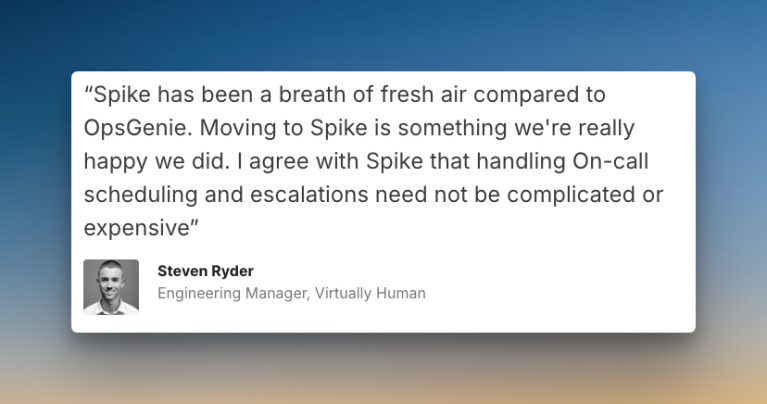
Hear what Steven Ryder, former Engineering Manager at Virtually Human, said about Spike
With OpsGenie shutting down, businesses are switching to Spike with 50% off. Learn more →
2. PagerDuty
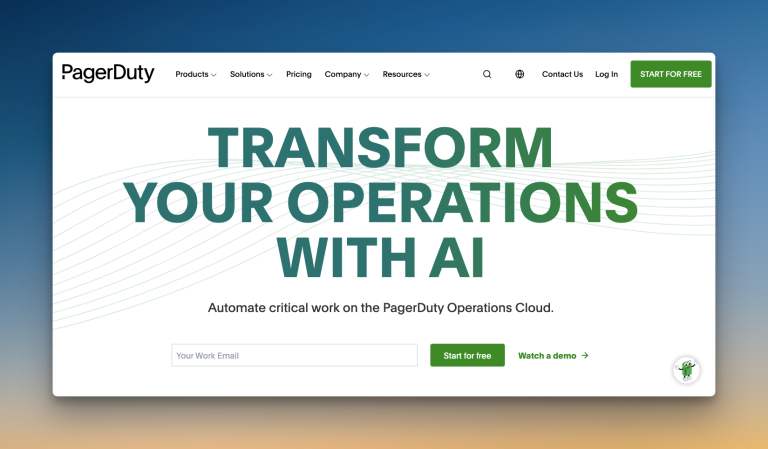
PagerDuty is an enterprise-grade incident management platform built for teams that need comprehensive incident response capabilities with deep integrations.
Why Choose PagerDuty Over JSM for Incident Response
- Unlike JSM’s unified activity log, PagerDuty separates logs into alerts, status updates, timeline, automation actions, past incidents, and related incidents. This helps you find specific information faster during post-incident reviews.
- PagerDuty offers robust bi-directional Jira sync just like JSM. But it also has Response Plays that let you automate tasks like creating tickets, starting war rooms, and updating status pages. JSM requires webhooks for similar automation.
- PagerDuty supports custom incident types with configurable incident fields. You can create different types for database failures, API outages, or security incidents. JSM doesn’t offer this level of incident categorization.
- PagerDuty provides audience-specific status pages that deliver tailored updates based on SSO permissions. JSM requires you to pay extra for Statuspage.io and doesn’t offer this granular control over who sees what.
Limitations
PagerDuty doesn’t offer auto-acknowledge functionality. There’s no option to add wait time in escalation policies for auto-resolvable incidents. Status pages come with subscriber restrictions, and you need to buy paid add-ons if you hit the limit. Most advanced automation features require the AIOps plan at $799/month.
Starting Price: $25/user/month
Best for
Organizations that need enterprise-grade incident response with advanced automation. Good fit for teams who don’t mind paying for add-ons to unlock comprehensive features.
3. Incident.io
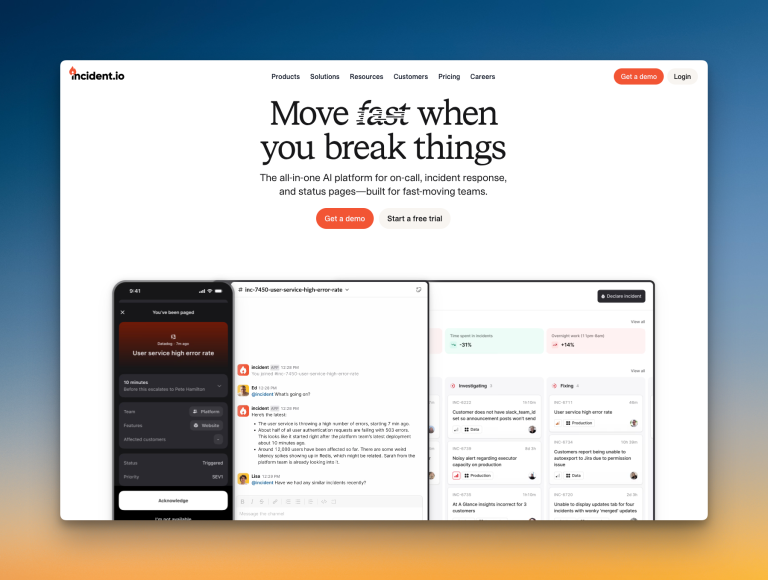
Incident.io is a chat-native incident management platform built for teams that operate primarily in Slack and Microsoft Teams. It offers deep customization and workflow automation for incident response.
Why Choose Incident.io Over JSM for Incident Response
- Incident.io lets you hold alerts in triage state until a responder declares them incidents. This reduces noise by preventing every alert from triggering full escalation immediately. JSM doesn’t have this feature.
- Incident.io creates custom priorities with aliases and descriptions that you can set as default and use for filtering. JSM lets you set priority, but without this level of customization.
- Incident.io has a separate “Improve” section with tabs for flows, follow-ups, debriefs, and postmortems that structures the entire post-incident process with assigned tasks and deadlines. JSM only offers postmortem templates.
- Incident.io archives dedicated Slack channels automatically after a configured time period. JSM can create Slack channels when an alert becomes an incident, but it doesn’t offer smart archiving with customizable timing.
Limitations
Status pages are severely limited on lower plans, with only one external page until the Enterprise tier. There’s no manual ticket creation button for quick Jira or Linear tickets. Auto-acknowledge and wait times in escalations for auto-resolvable incidents aren’t available.
Starting Price: $19 base + $12/on-call user/month
Best for
Teams that live in Slack or Microsoft Teams and want extensive customization options. Good fit for organizations that don’t mind a complex setup in exchange for powerful workflow automation.
4. Squadcast

Squadcast is an incident management platform designed for reliability engineering teams. It offers advanced alert routing with machine learning capabilities.
Why Choose Squadcast Over JSM for Incident Response
- Squadcast offers an acknowledge timeout, which JSM lacks. If someone acknowledges an alert but doesn’t resolve it, Squadcast can automatically re-escalate. This prevents incidents from getting stuck with an unresponsive team member.
- Unlike JSM, Squadcast gives you both team-based and individual control over alerts. Your manager can set how alerts reach you, and you can override those settings with your own preferences. JSM doesn’t offer this dual-layer control.
- Squadcast provides a dedicated postmortem section where all postmortems are stored. Each postmortem can have a status: In progress, under review, or published. JSM stores postmortems but doesn’t offer this structured workflow.
- Squadcast has a Global Event Ruleset that acts as a central webhook. All alerts reach one place and get sorted to different services based on the payload. JSM requires separate webhooks for each integration, which becomes messy with multiple services.
Limitations
Squadcast does not offer native Google Meet or Zoom integration for war rooms. You must manually add links. There is no auto-acknowledge feature. Creating Jira tickets directly from alert channels or the dashboard is not possible without Workflows.
Starting Price: $12/user/month
Best for
Reliability engineering teams who need advanced alert routing and noise reduction. Good fit for organizations that value detailed workflow automation and structured post-incident analysis.
5. Zenduty
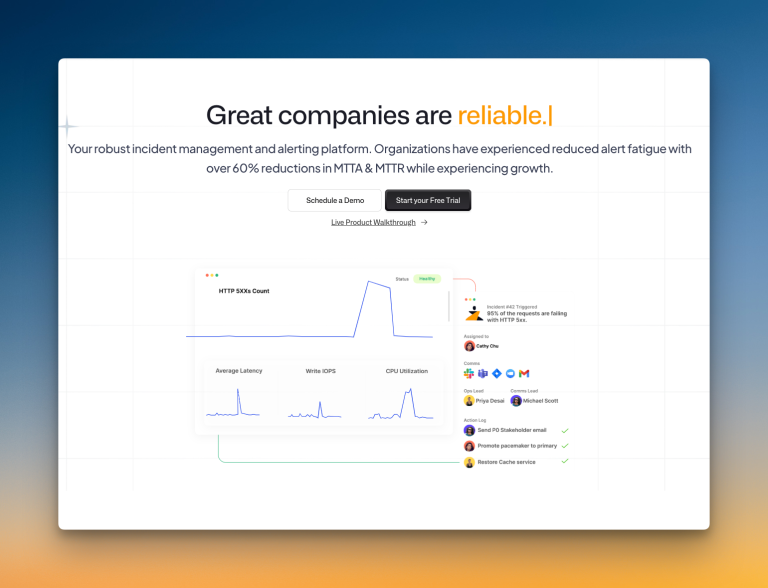
Zenduty is an incident management platform that focuses on structured workflows and stakeholder communication. It offers detailed task management and SLA tracking.
Why Choose Zenduty Over JSM for Incident Response
- Zenduty has a dedicated “Stakeholders” tab on every incident where you can add stakeholders, draft messages, and send updates directly throughout the incident lifecycle. JSM only offers a “Notify Stakeholders” button after incident resolution.
- Zenduty lets you create custom postmortem fields and templates, then generate postmortem reports with AI. JSM offers postmortem templates on Premium and Enterprise plans, but without AI assistance or custom field creation.
- Zenduty offers an acknowledge timeout, which JSM lacks. If someone acknowledges an alert but doesn’t resolve it, Zenduty automatically re-escalates after 10 minutes.
- Zenduty offers SLA tracking built into each incident, which you can view directly from the dashboard. JSM doesn’t have built-in SLA tracking for incidents.
Limitations
Zenduty doesn’t include a built-in status page. You need to pay extra for Atlassian’s Statuspage.io integration. Workflow triggers only support “incident created”, which limits your automation options. The escalation policy repetition delay is locked at one minute, which is too short for most teams.
Starting Price: $6/user/month
Best for
Teams that need strong stakeholder communication tools and AI-powered postmortems. Good fit for organizations that don’t mind paying extra for third-party tools to set up status pages.
Incident Response Checklist: How Each Tool Stacks Up
While we’ve covered the incident response capabilities of each tool in detail, there are some specific features that can make a real difference in your daily operations. This checklist breaks down those key specifics for you.
| Checklist Item | JSM | Spike | PagerDuty | Incident.io | Squadcast | Zenduty |
|---|---|---|---|---|---|---|
| Separate spaces for teams to manage their incidents | ✅ | ✅ | ✅ | ✅ | ✅ | ✅ |
| Auto-resolve incidents when system is healthy | ✅ | ✅ | ✅ | ✅ | ✅ | ✅ |
| Trigger incidents from email | ✅ | ✅ | ❌ | ❌ | ✅ | ✅ |
| Acknowledge alerts on email | ❌ | ✅ | ❌ | ❌ | ❌ | ✅ |
| Built-in status pages with no hidden costs | ❌ | ✅ | ❌ | ❌ | ✅ | ❌ |
| Acknowledgment timeout feature | ❌ | ✅ | ❌ | ❌ | ✅ | ✅ |
| Route alerts based on time of day | ✅ | ✅ | ✅ | ✅ | ✅ | ✅ |
| Bi-directional Jira sync | ✅ | ❌ | ✅ | ❌ | ❌ | ✅ |
| Built-in postmortem templates | ✅ | ❌ | ✅ | ✅ | ❌ | ✅ |
| Ready-to-use templates for escalations and on-call | ❌ | ✅ | ❌ | ❌ | ❌ | ❌ |
| Flexible workflow triggers | ❌ | ✅ | ✅ | ✅ | ✅ | ❌ |
| Automatic incident suppression | ✅ | ✅ | ✅ | ✅ | ✅ | ✅ |
| Score (out of 12) | 7 | 10 | 7 | 6 | 8 | 9 |
Final Thoughts
Each JSM alternative offers something different for incident response teams.
PagerDuty provides enterprise-grade capabilities with comprehensive integrations. Incident.io brings deep Slack integration with extensive customization. Squadcast offers advanced alert routing with machine learning. Zenduty focuses on structured processes and stakeholder management.
However, most teams need a balance of powerful features and simplicity. The checklist reveals that Spike delivers the most comprehensive incident response capabilities without complexity.
OpsGenie will shut down completely by April 2027. Now is the time to test your options and migrate on your own terms. This gives you control over the transition instead of rushing at the last minute.
For teams wanting effective incident management without breaking the budget or overwhelming workflows, Spike is the clear choice.