
OpsGenie is shutting down. Atlassian points you toward Jira Service Management (JSM) as the migration path.
In my previous post, I reviewed JSM’s on-call capabilities. I discussed how it gets the core on-call features right.
But you’re here, so something about JSM isn’t working for you.
This blog post presents 5 better JSM alternatives for on-call management. I have also included a detailed checklist to help you look at the finer details.
This isn’t just another listicle. I signed up for and tested every alternative mentioned here. I created on-call schedules, rotations, overrides, and assessed the on-call capabilities of every tool.
My goal is to help you find the right JSM alternative for your team.
Let’s get started!
Table of Contents
5 Better JSM Alternatives for On-Call Management
| Tool | Best For | Starting Price |
|---|---|---|
| Spike | Teams wanting fast, user-friendly, affordable alternative with quality-of-life features | $7/user/month |
| PagerDuty | Teams needing enterprise-grade on-call with layer duplication across schedules | $25/user/month |
| Incident.io | Slack-heavy teams wanting plain-language overrides and concurrent shifts | $19 + $12/user/month |
| Squadcast | Teams wanting pre-set rotation patterns and coverage gap visibility | $12/user/month |
| Zenduty | Teams wanting AI-assisted schedule creation and override history tracking | $6/user/month |
1. Spike
Spike is an incident management platform that makes on-call scheduling simple and intuitive. It fixes the quality-of-life gaps you find in JSM.
Why Choose Spike Over JSM for On-Call Management
- Unlike JSM, Spike provides ready-to-use on-call templates. You can start with a common schedule pattern instantly. JSM forces you to build every schedule from scratch.
- Spike lets you star-mark your most-used schedules. They appear in your sidebar for instant access. JSM has a search bar but no favorites. You scroll through lists or type names every time.
- JSM doesn’t track schedule changes. When someone creates a schedule, adds rotations, or makes edits, nothing gets logged. Spike provides a complete activity log. You see exactly who made changes and when.
- You can add comments to every override in Spike. The person covering for you knows why they’re stepping in and what to watch for. JSM offers no comment field. Your team gets zero context about the coverage change.
Limitations
Unlike JSM, Spike doesn’t let you duplicate individual schedule layers. JSM also offers three separate preview tabs (Base, Override, Final) while Spike combines everything into one live preview.
Starting Price: $7/user/month
Best For
Teams of any size looking for a fast, user-friendly, and affordable JSM alternative. It’s perfect for those who want quality-of-life features like activity logs, override comments, and schedule cloning without the nested navigation JSM requires.
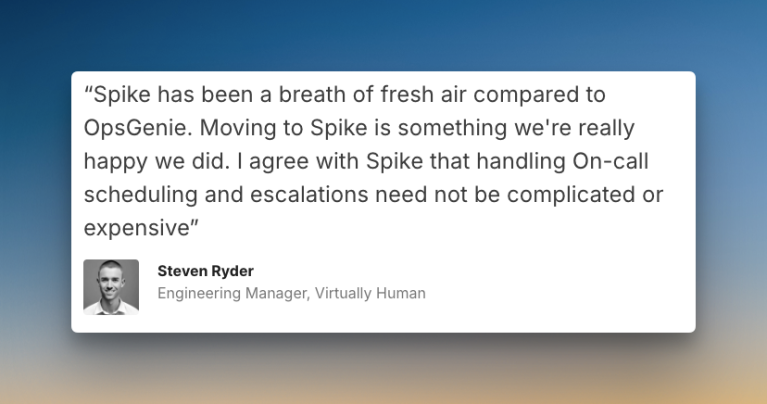
Hear what Steven Ryder, former Engineering Manager at Virtually Human, said about Spike
With OpsGenie shutting down, businesses are switching to Spike with 50% off. Learn more →
2. PagerDuty
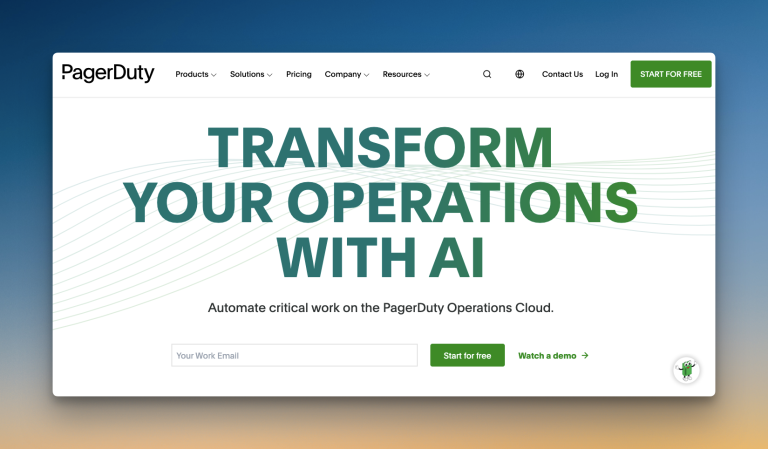
PagerDuty is an enterprise-grade incident management platform with robust on-call scheduling capabilities. It handles complex rotations and large teams well.
Why Choose PagerDuty Over JSM for On-Call Management
- PagerDuty also lets you duplicate individual schedule layers. You can also copy-paste layer configurations to other schedules. JSM only lets you duplicate entire schedules or rotations, not copy-paste individual layer configurations across schedules.
- PagerDuty offers more specific timeline views than JSM. You get 1 day, 4 days, 1 week, 2 weeks, and 30 days. JSM provides 1 day, 1 week, 2 weeks, and 1 month. PagerDuty’s 4-day view helps with mid-range planning.
- Both PagerDuty and JSM let you create overrides by clicking a button or the calendar. Both make the process simple.
- PagerDuty’s interface for creating schedules is more direct. JSM’s setup is nested within team pages, which adds extra clicks. For admins who manage many schedules, PagerDuty’s structured approach is often faster.
Limitations
PagerDuty places the calendar preview at the bottom, not side-by-side. This makes it less convenient than JSM’s side preview. You can’t clone entire schedules. Like JSM, there’s no activity log and no override history.
Starting Price: $25/user/month
Best For
Teams needing enterprise-grade on-call management with the ability to duplicate layers across schedules. It works well for large organizations that need a predictable structure and don’t mind the higher price.
3. Incident.io
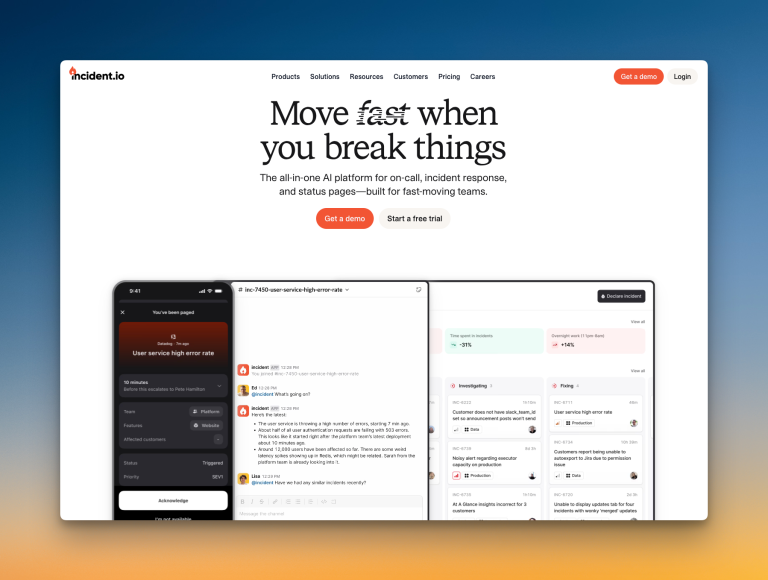
Incident.io is an incident management platform built heavily around Slack. It simplifies on-call management for teams that live in chat.
Why Choose Incident.io Over JSM for On-Call Management
- Incident.io lets you import public holidays from your HR software or add them manually. JSM doesn’t offer HR software integration. You add holidays manually if you want them in your schedules.
- You can set up concurrent shifts in Incident.io. This pairs two or more people for each shift. It works well for training or shared responsibility. JSM doesn’t support concurrent shifts.
- When editing a schedule, Incident.io shows a helpful before-and-after preview. You see exactly what changes before you save. JSM shows three preview tabs but not a before-and-after comparison.
- You can type overrides in plain language in Incident.io, like “Alice today from 6 pm to 10 pm.” The system understands and creates the override. JSM requires you to fill in form fields manually.
Limitations
Like JSM, Incident.io doesn’t have an activity log or override history. Also, you can’t add comments to overrides for context.
Starting Price: $19 (base fee) + $12/user/month (on-call)
Best For
Teams that live in Slack and want a fast, easy way to manage on-call schedules. It’s a good fit for those who value quick edits, shared shifts, plain-language overrides, and chat-based workflows.
4. Squadcast
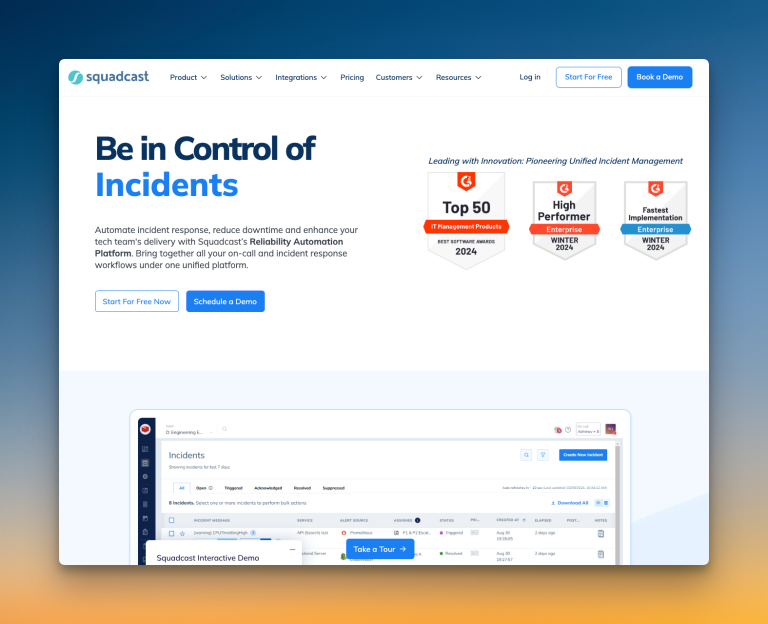
Squadcast is an incident management platform that puts a strong focus on flexible on-call scheduling and clear coverage visibility.
Why Choose Squadcast Over JSM for On-Call Management
- Squadcast provides preset rotation patterns like Daily 24×7, Daily Business hours, and Weekly Business hours. These templates help you get started quickly. JSM makes you configure everything from scratch.
- Squadcast has a built-in “View Gaps” feature. It spots coverage gaps instantly. These gaps appear in red on the calendar preview. JSM doesn’t highlight gaps. You need to scan the schedule manually.
- You get many instant edit options in Squadcast. You can clone schedules, pause them, export them, and add participants right from the dashboard. JSM requires you to open each schedule individually for most edits.
- Squadcast lets you add a reason when creating overrides. JSM doesn’t offer any comment or reason field at all.
Limitations
Like JSM, Squadcast also lacks activity logs and past override history. Plus, adding new rotations requires several clicks.
Starting Price: $12/user/month
Best For
Teams that want an on-call tool with rotation templates and clear coverage insights. It’s ideal for those who value filtering options and gap visibility.
5. Zenduty
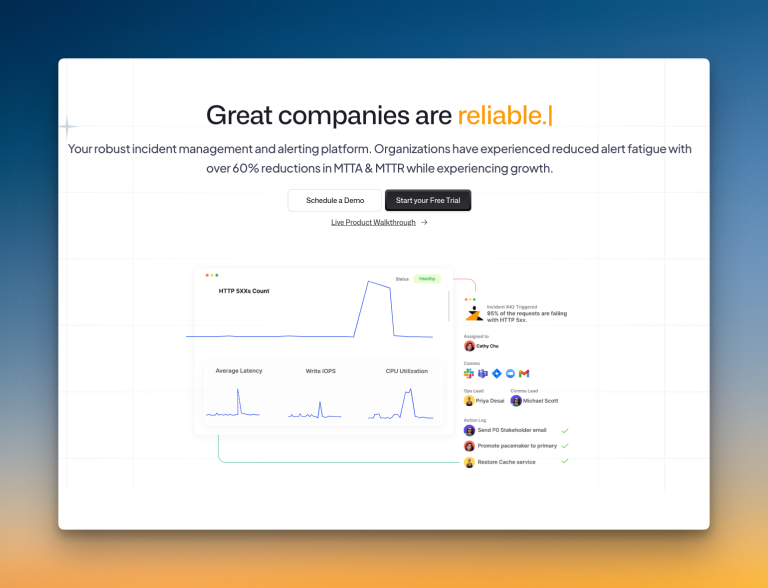
Zenduty is an incident management platform that offers on-call scheduling with some unique additions like AI-powered assistance.
Why Choose Zenduty Over JSM for On-Call Management
- Zenduty lets you use ZenAI to generate schedule layers. You give some prompts, and it creates layers for you. JSM doesn’t offer any AI assistance. You build everything manually.
- Zenduty provides an option to automatically adjust for daylight saving transitions. You toggle it on, and the system handles time changes. JSM requires manual updates when daylight saving happens.
- Zenduty shows a complete history of past and scheduled overrides. You see all coverage changes in one place. JSM doesn’t track override history at all.
- Both Zenduty and JSM let you duplicate entire schedules. Both save time when you need similar coverage patterns.
Limitations
Creating schedules in Zenduty requires navigating through Teams, then to a specific team, and then to schedules. This feels a bit nested. Zenduty also lacks an activity log for schedule changes. And you can’t add comments to overrides.
Starting Price: $6/user/month
Best For
Teams looking for AI-assisted schedule creation and override history tracking. It suits those who can overlook the team-nested navigation and missing activity log for a feature-rich tool at an affordable price.
On-Call Checklist: How Each Tool Stacks Up
| Criteria | JSM | Spike | PagerDuty | Incident.io | Squadcast | Zenduty |
|---|---|---|---|---|---|---|
| Ready-to-use schedule templates | ❌ | ✅ | ❌ | ❌ | ✅ | ❌ |
| Clone entire schedules | ✅ | ✅ | ❌ | ✅ | ✅ | ✅ |
| Favorites/starred schedules for quick access | ❌ | ✅ | ❌ | ❌ | ❌ | ❌ |
| Activity logs for schedule changes | ❌ | ✅ | ❌ | ❌ | ❌ | ❌ |
| Comments on overrides for context | ❌ | ✅ | ❌ | ❌ | ✅ | ❌ |
| Override history tracking | ❌ | ✅ | ❌ | ❌ | ❌ | ✅ |
| Side-by-side calendar preview | ✅ | ✅ | ❌ | ✅ | ✅ | ✅ |
| Export schedules as ICS files | ✅ | ✅ | ✅ | ❌ | ✅ | ✅ |
| Duplicate individual layers | ✅ | ❌ | ✅ | ❌ | ❌ | ❌ |
| “Take on-call for an hour” instant button | ✅ | ❌ | ❌ | ❌ | ❌ | ❌ |
Final Thoughts
After testing all these JSM alternatives for on-call management, each tool has its strengths. The best choice depends on your team’s workflow, budget, and specific needs.
Here’s a quick guide to help you choose:
- If you want the best all-around tool that’s fast, simple, and powerful, choose Spike
- If you need enterprise-grade features with layer duplication across schedules, PagerDuty works well
- If your team lives in Slack and values plain-language overrides, Incident.io is your best bet
- If you want pre-built rotation templates and gap visibility, try Squadcast
- If you value AI-assisted schedule creation and override history, Zenduty is worth a look
OpsGenie will shut down completely by April 2027. Now is the perfect time to explore your options and migrate on your own terms. If you want a tool that doesn’t just match OpsGenie but improves on it, Spike is worth a look.