
In the previous post, I reviewed PagerDuty’s incident response capabilities. It excels in key areas like strong Slack integration, powerful bi-directional Jira sync, and detailed incident timelines.
But you’re here, so something about PagerDuty didn’t work for you. Maybe it’s the expensive automation features, complex war room setup, or lack of team-level control over alerts.
Whatever the reason may be, this blog post presents 5 better PagerDuty alternatives for incident response. Plus, there’s a handy checklist that covers all the finer details.
Before we dive in, I’d like you to know that this isn’t just another listicle. I signed up for and thoroughly tested every tool mentioned here.
To be precise, I created a test service called Cron Job, integrated it with healthchecks.io, designed escalation policies, and triggered test alerts to evaluate how each tool handles different aspects of incident response, from triage to post-incident analysis.
My goal is to help you find the right PagerDuty alternative for your team.
Let’s get started.
Table of Contents
5 Better PagerDuty Alternatives for Incident Response
| Tool | Best for | Starting Price |
|---|---|---|
| Spike | Teams wanting a straightforward, cost-effective incident response platform with powerful automation. | $7/user/month |
| Incident.io | Teams that live in Slack or Microsoft Teams and want extensive customization options. | $19 base + $12/on-call user/month |
| Squadcast | Reliability engineering teams that need advanced alert routing and noise reduction. | $12/user/month |
| Zenduty | Teams that need comprehensive stakeholder communication tools with detailed workflow management. | $6/user/month |
| OpsGenie | N/A (Service is shutting down in April 2027 and no longer available for new signups) | N/A |
1. Spike
Spike is a modern incident management platform built to be a simpler, more affordable alternative to PagerDuty. It handles the complete incident lifecycle without complex workflows and high costs.
Why Choose Spike as a PagerDuty Alternative for Incident Response
- You get a flexible initial response with auto-acknowledgment and wait times for self-resolving issues. Plus, both teams and individuals control how alerts are delivered.
- Creating war rooms and tickets is simple with one-click actions. You can instantly start Google Meet calls or create Jira, Linear, and ClickUp tickets without complex workflow setup.
- Status pages are included on all plans with no subscriber limits or hidden fees. You can create both public and private pages with custom branding and domain hosting.
- Timeline tracking captures everything in one place, from alert triggers to playbook actions. You can add resolution notes and trigger webhooks for automated postmortem creation.
Limitations
Unlike PagerDuty, Spike doesn’t have native Zoom integration. Also, it lacks bi-directional Jira sync. And there are no built-in postmortem templates.
Starting Price: $7/user/month
Best for
Teams that want a straightforward, cost-effective incident response platform with powerful automation. Perfect for organizations that need a quick setup without complexity.
Hear what Muhammad Hani, Head of Engineering at Thndr, said about Spike
2. Incident.io
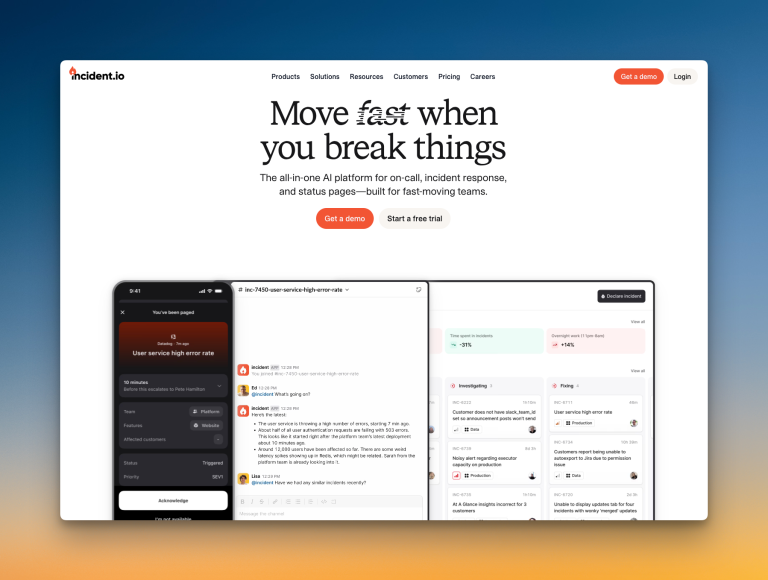
Incident.io is a chat-native incident management platform built for teams that operate primarily in Slack and Microsoft Teams. It offers deep customization and workflow automation for incident response.
Why Choose Incident.io as a PagerDuty Alternative for Incident Response
- You can hold alerts in triage state until a responder declares them incidents. This helps you reduce alert noise.
- Dedicated Slack channels are created automatically for every incident with smart archiving. War rooms support Zoom, Google Meet, and custom solutions with workflow automation.
- Status page updates happen directly from Slack or through automated workflows. You also get customizable message templates.
- Post-incident analysis includes structured flows with assigned tasks and deadlines. You get automated follow-up creation in issue trackers plus customizable postmortem templates.
Limitations
Status pages are severely limited on lower plans, with only one external page until the Enterprise tier. There’s no manual ticket creation button for quick Jira or Linear tickets. Auto-acknowledgment and wait times in escalations aren’t available.
Starting Price: $19 base + $12/on-call user/month
Best for
Teams that live in Slack or Microsoft Teams and want extensive customization options. Good fit for organizations that don’t mind a complex setup in exchange for powerful workflow automation.
3. Squadcast
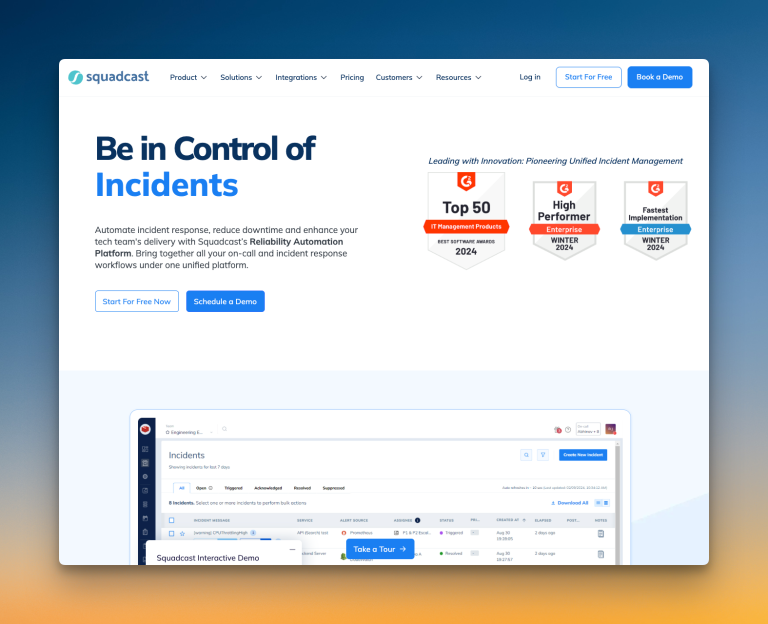
Squadcast is an incident management platform designed for reliability engineering teams. It offers advanced alert routing with machine learning capabilities.
Why Choose Squadcast as a PagerDuty Alternative for Incident Response
- You get flexible escalation with round-robin routing, acknowledgment timeouts, and custom working hours.
- It supports automatic creation of dedicated Slack channels for incidents. You can also automate the addition of video conferencing links to war rooms using workflows.
- Squadcast allows you to create both public and private status pages. You can also customize them and update them manually or automatically through workflows.
- You get a unified incident timeline that logs all actions and events. A one-click button helps you create postmortems, which are then stored in a dedicated section for easy access.
Limitations
Squadcast does not offer native Google Meet or Zoom integration for war rooms; you must manually add links. There is no auto-acknowledgment feature, and creating Jira tickets directly from alert channels or the dashboard is not possible without Workflows.
Starting Price: $12/user/month
Best for
Reliability engineering teams who need advanced alert routing and noise reduction. It’s a good fit for organizations that value detailed workflow automation and structured post-incident analysis.
4. Zenduty
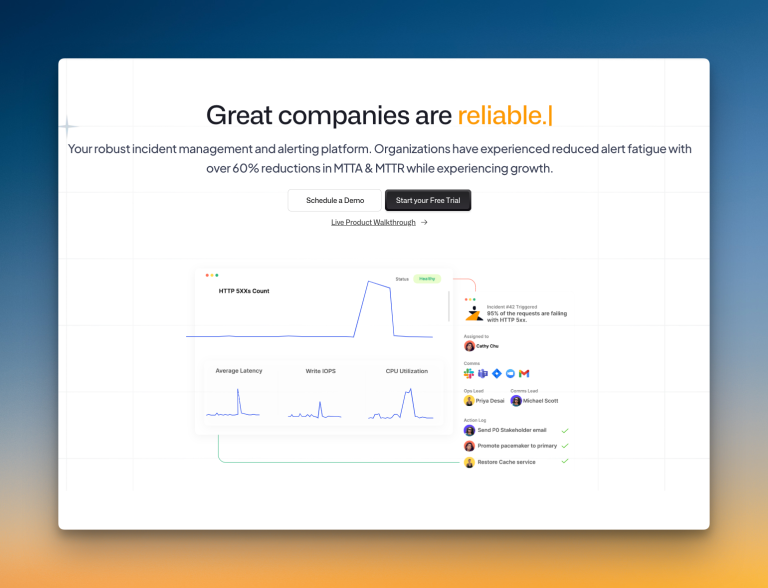
Zenduty is an incident management platform that focuses on structured workflows and stakeholder communication. It offers detailed task management and SLA tracking.
Why Choose Zenduty as a PagerDuty Alternative for Incident Response
- Zenduty offers structured incident triage. You can auto-acknowledge incidents with workflows and use forwarding rules to route alerts when on-call responders are unavailable.
- It offers instant war room creation from the dashboard or Slack if you configure your video conferencing tools as outgoing integrations. It also has two-way Jira integration.
- You can add stakeholders to incidents and send messages directly from the dashboard. You can also create templates for consistent communication.
- Zenduty provides a single, unified timeline for all incident activities. You can also generate postmortems with AI.
Limitations
Zenduty does not include a built-in status page; it relies on integrations like Atlassian’s Statuspage.io, which adds cost. Its workflow triggers are limited to “incident created”, and escalation policy repetition delay is fixed at one minute (too short for many teams).
Starting Price: $6/user/month
Best for
Teams that need a structured incident response with detailed workflow management. Good fit for organizations wanting bi-directional Jira integration and comprehensive stakeholder communication tools.
5. OpsGenie
Many blogs list OpsGenie as a top PagerDuty alternative. It’s a popular tool for incident response, much like PagerDuty itself.
But I’m not going to discuss its features here. The reason is simple: You can’t sign up for OpsGenie anymore.
Atlassian stopped new sales for OpsGenie on June 4, 2025, and scheduled a complete shutdown for April 2027.
I’ve covered the OpsGenie shutdown in detail in these posts:
- OpsGenie Shutdown: What You Need to Know and Your Next Steps
- OpsGenie Alternatives: Your 12-Point Evaluation Checklist
- 6 Better OpsGenie Alternatives You Can Switch To
With OpsGenie shutting down, businesses are switching to Spike with 50% off. Learn more →
Incident Response Checklist: How Each Tool Stacks Up
While we’ve covered the incident response capabilities of each tool in detail, there are specific features that can make a real difference in your daily operations. This checklist breaks down those key specifics for you.
| Checklist Item | Spike | PagerDuty | Incident.io | Squadcast | Zenduty |
|---|---|---|---|---|---|
| Separate spaces for teams to manage their incidents | ✅ | ✅ | ✅ | ✅ | ✅ |
| Automatic incident suppression | ✅ | ✅ | ✅ | ✅ | ✅ |
| Granular control over incident suppression | ❌ | ✅ | ✅ | ✅ | ❌ |
| Trigger incidents from incoming emails directly | ✅ | ✅ | ❌ | ✅ | ✅ |
| Trigger external webhooks automatically | ✅ | ✅ | ✅ | ✅ | ✅ |
| Auto-resolve incidents when system is healthy | ✅ | ✅ | ✅ | ✅ | ✅ |
| Auto-detect incident severity and priority | ✅ | ✅ | ✅ | ✅ | ❌ |
| Route alerts based on severity and priority | ✅ | ✅ | ✅ | ✅ | ❌ |
| Route alerts based on time of day | ✅ | ✅ | ✅ | ✅ | ✅ |
| Acknowledge alerts on email | ✅ | ❌ | ❌ | ❌ | ✅ |
| Auto-update status page incidents | ✅ | ✅ | ✅ | ✅ | ✅ |
| Ready-to-use templates (escalations, alert rules, and on-call) | ✅ | ❌ | ❌ | ❌ | ❌ |
Here’s how each tool scored based on the checklist above. Each ✅ represents one point, giving you a quick overview of which platforms offer the most comprehensive incident response features.
| Tool | Score (out of 12) |
|---|---|
| Spike | 11 |
| PagerDuty | 10 |
| Incident.io | 9 |
| Squadcast | 10 |
| Zenduty | 8 |
Spike tops the list with the broadest set of incident response features that matter in your daily operations.
Final Thoughts
Each PagerDuty alternative offers something different for incident response teams.
Incident.io provides deep Slack integration. Squadcast brings machine learning to alert routing. Zenduty focuses on structured processes and stakeholder management.
However, most teams need a balance of powerful features and simplicity. The checklist reveals that Spike delivers the most comprehensive incident response capabilities without complexity.
For teams wanting effective incident management without breaking the budget or overwhelming workflows, Spike is the clear choice.