
When I reviewed Zenduty, I found that it gets the core incident management features right: Flexible escalation policies, dedicated Slack channels for incidents, two-way Jira integration, and complete incident timelines with postmortem support.
But you’re here looking for Zenduty alternatives, likely for a reason. Maybe you need a built-in status page instead of paying extra for third-party tools. Perhaps you want more flexible workflow triggers or shorter setup time.
To help you, I’ve shared 5 better Zenduty alternatives in this blog post. I also included a feature checklist that covers all the finer details.
This isn’t just another listicle. I personally signed up for and tested each tool thoroughly. I set up services, configured alert channels, designed escalation policies, and built on-call schedules to test their alerting, incident response, and on-call management capabilities.
My goal is to help you find the best Zenduty alternative for your team’s incident management needs.
Let’s get started.
Table of Contents
5 Better Zenduty Alternatives for Incident Management
| Tool | Best For | Starting Price |
|---|---|---|
| Spike | Teams of all sizes who want a straightforward, cost-effective incident management platform with powerful automation | $7/user/month |
| PagerDuty | Large enterprises needing advanced automation and ML insights and has the budget for them | $25/user/month |
| Incident.io | Teams that live in Slack or Microsoft Teams and want deep customization with structured post-incident flows | $19 base + $12/on-call user/month |
| Squadcast | Reliability engineering teams that need machine learning-based alert grouping and advanced alert routing | $12/user/month |
| OpsGenie | No longer available (new sales ended on June 4, 2025) | N/A |
1. Spike
Spike is a modern incident management platform built to be simpler and more affordable than most alternatives. It handles the complete incident lifecycle, from alerting to post-incident analysis, without complex workflows and high costs.
Why Choose Spike as a Zenduty Alternative for Incident Management
- You get both team and individual control over alerts. Managers can set specific alert methods, while users can still set personal preferences. Spike offers powerful automation with alert rules and playbooks to reduce alert noise.
- Creating war rooms and tickets is simple with one-click actions. You can instantly start Google Meet calls or create Jira, Linear, and ClickUp tickets without complex workflow setup.
- On-call scheduling is fast with a live calendar preview on the side. You can clone entire schedules, add override comments for context, and trigger webhooks when shifts change to automate tasks like granting database access to on-call responders.
- Status pages are included on all plans with no subscriber limits or hidden fees. Timeline tracking captures everything from alert triggers to resolution notes, and you can trigger webhooks for automated postmortem creation.
Spike also offers ready-to-use templates to create escalation policies, on-call schedules, and alert rules. This way, you don’t have to set up things from scratch and can get started quickly.
Limitations
Unlike Zenduty, Spike doesn’t offer native Zoom integration or bi-directional Jira sync. It also lacks built-in postmortem templates and doesn’t let you duplicate individual schedule layers.
Starting Price: $7/user/month
Best for
Teams that want a straightforward, cost-effective incident management platform with powerful automation. Perfect for organizations that need a quick setup without complexity.
Hear what Muhammad Hani, Head of Engineering at Thndr, said about Spike
2. PagerDuty
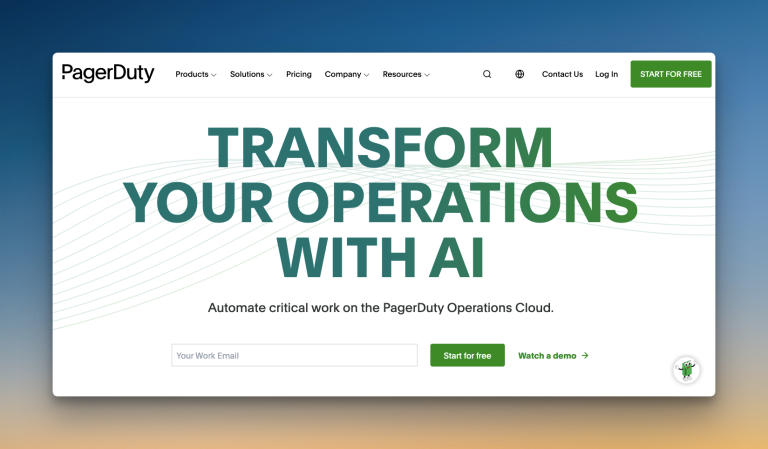
PagerDuty is a veteran player in the incident management space. It is known for its extensive integrations and comprehensive feature set aimed at large organizations.
Why Choose PagerDuty as a Zenduty Alternative for Incident Management
- Slack alerts offer tons of options: acknowledge, resolve, add notes, create incident channels, assign roles, add tasks, change priority, escalate, and more. This makes managing incidents from chat convenient.
- PagerDuty handles on-call shift notifications through escalation policies. You can control which services trigger handoff alerts. This means you can get shift notifications only for critical services while keeping non-critical ones quiet.
- It offers strong bi-directional sync with Jira. You can create and update Jira tickets directly from PagerDuty and see those changes reflected in both tools.
- PagerDuty automatically handles alert deduplication, grouping, and suppression to reduce repeat notifications. For advanced noise reduction, PagerDuty offers AIOps, which uses machine learning to find patterns and group related incidents.
Limitations
PagerDuty only allows individual control over alerts. There is no team-level control. Getting alerts in specific Slack channels requires extra steps. Email alerts don’t let you take action by replying directly. The paid plans are expensive for most teams. AIOps costs an extra $799/month, even on Enterprise plans.
Starting Price: $25/user/month
Best for
Teams that need robust bi-directional Jira sync and service-based on-call handoff notifications. Good fit for organizations that have the budget for its premium features.
3. Incident.io
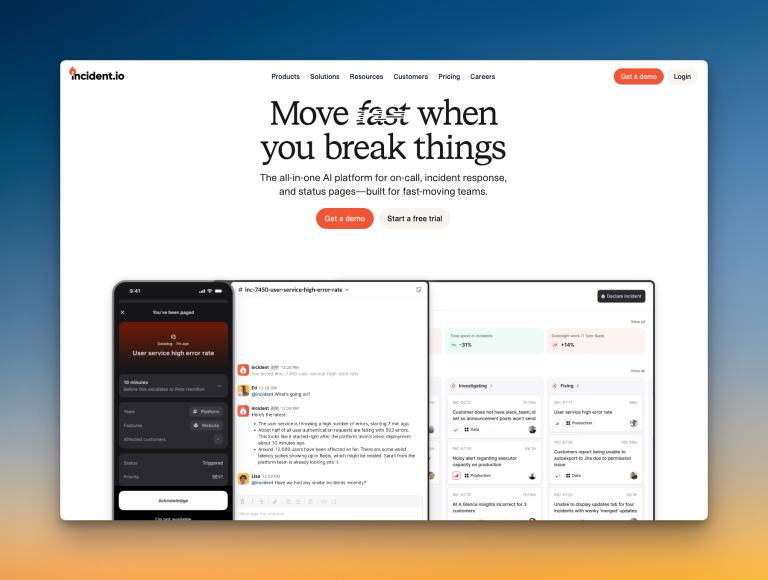
Incident.io is a chat-native incident management platform. It is built for teams that work mainly in Slack and Microsoft Teams.
Why Choose Incident.io as a Zenduty Alternative for Incident Management
- You can hold alerts in a triage state to reduce noise. Escalation policies use an intuitive flowchart style to route alerts based on conditions like working hours or priority.
- It automatically creates dedicated Slack channels for each incident. Post-incident analysis includes structured flows with assigned tasks and deadlines.
- Creating on-call schedules is straightforward. You can import public holidays and set up concurrent shifts for training or shared coverage.
- You can create overrides by typing in plain language, like “Alice today from 6 pm to 10 pm.” The tool also shows a helpful before-and-after preview when you edit a schedule.
Limitations
The initial setup can be complex, and its many options can be overwhelming. Status pages are severely limited on lower plans. It lacks features like auto-acknowledgment or a main calendar view for on-call schedules.
Starting Price: $19 base + $12/on-call user/month
Best for
Teams that live in Slack or Microsoft Teams and want deep customization with structured post-incident flows. Good fit for those who don’t mind a complex setup in exchange for good workflow automation.
4. Squadcast
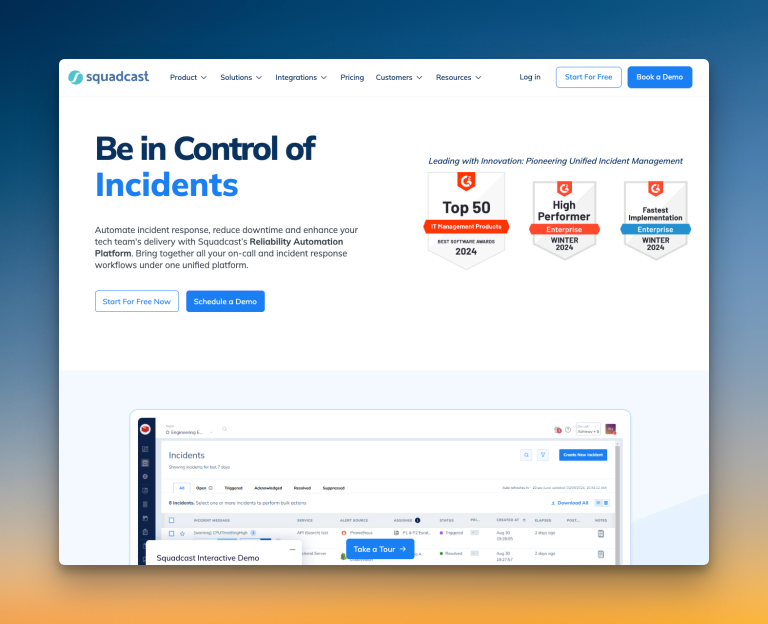
Squadcast is an incident management platform designed for reliability engineering teams. It offers advanced alert routing and intelligent noise reduction.
Why Choose Squadcast as a Zenduty Alternative for Incident Management
- It uses machine learning to group related alerts and reduce noise. You can also set working hours for each service to route alerts differently during non-working hours.
- You get flexible escalation policies with round-robin routing. Policies can also repeat, send reminders, or re-trigger if an incident is not resolved.
- It supports automatic creation of dedicated Slack channels for incidents. You also get a unified incident timeline and a one-click button to create postmortems.
- Creating on-call schedules is easy with pre-set rotation patterns. A built-in feature helps you spot coverage gaps instantly, and you can add a reason for overrides to give your team more context.
Limitations
You cannot trigger test alerts to check if your notification channels are working. It also lacks native Google Meet or Zoom integration. And the platform offers many configuration options, which can mean too many decisions during setup.
Starting Price: $12/user/month
Best for
Reliability engineering teams that need machine learning-based alert grouping and advanced alert routing. Good fit for organizations that value detailed workflow automation and structured post-incident analysis.
5. OpsGenie
Though OpsGenie is a popular incident management solution, I didn’t review it.
The reason is simple: Atlassian is shutting down OpsGenie. They have already ended new sales for OpsGenie on June 4, 2025, and scheduled a complete shutdown in April 2027.
I’ve covered more about it in these blog posts:
- OpsGenie Shutdown: What You Need to Know and Your Next Steps
- OpsGenie Alternatives: Your 12-Point Evaluation Checklist
- 6 Better OpsGenie Alternatives You Can Switch To
With OpsGenie shutting down, businesses are switching to Spike with 50% off. Learn more →
Incident Management Checklist: How Each Tool Stacks Up
I’ve discussed all the core incident management features of each tool. But certain details can make a real difference in your daily work. This checklist breaks down those specifics for you.
| Feature | Zenduty | Spike | PagerDuty | Incident.io | Squadcast |
|---|---|---|---|---|---|
| Separate spaces for teams to manage their incidents | ✅ | ✅ | ✅ | ✅ | ✅ |
| Automatic incident suppression | ✅ | ✅ | ✅ | ✅ | ✅ |
| Trigger incidents from incoming emails directly | ✅ | ✅ | ✅ | ❌ | ✅ |
| Trigger external webhooks automatically | ✅ | ✅ | ✅ | ✅ | ✅ |
| Auto-resolve incidents when system is healthy | ✅ | ✅ | ✅ | ✅ | ✅ |
| Auto-acknowledge incidents | ✅ | ✅ | ❌ | ❌ | ❌ |
| Auto-detect incident severity and priority | ❌ | ✅ | ✅ | ✅ | ✅ |
| Route alerts based on severity and priority | ❌ | ✅ | ✅ | ✅ | ✅ |
| Automatic postmortem creation | ✅ | ❌ | ✅ | ✅ | ✅ |
| Ready-to-use templates (escalations, alert rules, and on-call) | ❌ | ✅ | ❌ | ❌ | ❌ |
| Out-of-office routing for on-call responders | ✅ | ✅ | ✅ | ✅ | ✅ |
| Auto-update status page incidents | ✅ | ✅ | ✅ | ✅ | ✅ |
Final Thoughts
Every Zenduty alternative I discussed here brings something unique to the table.
However, most teams need a solid all-rounder. A tool that handles alerting, response, and on-call well without a steep learning curve or a high price tag.
Spike was built to be that tool. It’s a straightforward, cost-effective platform that solves the daily frustrations teams often face with Zenduty.
If you want to see how it can help your team, you can test it out for free.