
When I reviewed Incident.io, I found that it handles all the core elements of incident management well. Plus, it has deep Slack integration, flowchat-style escalations, and structured post-incident flows.
But you are here looking for Incident.io alternatives. So, you probably have a good reason for it. Maybe its deep Slack focus doesn’t fit your team’s workflow. You find it expensive with its separate pricing for on-call management. Or you just need more control over alerts.
Whatever the reason is, this blog post lists 5 better Incident.io alternatives. Plus, you’ll find a feature checklist at the end, which covers all the finer details.
This isn’t just another listicle. I signed up for and tested each tool mentioned here. I set up services, configured alert channels, designed escalation policies, and built on-call schedules to test their alerting, incident response, and on-call management capabilities.
My goal is simple: To help you choose the best Incident.io alternative for your team.
Let’s dive in!
Table of Contents
5 Better Incident.io Alternatives for Incident Management
| Tool | Best For | Starting Price |
|---|---|---|
| Spike | Teams wanting a straightforward, cost-effective incident management platform with powerful automation | $7/user/month |
| PagerDuty | Large enterprises needing robust workflows and bi-directional Jira sync | $25/user/month |
| Squadcast | Reliability engineering teams that need machine learning-based alert grouping and flexible routing | $12/user/month |
| Zenduty | Teams needing task templates, SLA policies, and structured stakeholder communication | $6/user/month |
| Splunk OnCall | Teams already using Splunk’s ecosystem who want deep data analytics alongside incident management | $15/user/month |
1. Spike
Spike is a modern incident management platform trusted by teams across 40+ countries. It offers a simple, user-friendly interface with powerful automation features. It covers the full incident lifecycle without high costs or complex setups.
Why Choose Spike as an Incident.io Alternative for Incident Management
- Spike gives both teams and individuals control over alerts. Managers can set specific alert methods, but users can still set their own preferences without breaking the team workflows. It also offers powerful automation with Alert Rules and Playbooks to reduce noise.
- Creating war rooms and tickets is simple. You can start Google Meet calls or create Jira, Linear, and ClickUp tickets with one click. No complex setup is needed.
- You can create on-call schedules, clone them, and add comments to overrides—all at no extra cost. You can also trigger webhooks when shifts change to run automations like granting/revoking database access to on-call engineers.
- Status pages are included on all plans. There are no subscriber limits or hidden fees. You can customize your status page, add a domain to it, and optimize it for SEO. Plus, you can use Playbooks to automatically create/resolve an incident on the status page.
Spike also offers ready-to-use templates to create escalation policies, on-call schedules, and alert rules so you can get started quickly.
Limitations
Unlike Incident.io, Spike doesn’t create dedicated Slack channels automatically for each incident, but lets you do it manually through Slack commands. It lacks native Zoom integration and doesn’t have built-in postmortem templates.
Starting Price: $7/user/month
Best for
Teams that want a straightforward, cost-effective incident management platform with powerful automation. Perfect for organizations that need a quick setup without complexity.
Hear what Sankalp Sharma, CTO of Sportskeeds, said about Spike

2. PagerDuty
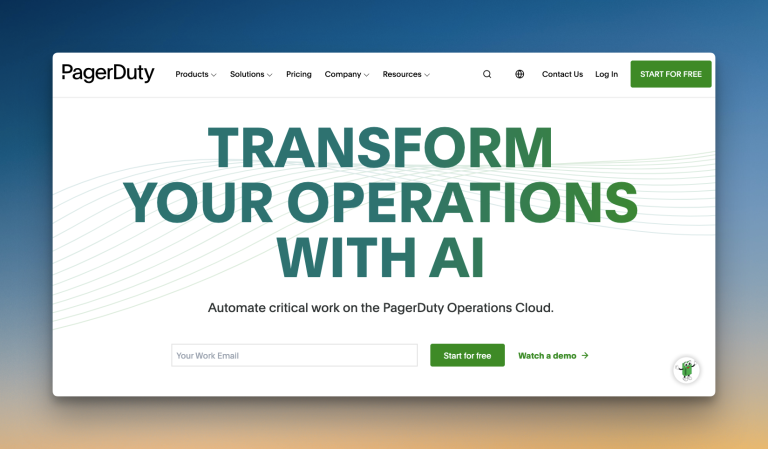
PagerDuty is a comprehensive incident management platform designed for large enterprises. It offers advanced automation, bi-directional Jira sync, and extensive integration options.
Why Choose PagerDuty as an Incident.io Alternative for Incident Management
- PagerDuty lets you add separate numbers for phone calls and SMS alerts. You can also trigger test alerts instantly to check if configurations work properly.
- It offers robust bi-directional sync with Jira for seamless ticket management. This means changes in Jira automatically reflect in PagerDuty and vice versa.
- Unlike Incident.io, PagerDuty delivers service-based on-call handoff notifications. You can control which services trigger shift alerts, reducing noise when managing multiple services.
- PagerDuty automatically handles alert deduplication, grouping, and suppression. It also offers ML-based noise reduction capabilities.
Limitations:
The initial setup can be complex. Getting alerts in specific Slack channels requires extra steps. Status pages are available with subscriber restrictions. ML-based noise reduction is only available with AIOps, which is an add-on costing $799/month.
Starting Price: $25/user/month
Best for
Large enterprises that need robust workflows and bi-directional Jira sync. Good fit for organizations with a budget for advanced automation and machine learning capabilities.
3. Squadcast

Squadcast is an incident management platform designed for reliability engineering teams. It offers advanced alert routing and ML-based noise reduction.
Why Choose Squadcast as an Incident.io Alternative for Incident Management
- Unlike Incident.io, Squadcast gives both teams and individuals control over how they get alerted. You can route alerts using personal preferences or set custom rules.
- You get flexible escalation policies with round-robin routing. At the end of each policy, you have options to repeat it, send acknowledge reminders, and re-trigger incidents if acknowledged but not resolved.
- Creating on-call schedules is easy with preset rotation patterns. It also has a built-in feature called View Gaps that helps you spot coverage gaps instantly on the calendar.
- You get a unified incident timeline and a one-click button to create postmortems with AI-generated summaries.
Limitations
You cannot trigger test alerts to check if your alert channels are properly configured. It also lacks native Google Meet and Zoom integrations. The platform offers too many configuration options, which can create decision fatigue during the setup.
Starting Price: $12/user/month
Best for
Reliability engineering teams that need machine learning-based alert grouping and flexible routing. Good fit for organizations that value workflow automation and detailed post-incident analysis.
4. Zenduty
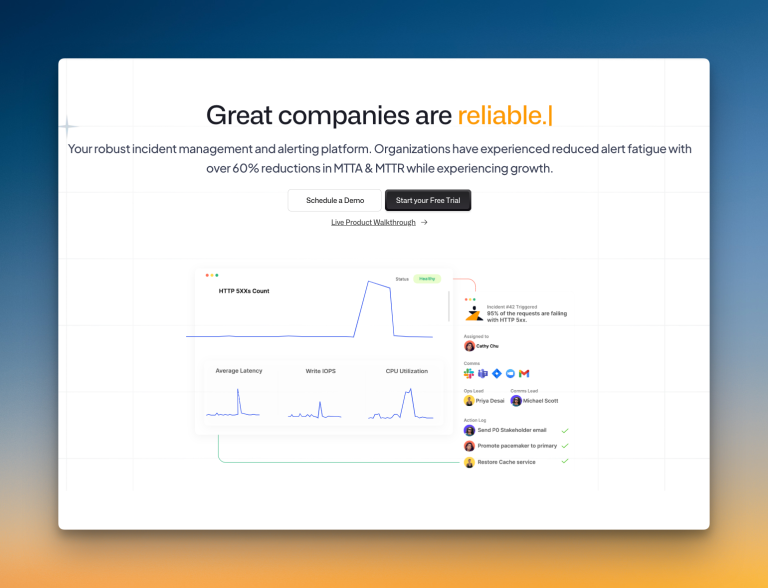
Zenduty is an incident management platform focused on structured workflows and stakeholder communication. It offers task templates, SLA policies, and comprehensive communication tools.
Why Choose Zenduty as an Incident.io Alternative for Incident Management
- While creating services, Zenduty lets you add task templates that work like checklists for new team members. You can also add SLA policies that set response time targets.
- Escalation policies include a “Move to next rule if no user is found” option. This prevents policies from getting stuck if you forgot to add someone.
- Each incident has a separate “Stakeholders” tab where you can add people, draft messages, and send updates. You can also create stakeholder message templates and add them on the fly.
- Zenduty provides custom postmortem fields and templates you can create and reuse. The postmortem report can be generated with AI.
Limitations
Zenduty doesn’t include a built-in status page. The repeat escalation delay is fixed at 1 minute, which is too short. Workflow triggers only support “Incident Created.” And routing alerts to specific Slack channels involves creating outgoing integrations, which adds more steps.
Starting Price: $6/user/month
Best for
Teams that want task templates and SLA policies. Good fit for organizations that need structured stakeholder communication and detailed postmortem workflows.
5. Splunk OnCall
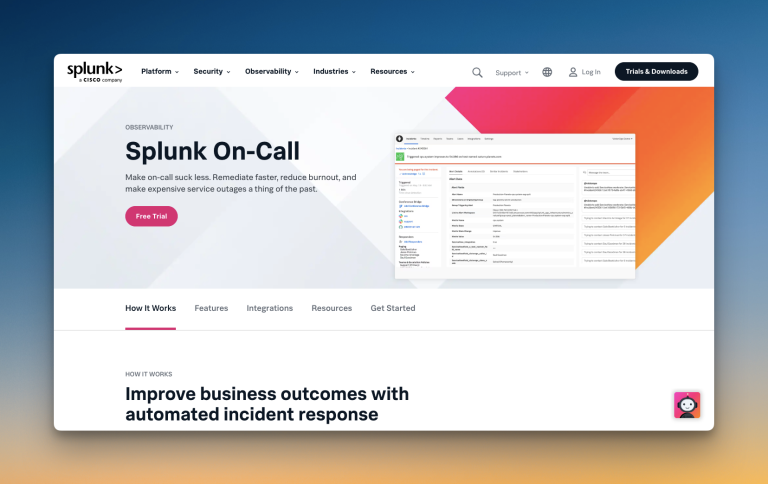
Splunk Oncall (formerly VictorOps) combines data analytics with incident response capabilities. It brings Splunk’s powerful analytics directly into your incident management workflow.
Why Choose Splunk Oncall as an Incident.io Alternative
- As part of the Splunk platform, you get seamless integration with Splunk logs and hundreds of existing tools.
- Your alerts come with rich context from Splunk’s observability data. Plus, ML-based routing sends alerts to the right experts.
- From rotations to overrides, everything is designed to make on-call management easier. Plus, ML-based recommendations help distribute on-call duties based on expertise and past incident handling.
- Your team gets instant access to similar historical incidents, runbooks, and relevant dashboards to speed up resolution.
Limitations:
The platform’s main advantages are tied to the Splunk ecosystem. Teams not using Splunk may find it less beneficial than more standalone tools.
The user interface can feel cluttered, and some users find the configuration for alerts and escalations to be less granular than other tools. Also, you can only see your own team’s on-call schedule, which limits cross-team visibility.
Starting Price: $15/user/month
Best Suited For:
Teams already using Splunk’s ecosystem who want deep data analysis capabilities alongside incident management.
What About OpsGenie?
Though OpsGenie is a popular incident management tool, I didn’t include it in this list. The reason is simple: Atlassian is shutting down OpsGenie. They have already ended new sales for OpsGenie on June 4, 2025, and scheduled a complete shutdown in April 2027.
I’ve covered more about it in these blog posts:
- OpsGenie Shutdown: What You Need to Know and Your Next Steps
- OpsGenie Alternatives: Your 12-Point Evaluation Checklist
- 6 Better OpsGenie Alternatives You Can Switch To
With OpsGenie shutting down, businesses are switching to Spike with 50% off. Learn more →
Incident Management Feature Checklist: How Each Tool Stacks Up
Though I’ve discussed all the core incident management features of each tool, there are still some finer details that matter. And this checklist covers those specifics.
| Feature | Incident.io | Spike | PagerDuty | Squadcast | Zenduty | Splunk OnCall |
|---|---|---|---|---|---|---|
| Separate spaces for teams to manage their incidents | ✅ | ✅ | ✅ | ✅ | ✅ | ✅ |
| Trigger incidents from incoming emails directly | ❌ | ✅ | ✅ | ✅ | ✅ | ✅ |
| Trigger external webhooks automatically | ✅ | ✅ | ✅ | ✅ | ✅ | ✅ |
| Auto-resolve incidents when system is healthy | ✅ | ✅ | ✅ | ✅ | ✅ | ✅ |
| Route alerts based on severity and priority | ✅ | ✅ | ✅ | ✅ | ❌ | ✅ |
| Route alerts based on time of day | ✅ | ✅ | ✅ | ✅ | ✅ | ✅ |
| Out-of-office routing for on-call responders | ✅ | ✅ | ✅ | ✅ | ✅ | ✅ |
| Ready-to-use templates (escalations, alert rules, and on-call) | ❌ | ✅ | ❌ | ❌ | ❌ | ❌ |
| Auto-acknowledge incidents | ❌ | ✅ | ❌ | ❌ | ✅ | ❌ |
| Automatic postmortem creation | ✅ | ❌ | ✅ | ✅ | ✅ | ✅ |
Final Thoughts
Every Incident.io alternative on this list has its place. Your final decision depends on your team’s specific needs.
Most teams look for a tool that is both powerful and easy to use. Spike was built to be that tool. It handles alerting, on-call, and response well without high costs or complexity.
If you need a solid all-rounder that just works, Spike is worth a look.