
Going on-call for the first time can feel a bit overwhelming, but a little prep work makes it smooth and stress-free.
This guide covers five things to set up before you start your first on-call shift. They help you stay on top of your on-call schedule, get on-call notifications, and have a backup in place.
By the end, you’ll be ready to handle your first on-call shift with confidence.
Table of contents
1. Sync on-call schedule with personal calendar
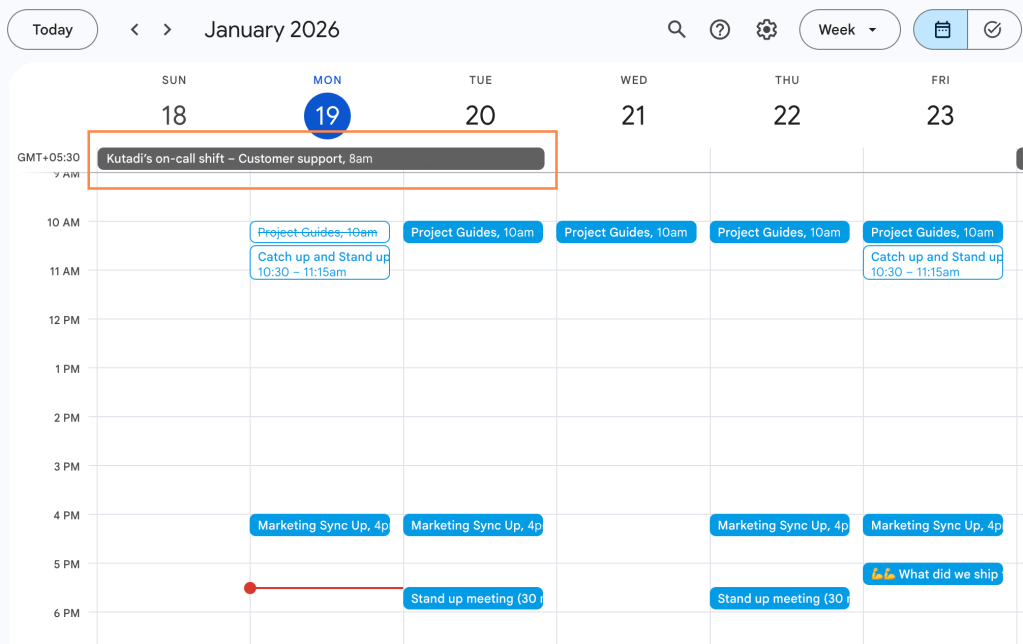
Start by syncing your on-call schedule with your personal calendar (Google Calendar, Apple Calendar, or Outlook). It’s quite handy for planning your week without having to open your on-call tool every time you want to check when your shift starts.
2. Download the mobile app
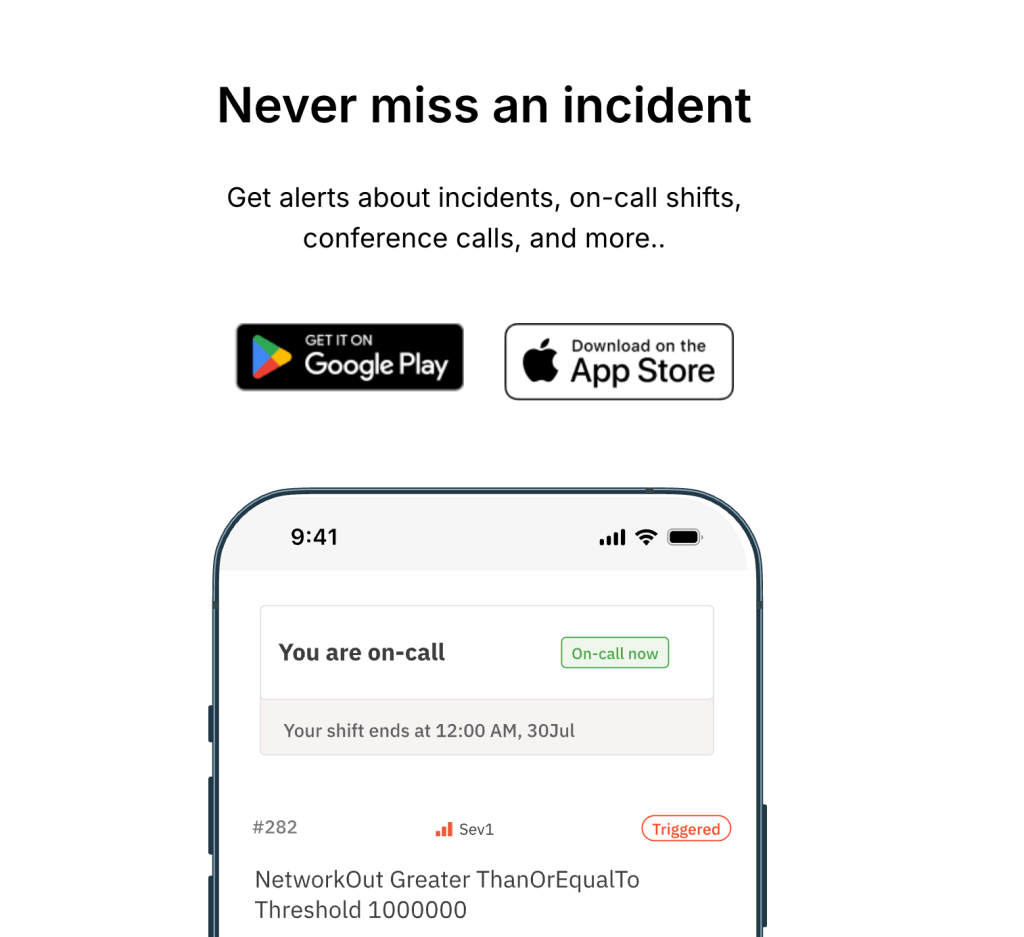
Once your schedule is live, it’s worth downloading the mobile app. This lets you check your on-call calendar on the go. Also, the mobile app makes it easy to acknowledge incidents and update their status while you’re away from your desk.
Download Spike’s mobile app here →
3. Enable on-call notifications
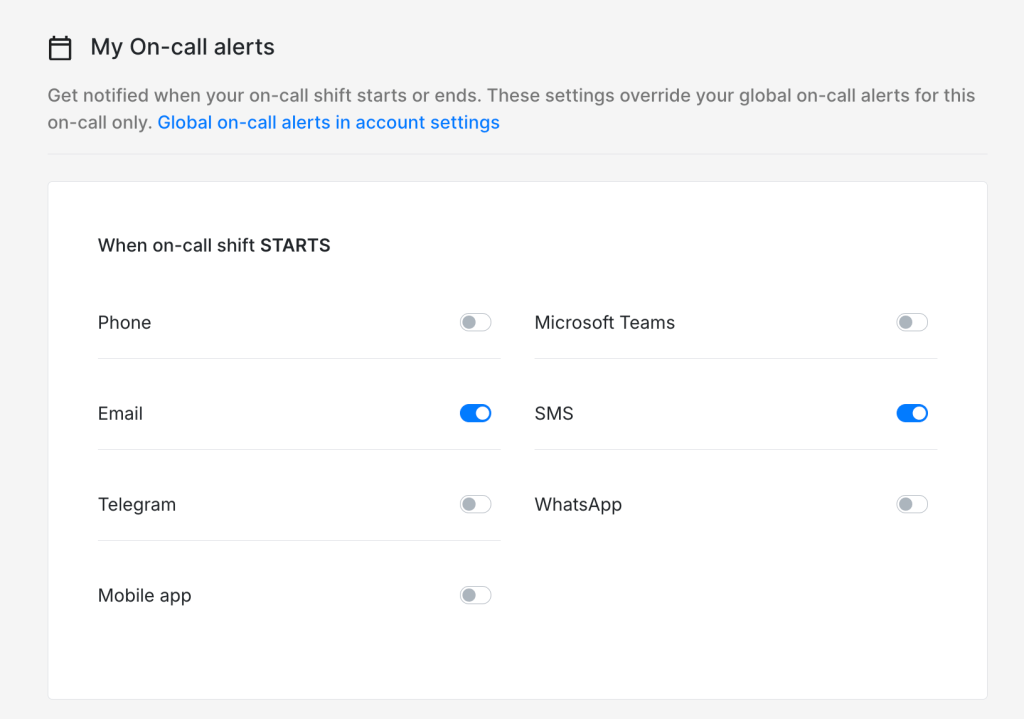
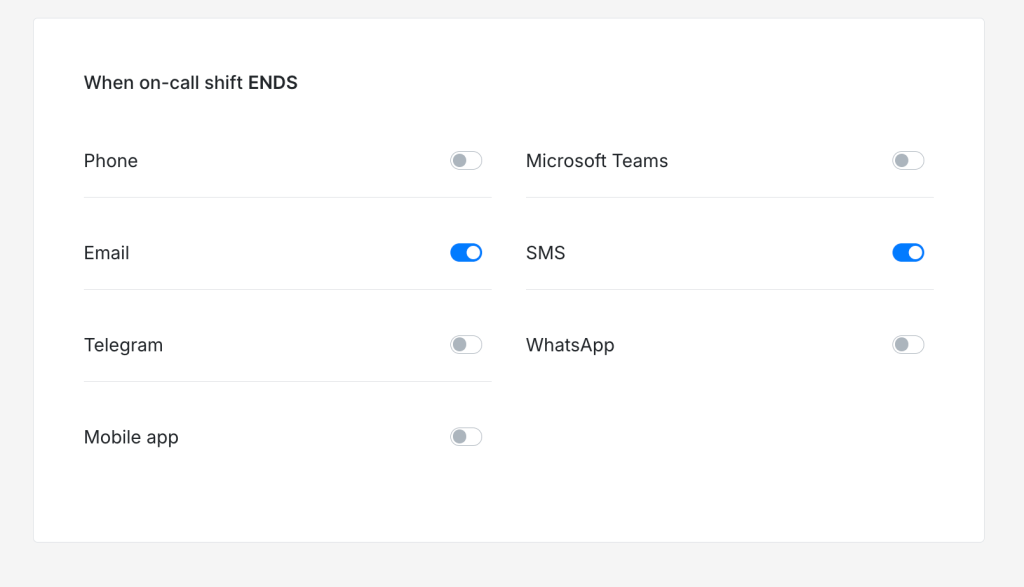
You’ll probably want to get notified when your on-call shift starts and ends, so you’re never caught off guard. Tools like Spike let you configure these notifications on your preferred channels—phone call, SMS, email, WhatsApp, Telegram, Microsoft Teams, or the mobile app.
4. Add a backup responder
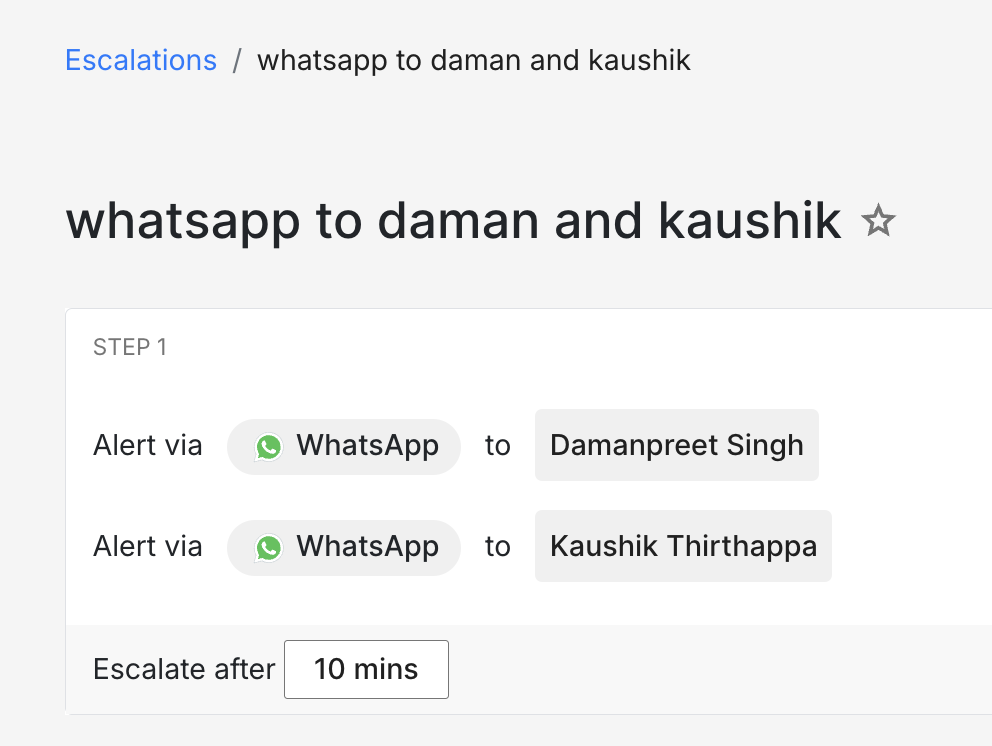
It often helps to have a backup responder in case you miss an alert or get stuck during an incident. A Subject Matter Expert (SME) makes a great backup responder, but if you don’t have one on your team yet, you can just add a fellow engineer as backup.
5. Add holiday calendar
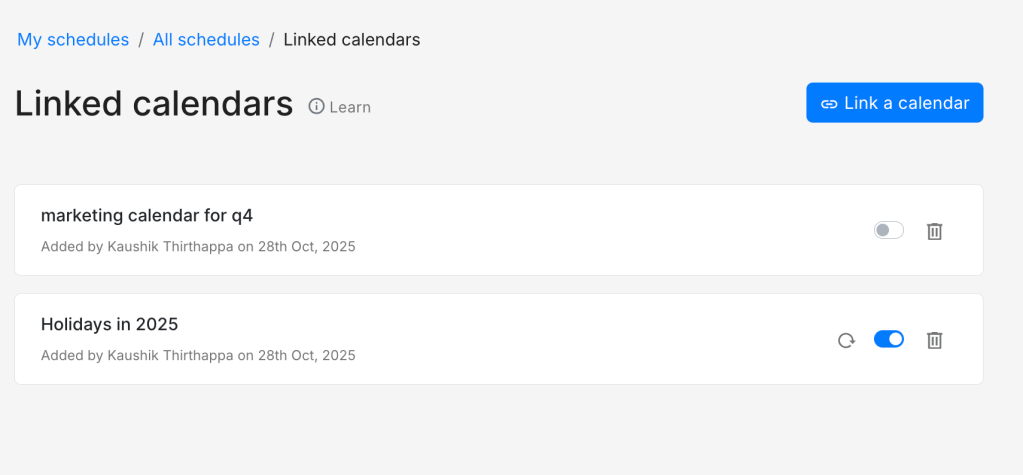
Consider linking your holiday calendar to your on-call schedule so holidays appear alongside your shifts. This gives you a visual reference when planning your schedule and makes it easy to spot conflicts early.
You’re ready for your first shift!
With your schedule synced, app downloaded, notifications enabled, and a backup in place, you’re all set for your first on-call shift.
These simple configurations make quite a difference in your day-to-day life on-call. They keep you organized, informed, and supported so you can focus on resolving incidents.
Go ahead with your first shift. You’ll figure out what else you need as you go, but for now, you’re ready. Good luck!
FAQs
Can I sync multiple on-call schedules to my calendar?
Yes, most tools give you a separate link for each schedule. Just add them to your calendar, and they’ll show up.
Should I review recent incidents before my first shift?
It often helps to go through recent incidents. They give you a sense of what’s common and how your team typically responds.
What’s the difference between primary and backup responders?
The primary responder is the one who gets alerted first when an incident occurs. The backup responder is someone who gets notified if the primary doesn’t respond within a set time.